


Join us to show up for other Firefox users 🦊. Earn fun badges and Mozilla swag vouchers! Find out more: https://mzl.la/askafox150

Windows 10 reached EOS (end of support) on October 14, 2025. If you are on Windows 10, see this article.

Cari Bantuan

Avoid support scams. We will never ask you to call or text a phone number or share personal information. Please report suspicious activity using the “Report Abuse” option.

Pelajari Lebih Lanjut

Stop having search results show in address bar.

  • 3 balas
  • 0 memiliki masalah ini
  • 126 kunjungan
  • Balasan terakhir oleh Agent virtuel
  • Open

I dislike having my search suggestions show in the address bar. I have cleared the box on the search settings box, however searches continue to show only in the address bar. If i go to the Google home page the searches show on a webpage Any help will be appreciated.

I dislike having my search suggestions show in the address bar. I have cleared the box on the search settings box, however searches continue to show only in the address bar. If i go to the Google home page the searches show on a webpage Any help will be appreciated.

Semua Balasan (3)

Hello

browser.urlbar.maxRichResults, is it your question, if you wich to test, the preference

1 - Go to configuration editor https://support.mozilla.org/en-US/kb/about-config-editor-firefox 2 - Enter a search term browser.urlbar.maxRichResults and enter value 0 and click on the save button to save the change

Thank you for your response. However my searches are still showing up in address bar

Hello

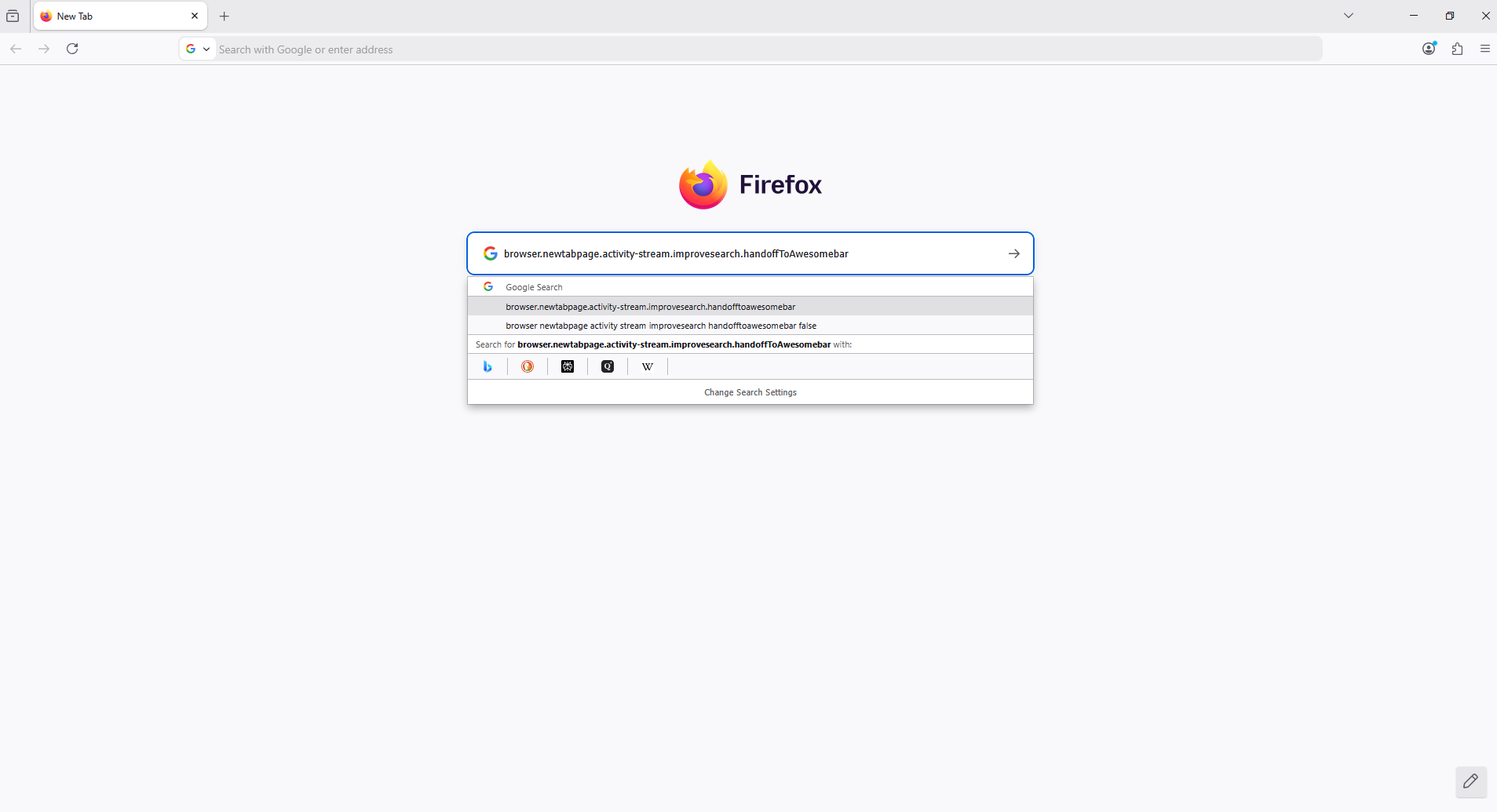
browser.newtabpage.activity-stream.improvesearch.handoffToAwesomebar ? is it your question
Ajukan pertanyaan

Anda harus masuk ke akun Anda untuk membalas kiriman ini. Sila mulai pertanyaan baru, jika Anda belum memiliki akun.