


Strange sign in requests keep appearing.
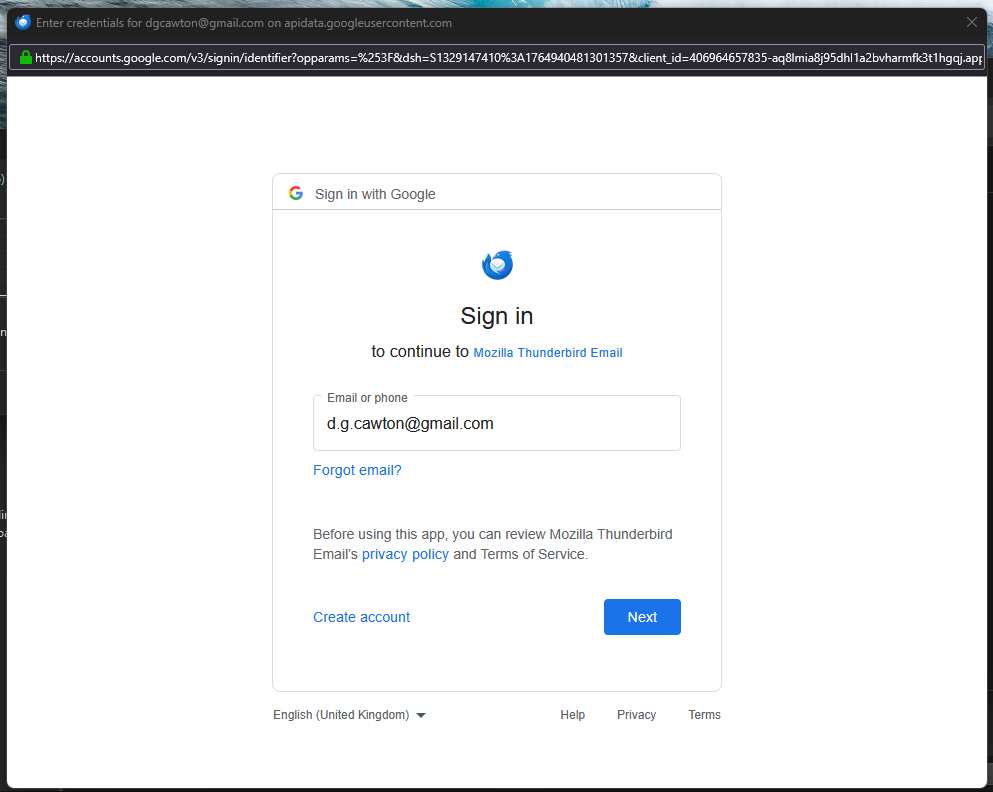
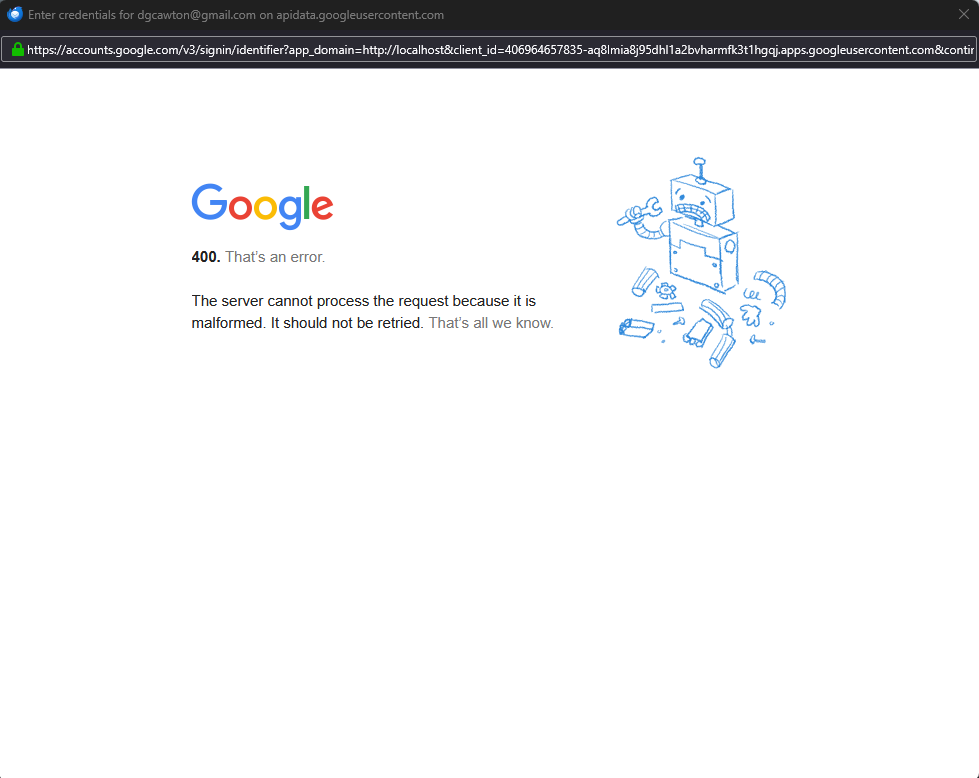
I keep getting the sign in request (photo 1) and when I click the next button I get (photo 2), I have no idea what has changed or what I can do to stop it. I would be grateful of any help.
I keep getting the sign in request (photo 1) and when I click the next button I get (photo 2), I have no idea what has changed or what I can do to stop it. I would be grateful of any help.
Semua Balasan (5)
What you're seeing is the standard login window for gmail accounts with OAuth2 authentication. The error is probably because you haven't accepted cookies in TB (not browser) Settings/Privacy & Security.
Thank you very much for your reply, I am afraid I do not know what TB (not browser) means can you please explain.

Kilgetty said
Thank you very much for your reply, I am afraid I do not know what TB (not browser) means can you please explain.
It means you have to accept cookies in Thunderbird, not in your web browser.
I have looked everywhere but I cannot find where to accept cookies in Thunderbird. Could you explain where it is located please. Thank you.