


The + sign to open new tab is missing after latest update

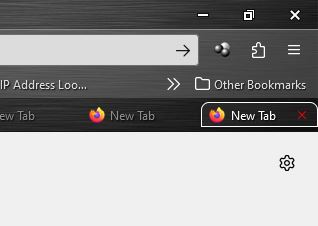
How do I get the + sign back on my tabs? After latest update I can only close tabs instead of opening new tab, and I am talking about after opening several tabs. When I have seven tab open, I have to do ctrl+t to open new tab instead of just clicking on the + sign that use to be at end of tabs. Yes, I do use custom settings. This happened before but I was able to fix by going to tabs under about:config, but it seems the setting is no longer there.
Solusi terpilih
Could a problem with userChrome.css in case you use this file.
- /questions/1422733#answer-1601087 New tab "+" missing from tab bar with with 20 tabs or more
If missing items are in the Customize palette, drag them back from the Customize page to the toolbar If you do not see an item on a toolbar and in the Customize palette, click Restore Defaults in the Customize palette window to restore the default toolbar set.
Baca jawaban ini dalam konteks 👍 4Semua Balasan (4)
Solusi Terpilih
Could a problem with userChrome.css in case you use this file.
- /questions/1422733#answer-1601087 New tab "+" missing from tab bar with with 20 tabs or more
If missing items are in the Customize palette, drag them back from the Customize page to the toolbar If you do not see an item on a toolbar and in the Customize palette, click Restore Defaults in the Customize palette window to restore the default toolbar set.
Thanks Cor-el, that worked!

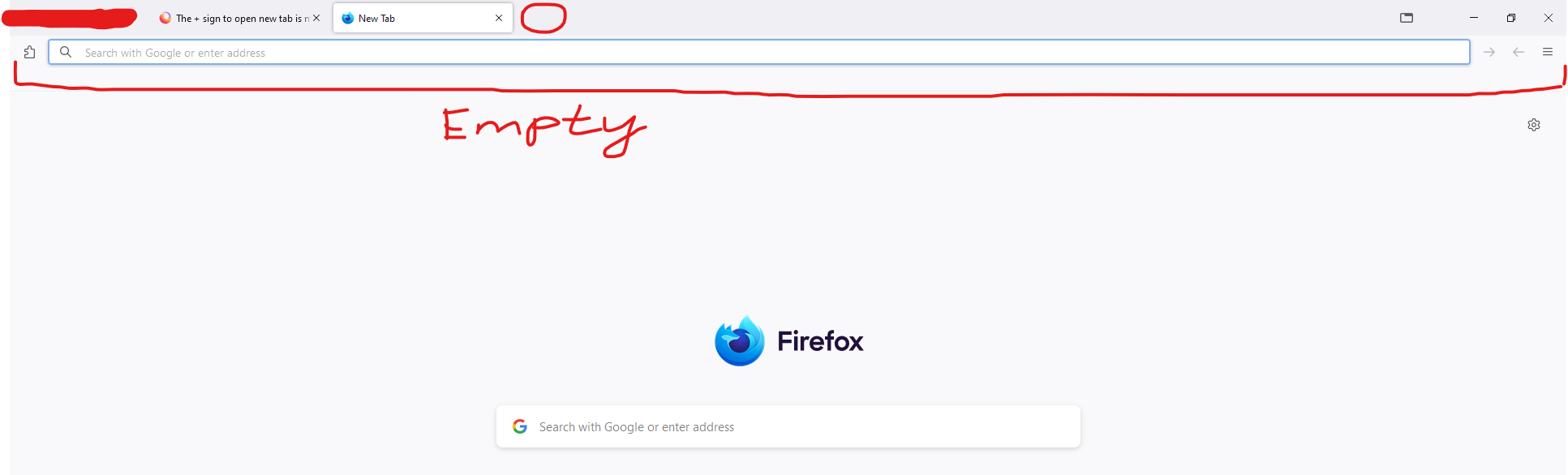
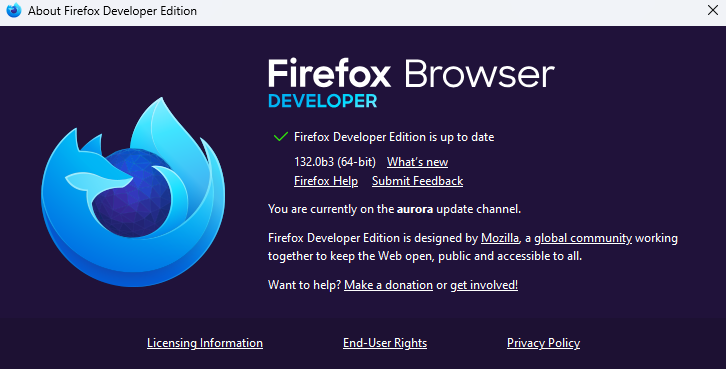
Hi, I have the same problem since last update for Firefox dev edition. Also bookmarks missing in panel below
Diperbarui oleh bilbomiracle pada
Try "Restore Defaults" in the Customize page.