Just got updated to ver 114 and have problems with magnified screen.

Win 10, FireFox ver 114 just got update on 6/6.
Been using FireFox for years w/o any problems until this latest update.
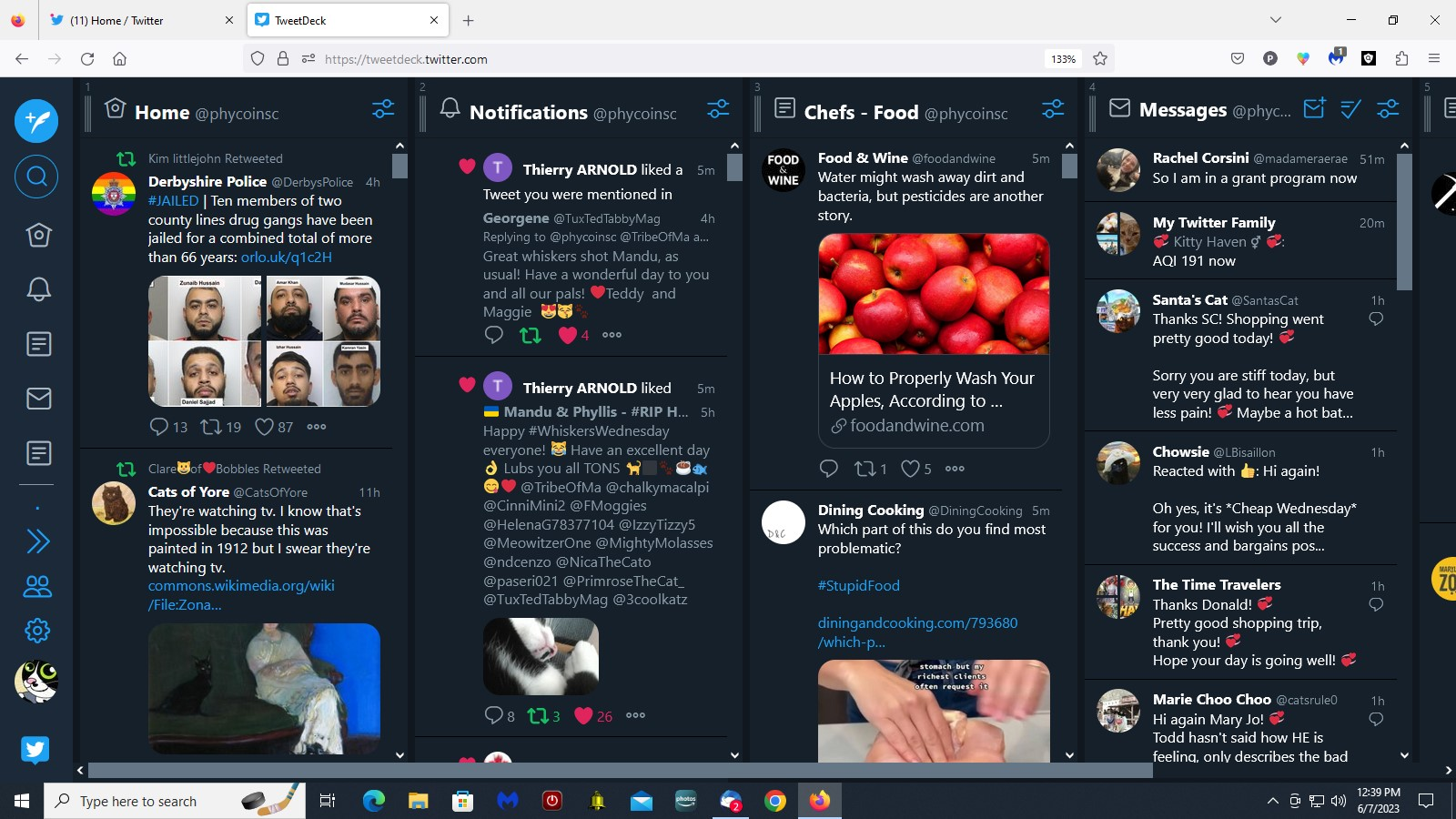
Ever since, "Twitter.com" and "Tweetdeck.Twitter.com" both have super magnified screens. All other ones are slightly magnified.
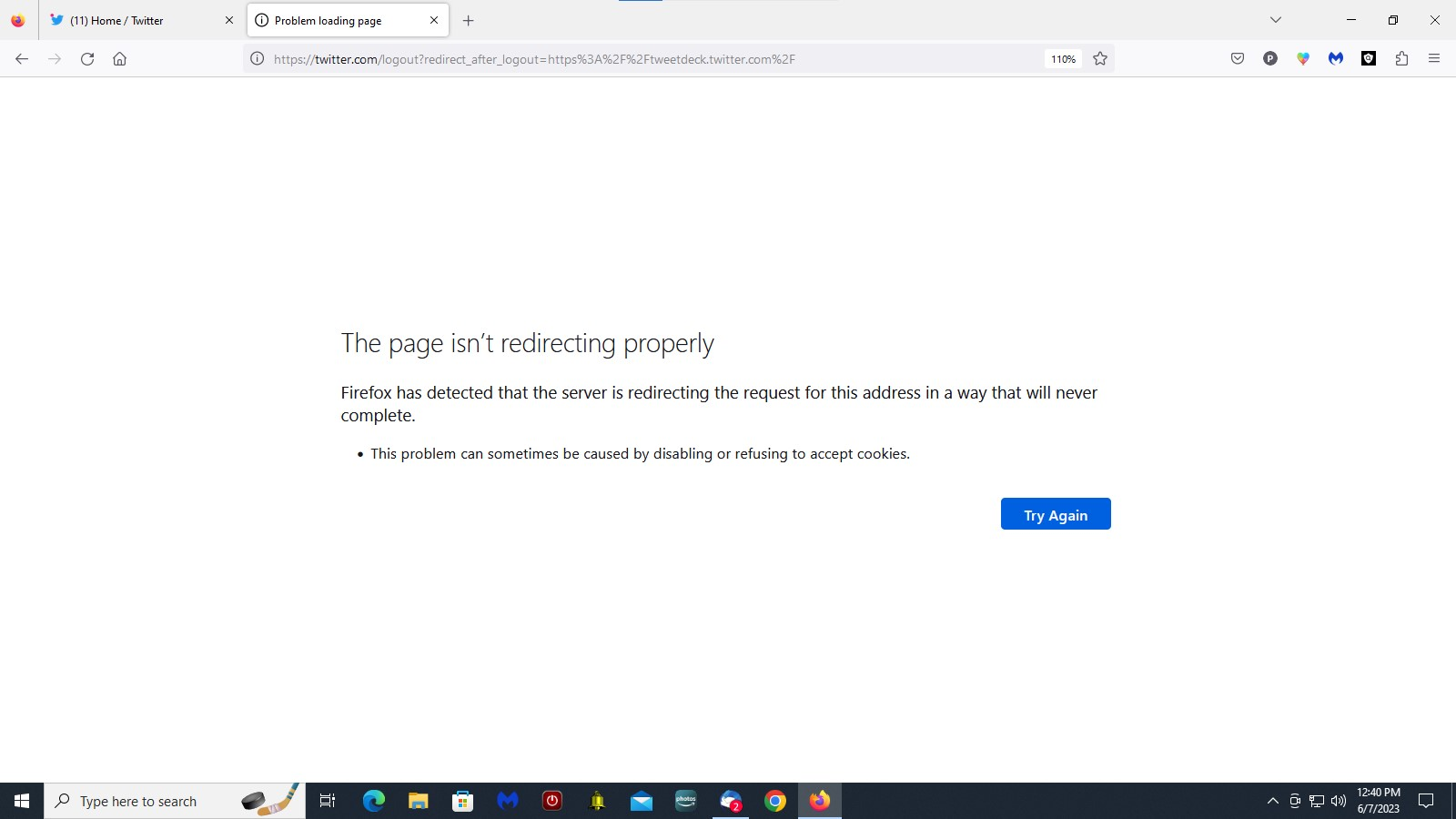
I have 5 columns in Tweetdeck that used to show up completely but only 4 show now--see attached. When I log out of Tweetdeck it takes me to a screen that says "Page isn't redirecting properly" and I can't type the URL and get back to a normal screen--instead it takes me back to my already magnified and logged in screen.
How in the heck can I correct this???? It's driving me crazy!
Thanks for any help you can provide!
Win 10, FireFox ver 114 just got update on 6/6.
Been using FireFox for years w/o any problems until this latest update.
Ever since, "Twitter.com" and "Tweetdeck.Twitter.com" both have super magnified screens. All other ones are slightly magnified.
I have 5 columns in Tweetdeck that used to show up completely but only 4 show now--see attached. When I log out of Tweetdeck it takes me to a screen that says "Page isn't redirecting properly" and I can't type the URL and get back to a normal screen--instead it takes me back to my already magnified and logged in screen.
How in the heck can I correct this???? It's driving me crazy!
Thanks for any help you can provide!