Zoom Meeting webpage opens but not launches the meeting.
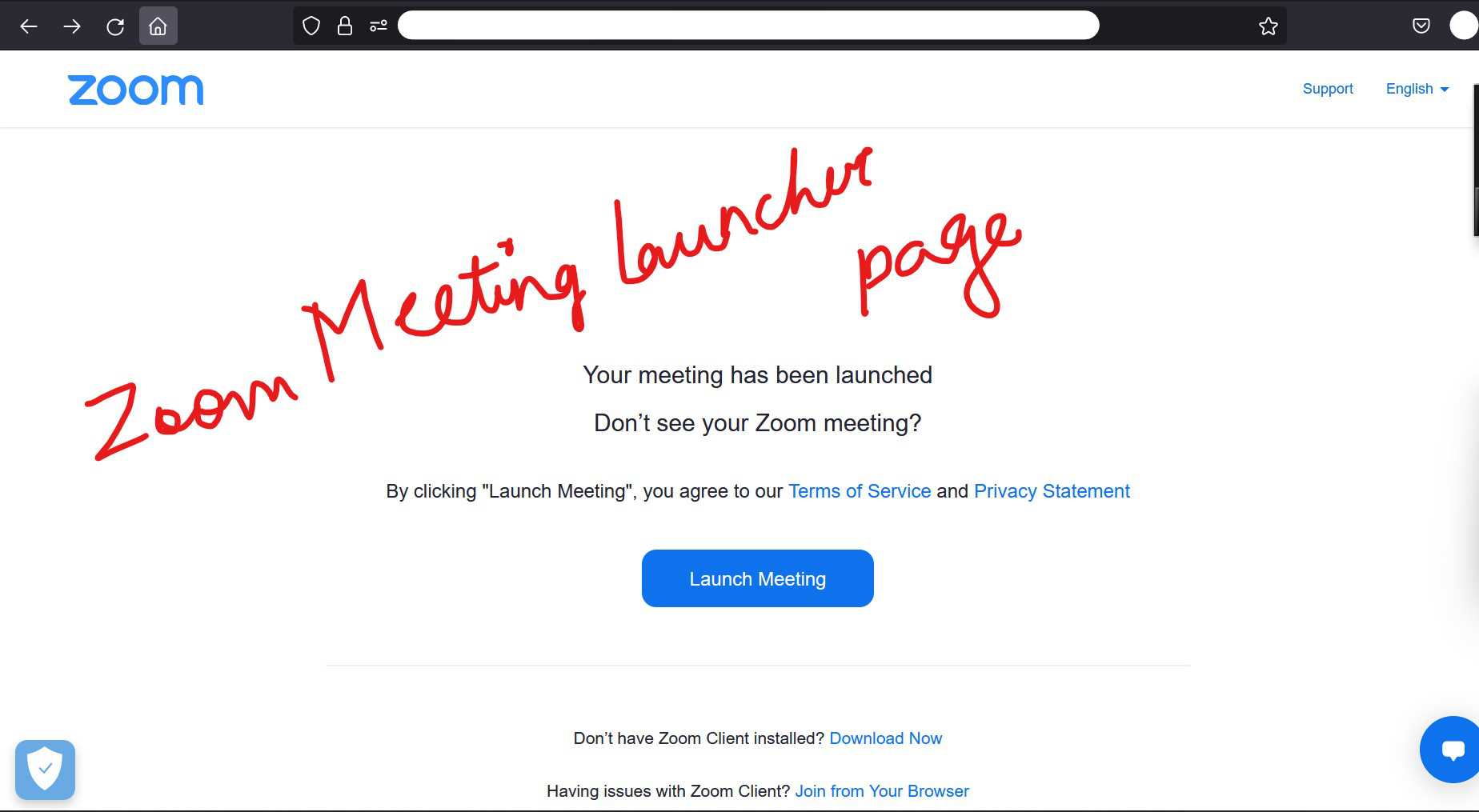
Hello, Recently, I changed from Chrome to FireFox. I have a website where I have to join to meetings with my client. When I click on the scheduled meeting, it opens zoom launch meeting page and launches meetings usually (with chrome) I mean the zoom launch meeting (as attached in image). In FireFox, I don't find the meeting getting launched. The launch meeting page comes up, asks me if it can use zoom app. I give Yes and then the thing happens is it opens the Zoom app. It does not launch the meeting. Any suggestion you think that will help, please post it as a reply.
Thank you in advance!!
Hello,
Recently, I changed from Chrome to FireFox. I have a website where I have to join to meetings with my client. When I click on the scheduled meeting, it opens zoom launch meeting page and launches meetings usually (with chrome)
I mean the zoom launch meeting (as attached in image). In FireFox, I don't find the meeting getting launched. The launch meeting page comes up, asks me if it can use zoom app. I give Yes and then the thing happens is it opens the Zoom app. It does not launch the meeting.
Any suggestion you think that will help, please post it as a reply.
Thank you in advance!!
Semua Balasan (1)
This is the image I wanted to attach.