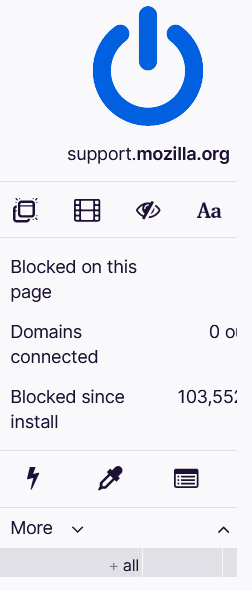
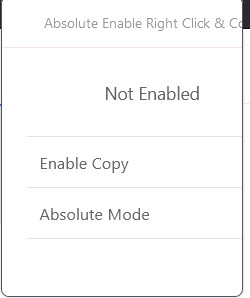
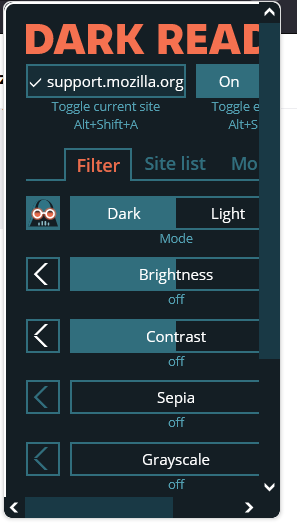
Add-ons will not properly display in the overflow menu, showing a minimized box and a scrollbar instead.

When viewing extensions in the overflow menu, items become cutoff. Sometimes a scrollbar will be displayed, allowing you to view the rest. At other times, you are not able to navigate to the other information at all. I tried to use ctrl + (+ or -) to try and zoom out, but only the size was able to become bigger or smaller, not the scaling.
When viewing extensions in the overflow menu, items become cutoff. Sometimes a scrollbar will be displayed, allowing you to view the rest. At other times, you are not able to navigate to the other information at all. I tried to use ctrl + (+ or -) to try and zoom out, but only the size was able to become bigger or smaller, not the scaling.