


Bug: Troubleshooting Information page blank. Also . . .

The Troubleshooting Information page is blank.
Also, when I wrote this post, I got this;
Troubleshooting Information (optional):
We can't automatically get your browser's troubleshooting data, please . . . .
The Troubleshooting Information page is blank.
Also, when I wrote this post, I got this;
Troubleshooting Information (optional):
We can't automatically get your browser's troubleshooting data, please . . . .

Semua Balasan (3)
Note: When using Troubleshoot (Safe) Mode, the page displays properly.
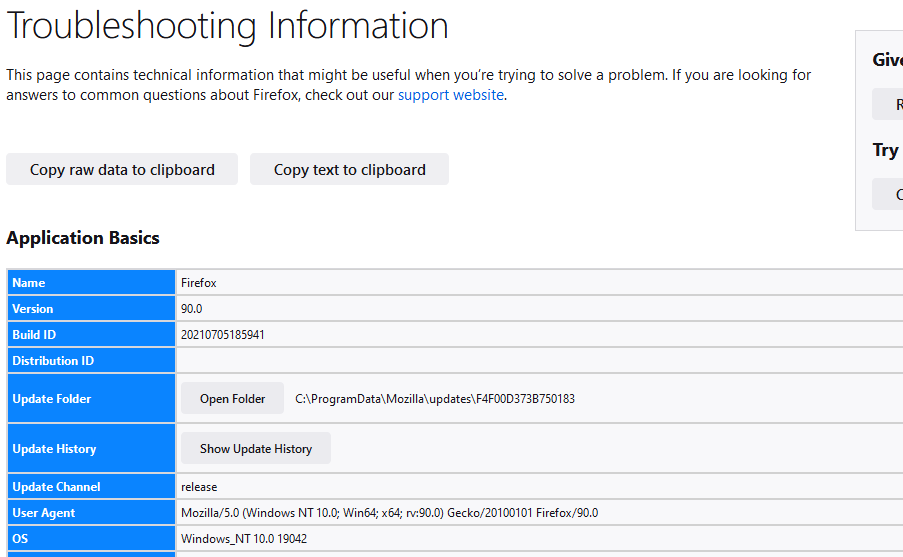
I closed the browser and let it alone for a while. Now the page displays properly.
But Distribution ID is still blank.
