


Korean characters do not show up properly
I'm thinking it might be a font issue, but nothing I have tried so far has worked. I would rather not have to install extensions/add-ons etc. Tried going to the preferences and changed the default font, allowed websites to use their own fonts etc., but no luck yet. I'm not very computer-savvy, so I am at a loss for what to do next.
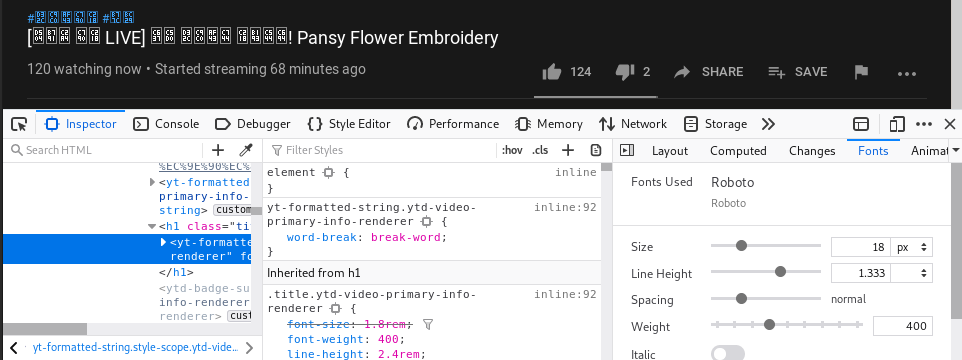
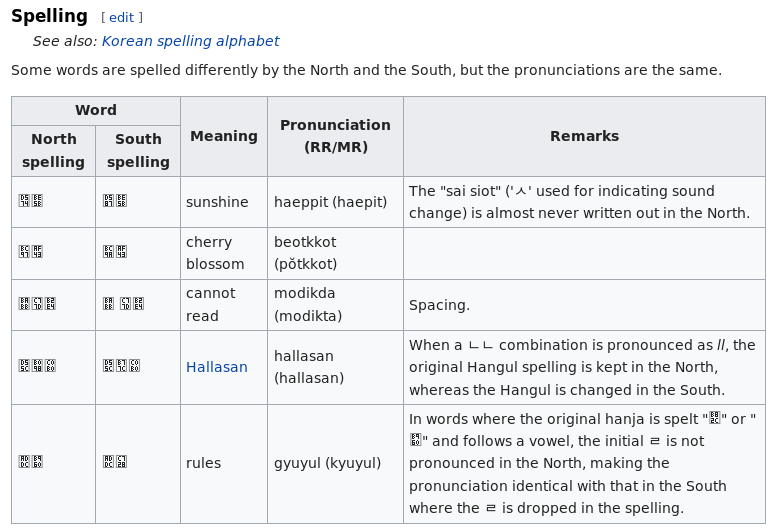
Included an image from youtube with 'inspect element' to show the font used, and another from wikipedia. It's not just youtube/wikipedia, all websites are looking weird, but only for korean characters not other writing systems
Semua Balasan (3)
Do you have korean installed in your computer? Do other browsers display the characters properly>?
I have tried adding Korean as a language to firefox however, but it didn't help. After downloading chrome to check it seems like the problem might not be in firefox, since it's also an issue using chrome.
Thanks for your tips, didn't think to get another browser to check!
You need to have fonts installed the covers the character range as you see listed in the little boxes. A font like DejaVu covers a lot of basic glyph,
If you see this in a lot of cases then check you software management for suitable fonts.