


After moving from Chrome to FFox CAPTCHA numbers don't display

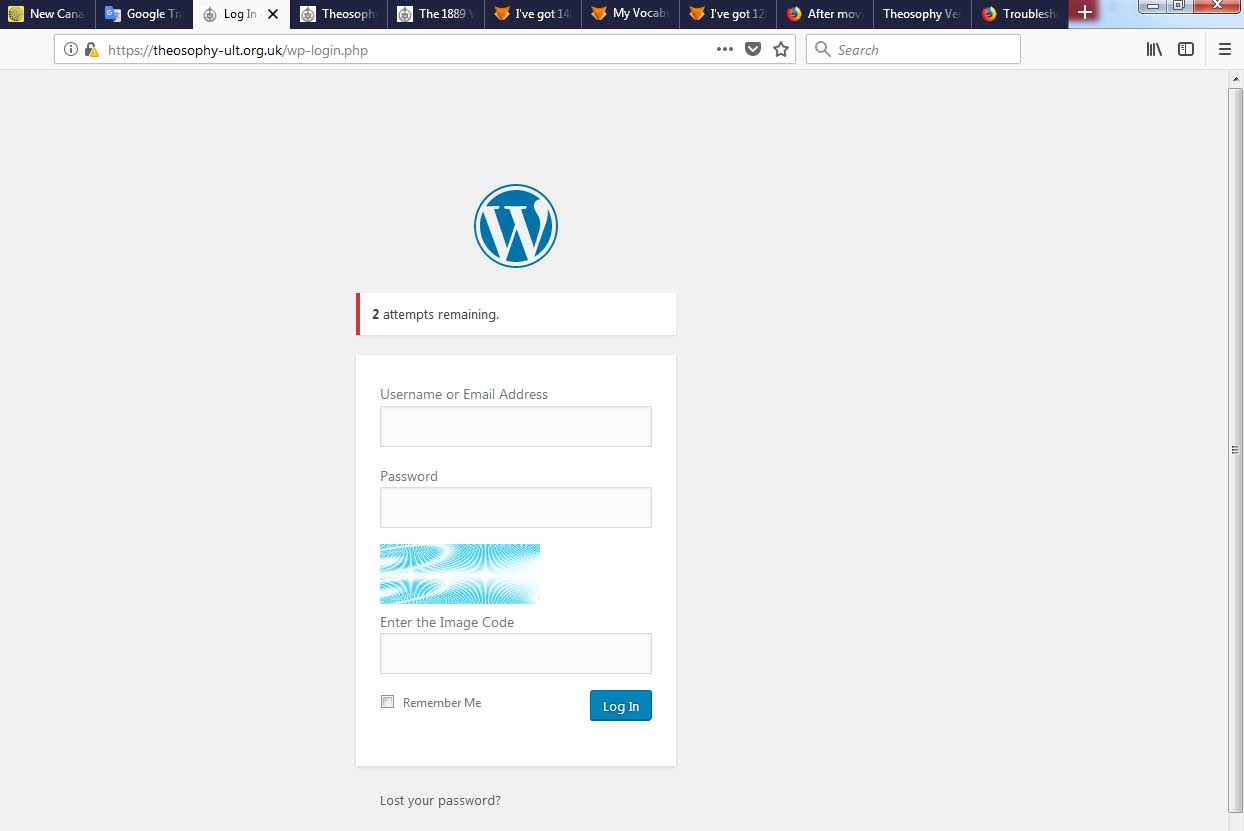
I'm trying to login to a Wordpress site that uses a 3 digit CAPTCHA, and all I can now see is the watermark pattern behind where the numbers should be. Any ideas appreciated.
Solusi terpilih
Thx Fred,
I found it's not a FF issue, it happens with Chrome and Opera, something on the site.
Also I found if any Captcha is entered then a new code is correctly displayed, I'll use that as a workaround.
Appreciate the forum's help, nice working in it.
Will
Baca jawaban ini dalam konteks 👍 0Semua Balasan (7)

Make sure you are not blocking content.
Start Firefox in Safe Mode {web link} by holding down the <Shift> (Mac=Options) key, and then starting Firefox.
A small dialog should appear. Click Start In Safe Mode (not Refresh). Is the problem still there?
Thx Fred, I tried that and also cleared the cache, but the same deal, no change screenshot attached.
Check your setup and used blocklist in What happened to Tracking Protection?.
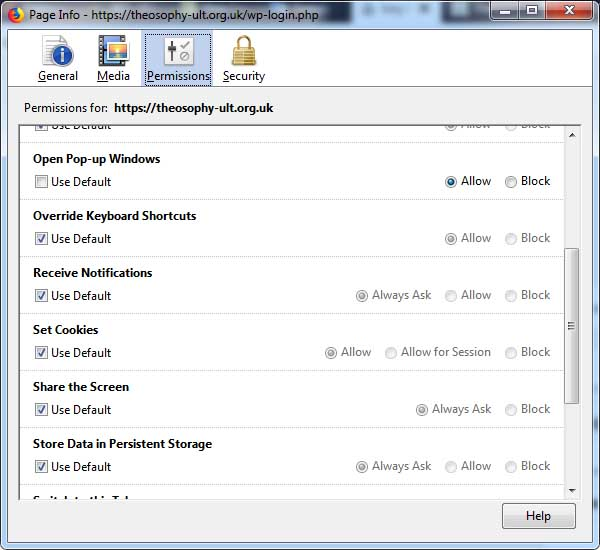
Ty, thx but still no joy. All Blocking is off for this site, I manually allowed popups. Screenshot attached.
Start your Computer in safe mode with network support. Then start Firefox. Try Safe websites. Is the problem still there?
http://encyclopedia2.thefreedictionary.com/Linux+Safe+Mode Starting Any Computer In Safe Mode; Free Online Encyclopedia
Solusi Terpilih
Thx Fred,
I found it's not a FF issue, it happens with Chrome and Opera, something on the site.
Also I found if any Captcha is entered then a new code is correctly displayed, I'll use that as a workaround.
Appreciate the forum's help, nice working in it.
Will
You should contact their support and tell them.
Please flag your last post as Solved Problem so others will know.