


Google cooke dismiss notice won't go away.

Recently I find that the Google cookie notice keeps coming back. Cookies are enabled, although my settings are that these and history are deleted on closing Firefox.
This means I have to click the dismissal notice once in a new browsing session, which is OK, but am annoyed with the constant reappearance during the session.
I have the latest version of Firefox, and have tried reinstalling it to no avail.
Curiously there is no such problem with IE8, but I prefer Firefox for various reasons.
I have Windows XP.
Wubrane rozrisanje
You can check the dom.storage.enabled pref on the about:config page.
You can open about:config via the location bar.
Wot cor-el změnjeny
Wšě wotmołwy (10)

see.
- Websites say cookies are blocked - Unblock them <= See that article
What are your cookie settings?
Do you generally allow cookies or do you need to confirm creating cookies ("Ask me...")?
- Tools > Options > Privacy > Firefox will: "Use custom settings for history"
All cookies are enabled in custom settings.
Can you attach a screenshot of this message?
- http://en.wikipedia.org/wiki/Screenshot
- https://support.mozilla.org/kb/how-do-i-create-screenshot-my-problem
Use a compressed image type like PNG or JPG to save the screenshot.
Please see attached.
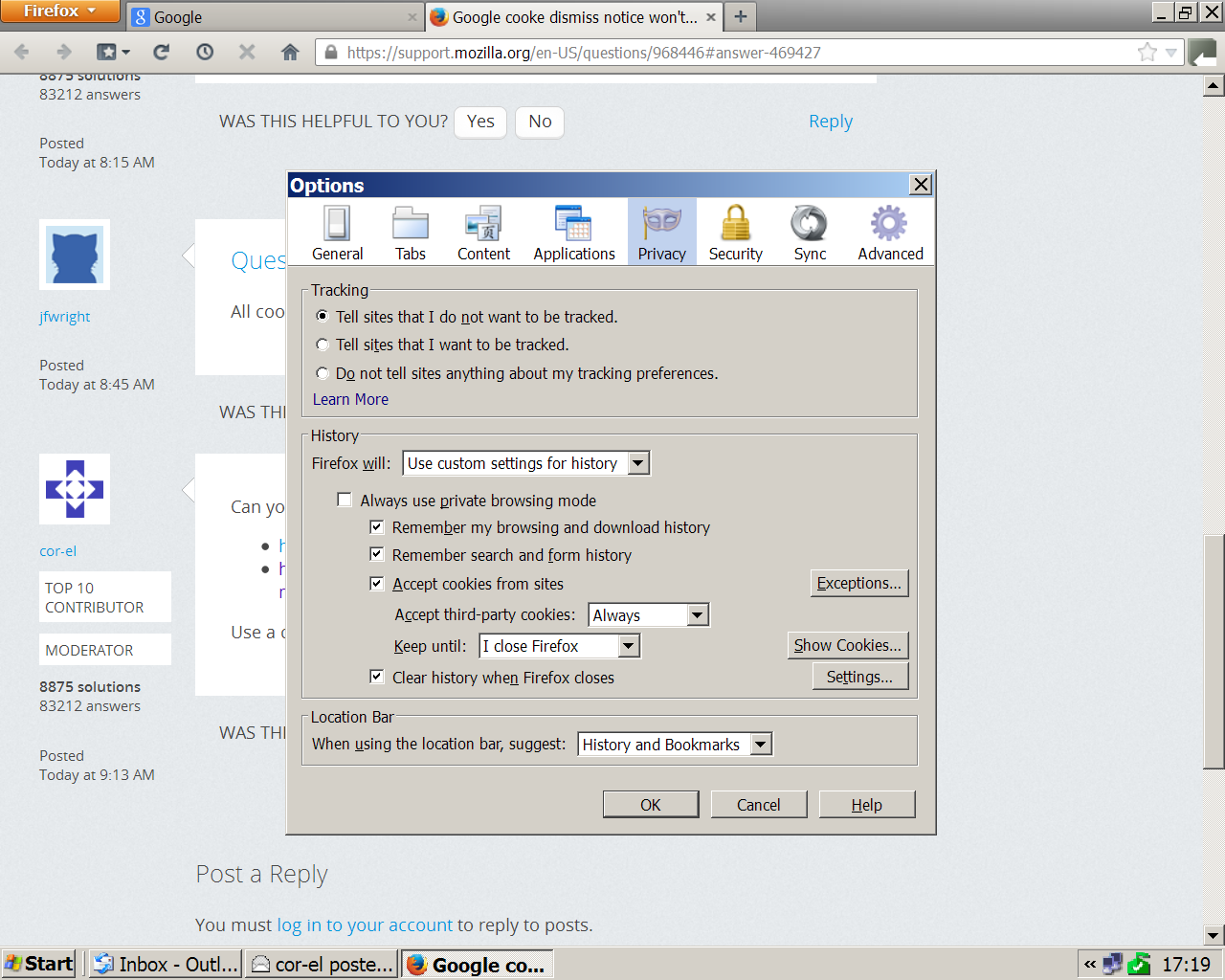
I meant a screenshot of the Google dismiss notice of the cookie.
Did Google complain that cookies are disables?
Please see attached. I had to close Firefox to generate the cookie dimissal notice at the bottom of the screen, but as I said it keeps coming back even during the same browsing session.
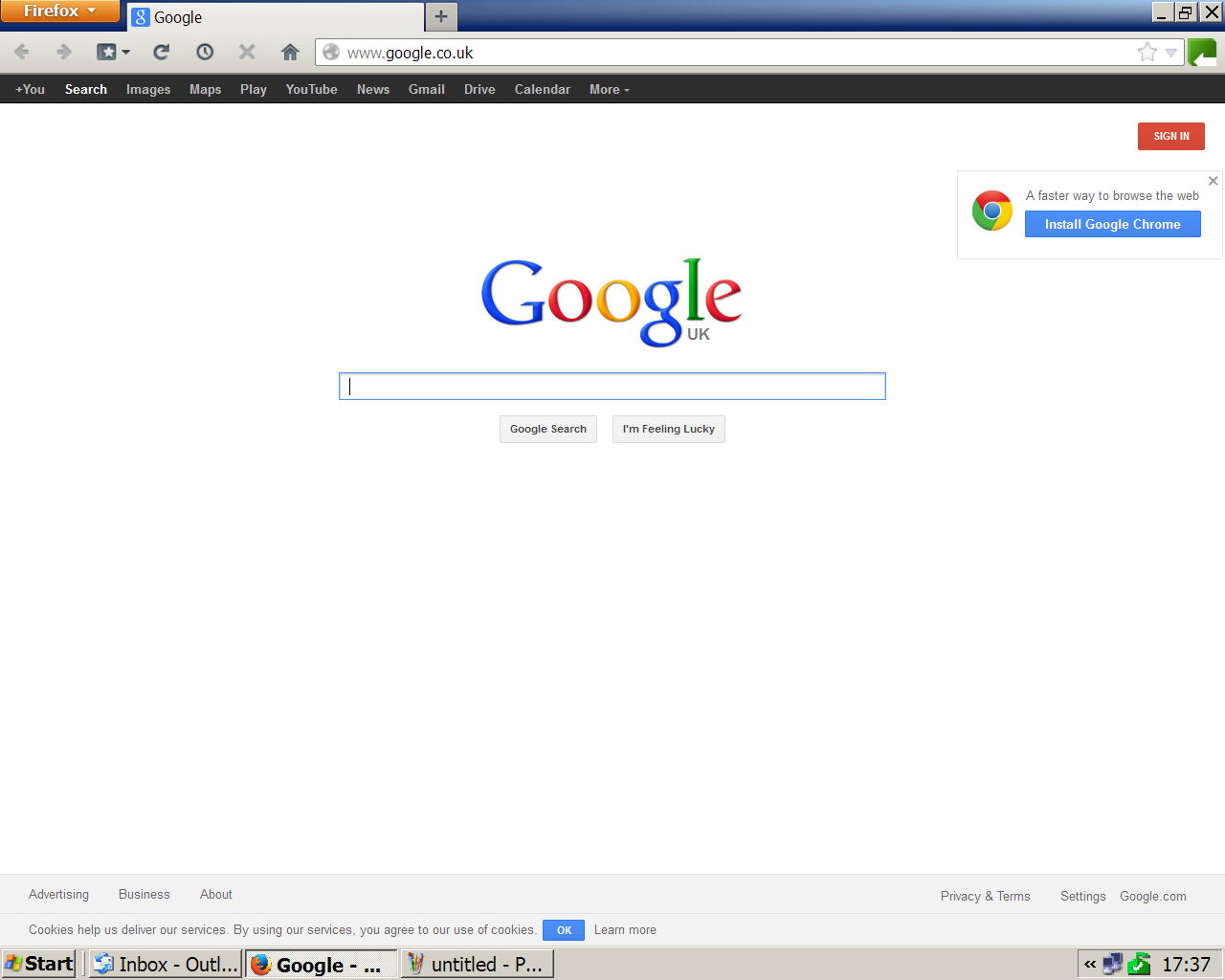
This is a special cookie that set kept in localstorage: epbar::dismissed: 1
You can check if DOM Storage is enabled.
OK but we are now entering areas way beyond my limited ability. I think I'll just have to put up with it until Google changes. Many thanks for your efforts though and best wishes,
Wubrane rozrisanje
You can check the dom.storage.enabled pref on the about:config page.
You can open about:config via the location bar.
Wot cor-el změnjeny