

Tuta nitka je so archiwowała.
Prošu stajće nowe prašenje, jeli pomoc trjebaće.

Archiwowany
some pulldown menus are scrambled

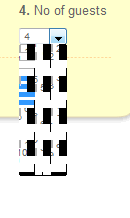
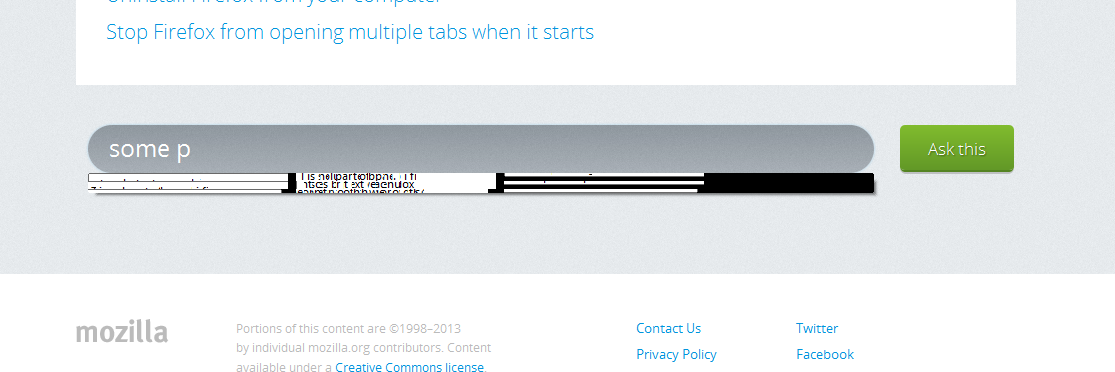
When you fill in a form on a website there are often drop down menus. Some of these have become scrambled (i'll add screenshots). For instance on gog.com when i have to select the expiry year of my visa card the list in the dropdown box is unreadable. On easyhotels.com frontpage i have the same problem when trying to select the number of day or number of guests. On this site when i typed in the title some scrambled suggestions where shown (i'll add a screen shot).
When you fill in a form on a website there are often drop down menus. Some of these have become scrambled (i'll add screenshots). For instance on gog.com when i have to select the expiry year of my visa card the list in the dropdown box is unreadable. On easyhotels.com frontpage i have the same problem when trying to select the number of day or number of guests. On this site when i typed in the title some scrambled suggestions where shown (i'll add a screen shot).
Wšě wotmołwy (2)
here are the screenshots:
From https://support.mozilla.org/en-US/questions/881982:
Try disabling hardware acceleration at Firefox Menu > Options > Options > Advanced > General > Browsing: "Use hardware acceleration when available"