


missing my menu bar for file, view, tools, bookmars, etc

I can not enter safe mode to reset default. My bookmarks have disappeared. I have no "File View Tools ,etc" menu bar. Without these or the safe mode I can't restore the toolbar and bookmarks.
Wšě wotmołwy (4)

Wubrane rozrisanje
Press the ALT key (it's next to the space bar in my keyboard) to temporarilly show the menu. Then, click on View, select Toolbars and then click on Menu Bar so that it is check-marked.
See also Restore the Menu bar in Firefox
Thanks Alice. This is the problem, I don't have the menu bar of which "View" is a part, so I can't click on it. Please see the attached image to view my current screen. Thank you, Steve
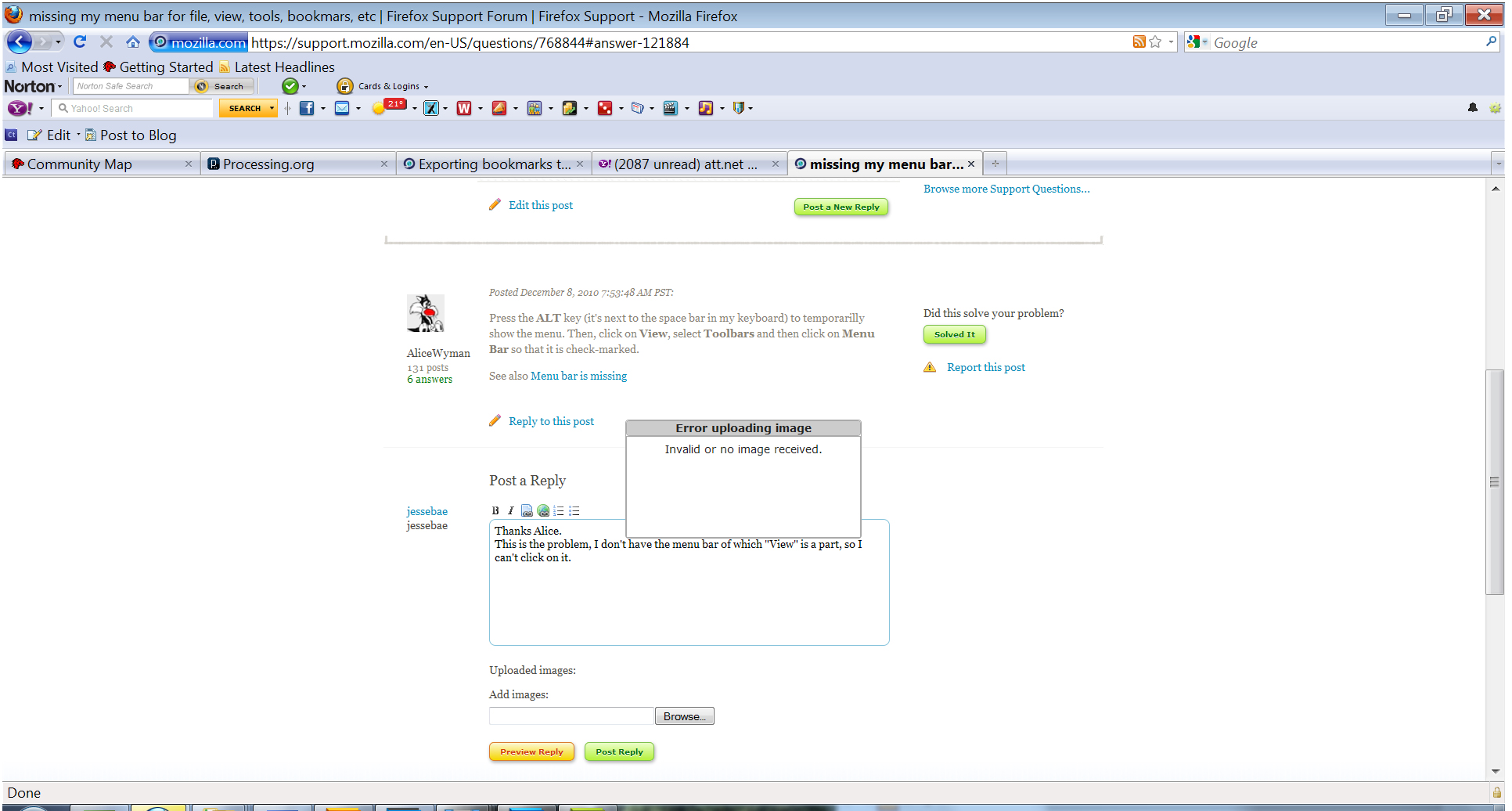
Can you right click the Navigation toolbar (e.g Reload , Stop or Home button) to open the right-click context menu and set a check mark by the Menu Bar?
If that doesn't work then see http://kb.mozillazine.org/Corrupt_localstore.rdf
I'm on a macbook, and tried all of the above things, which didn't work out for me. I tried to restart my mac, but couldn't because firefox was still open, but wouldn't show up in the force-quit menu.
I clicked the apple icon and clicked on recent items. I saw firefox there and clicked on it. BANG! my menu bar and toolbar reappeared.