


Why my email don't sync
I have an samsung s26 ultra, and I have all the configuration correctly, but when I receive a email app does sync automatically and it never show me notifications, I must open app an manually sync
Wšě wotmołwy (9)
I have a samsung s26 ultra, and I have all the configuration correctly, but when I receive a email app does sync automatically and it never show me notifications, I must open app an manually sync

Hi @jesus
Could you clarify if automatic sync does, or does not work? Your statements contradict.
- "app does sync automatically"
- "I must open app an manually sync"
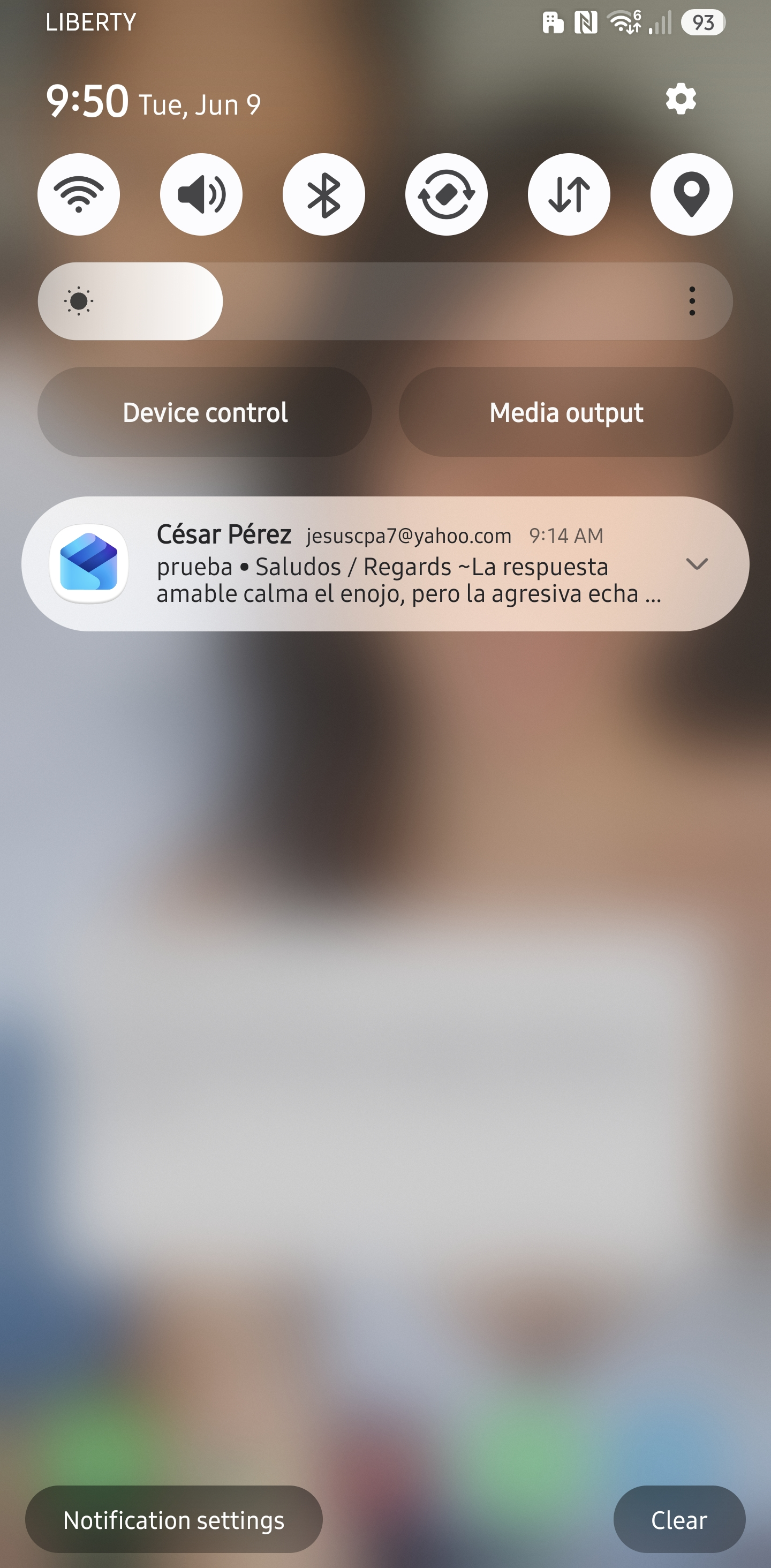
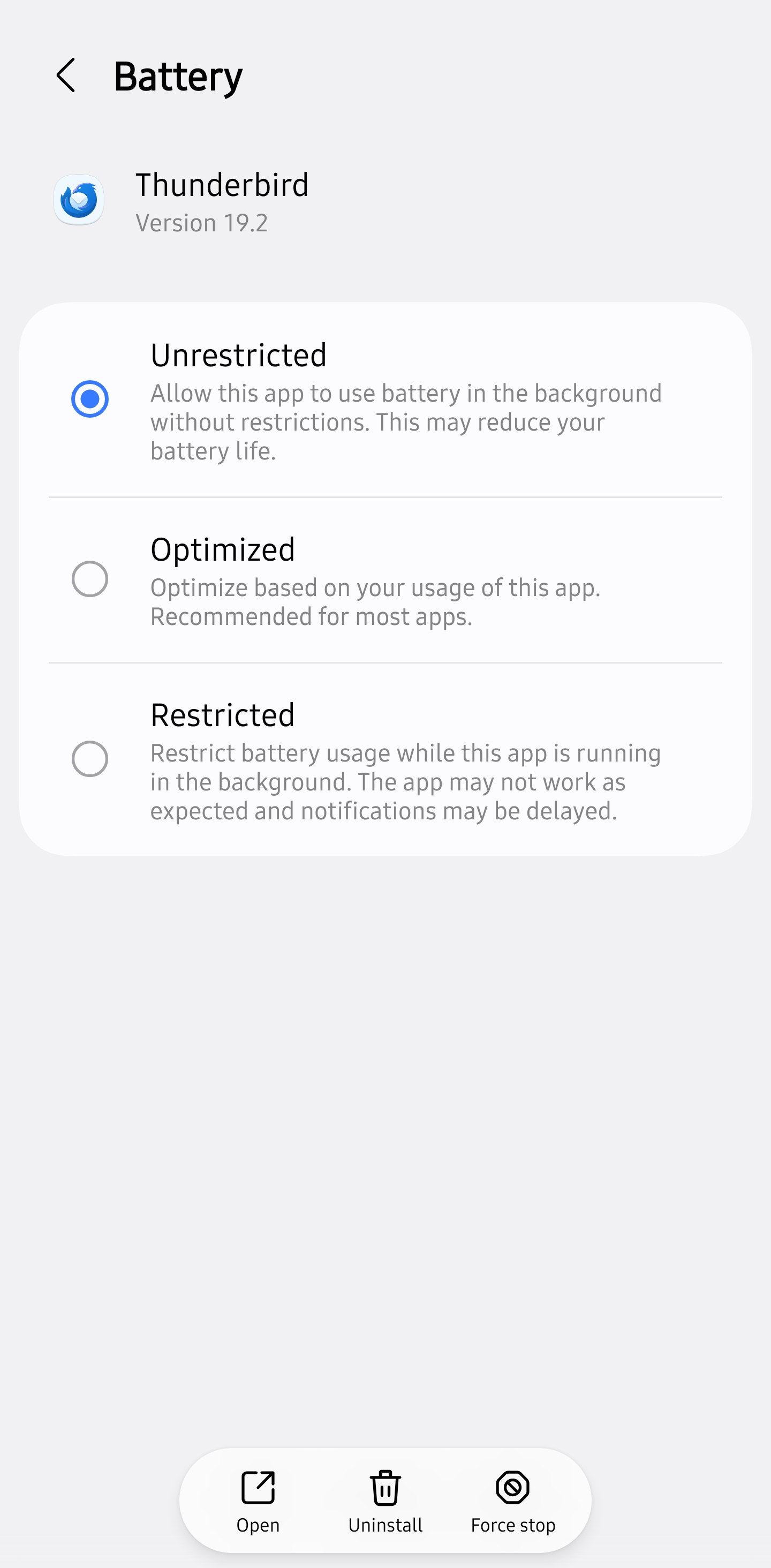
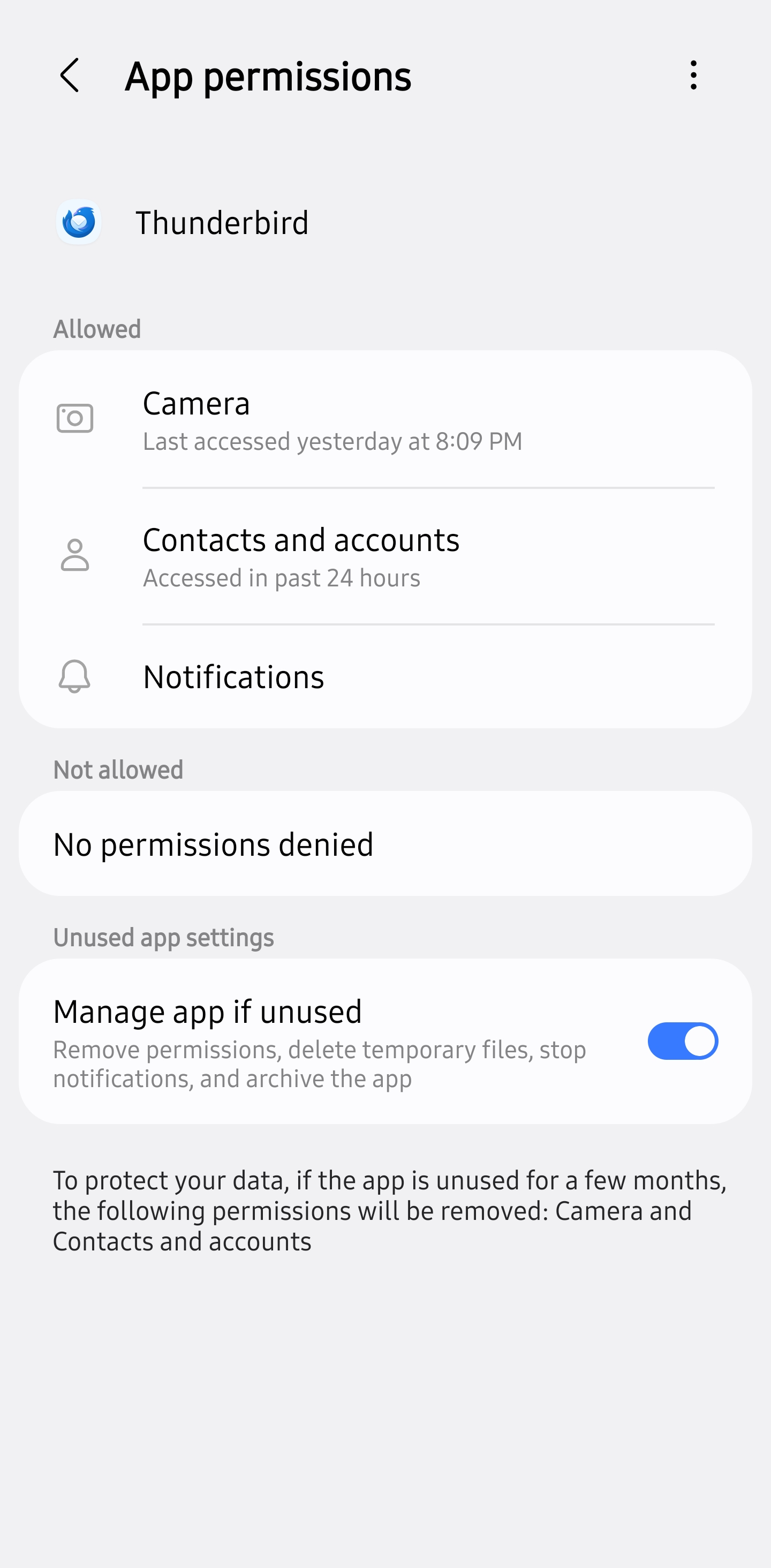
The most common cause of sync not working correctly is because the app has not been granted permission to run in the background.
To check,
- Open Android settings > apps > Thunderbird for Android > battery usage:
- Toggle "Allow background activity" ON.
Sorry, it doesn't work
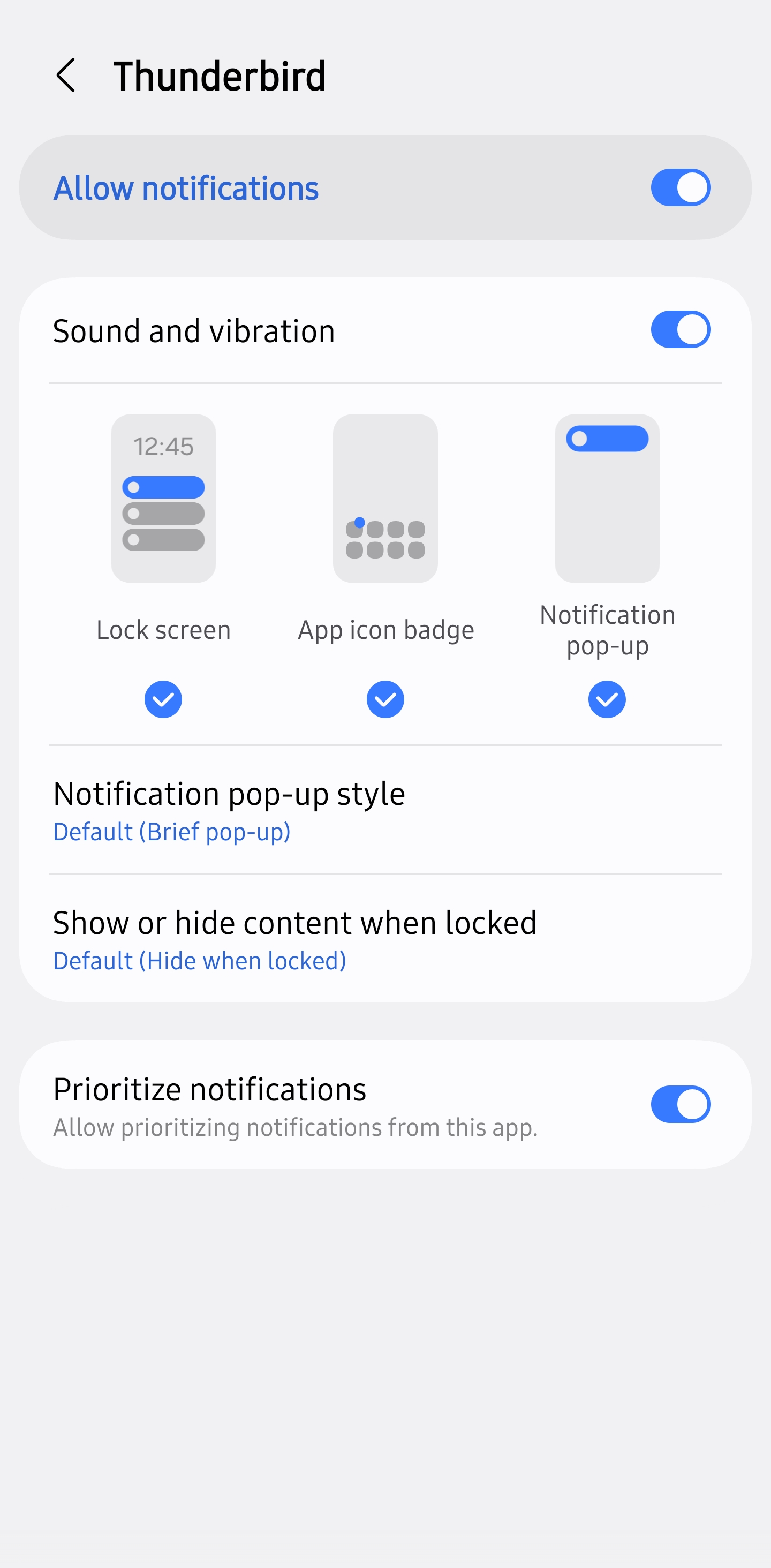
It already sync, but it never shows the notification
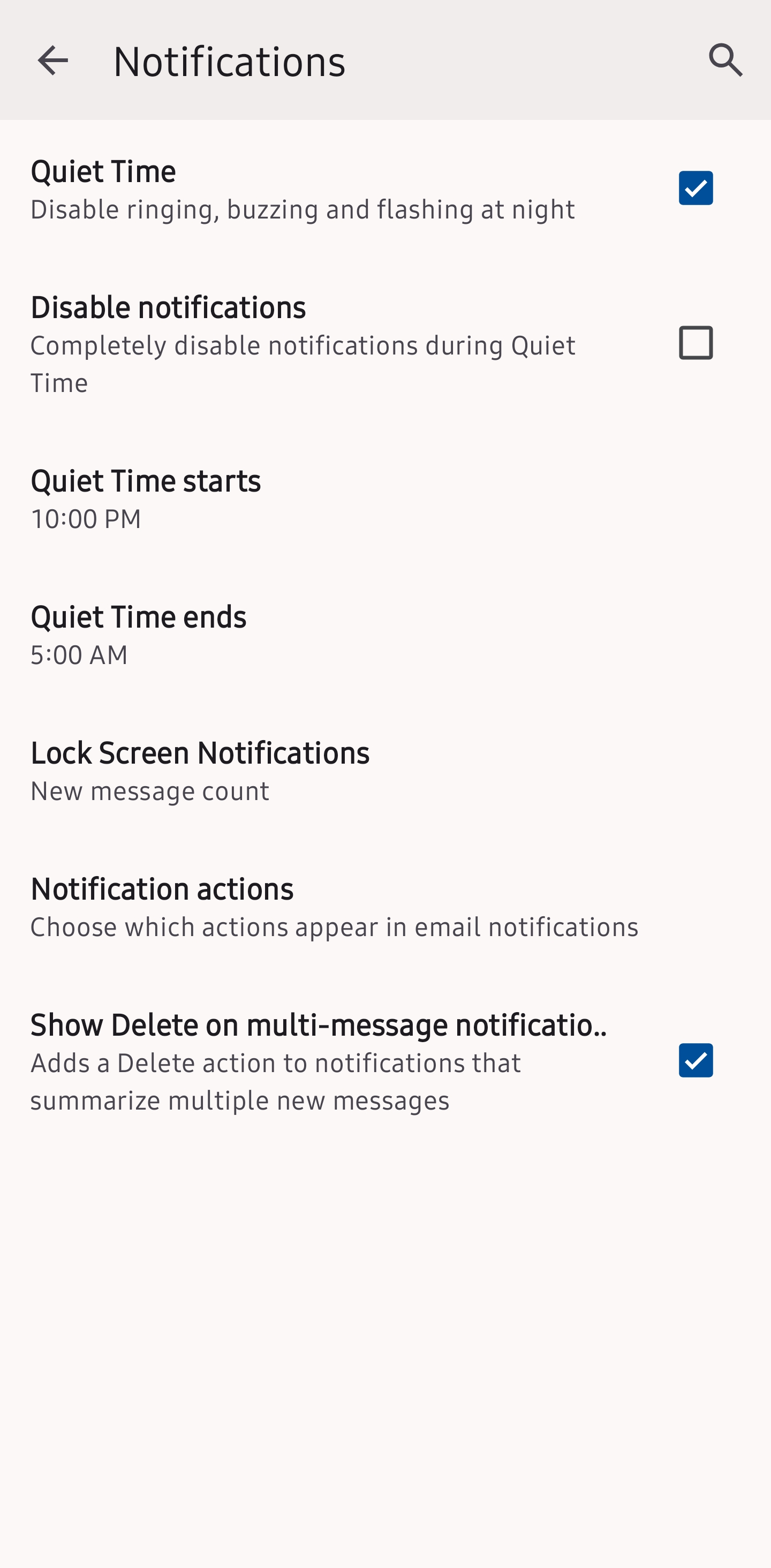
Hi @Jesus
You have quiet time enabled 10pm to 5am. Have you tested outwith those hours or with quiet time disabled, to exclude it as the cause of the issue?
Have you checked you have a ringtone assigned and enabled?
Another user has submitted a bug report on github for a similar issue. If the issue continues after disabling quiet time, please consider adding your findings to the same bug report below.
https://github.com/thunderbird/thunderbird-android/issues/11017
Platform34 said
Hi @Jesus You have quiet time enabled 10pm to 5am. Have you tested outwith those hours or with quiet time disabled, to exclude it as the cause of the issue? Have you checked you have a ringtone assigned and enabled?
Yes, I already do and issue continues
I already fond the solution 😅 you must activate the notification for each account individually
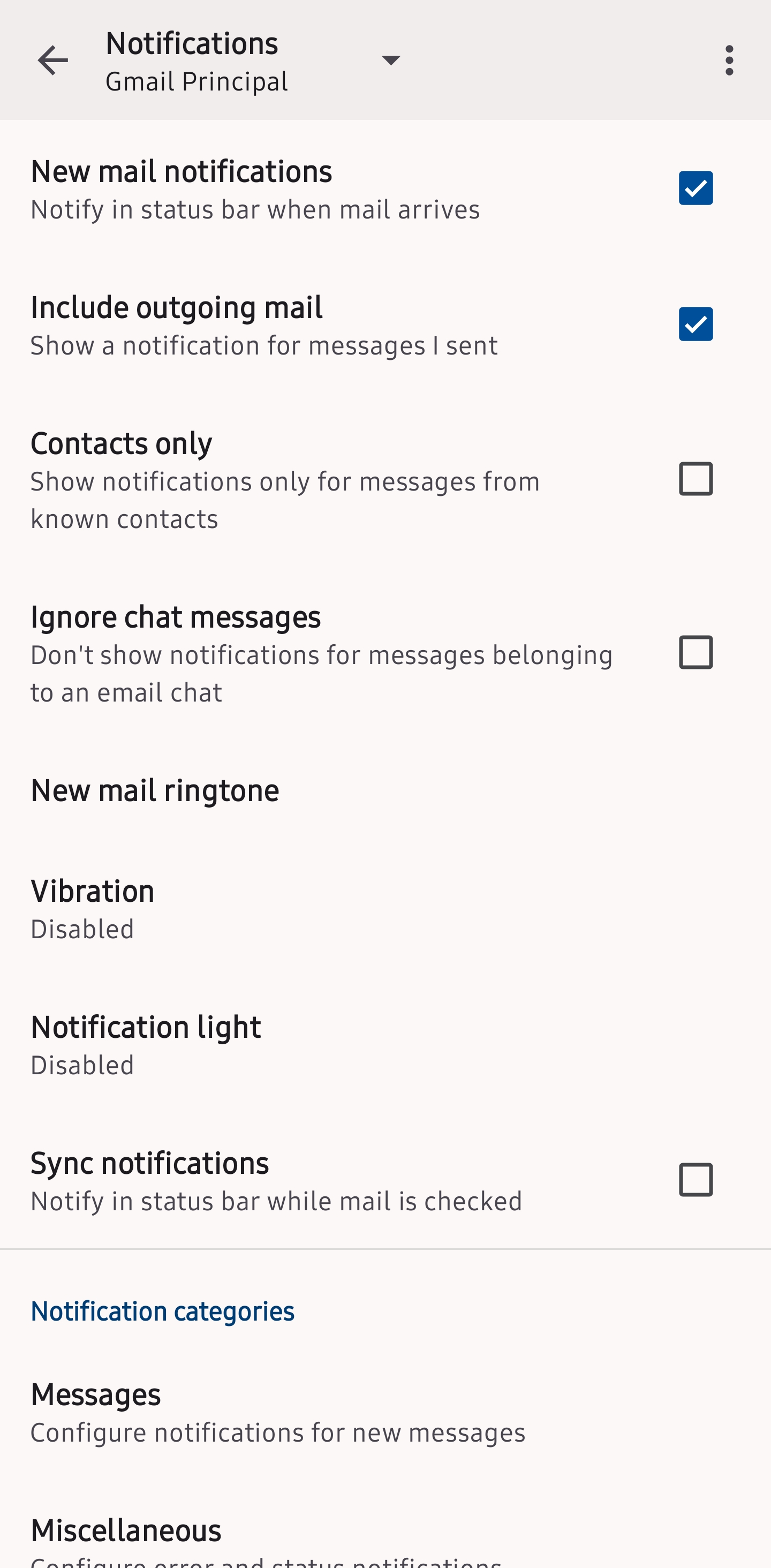
Glad you managed to resolve the issue.