


No Message found - for inbox with 220460 unread messages

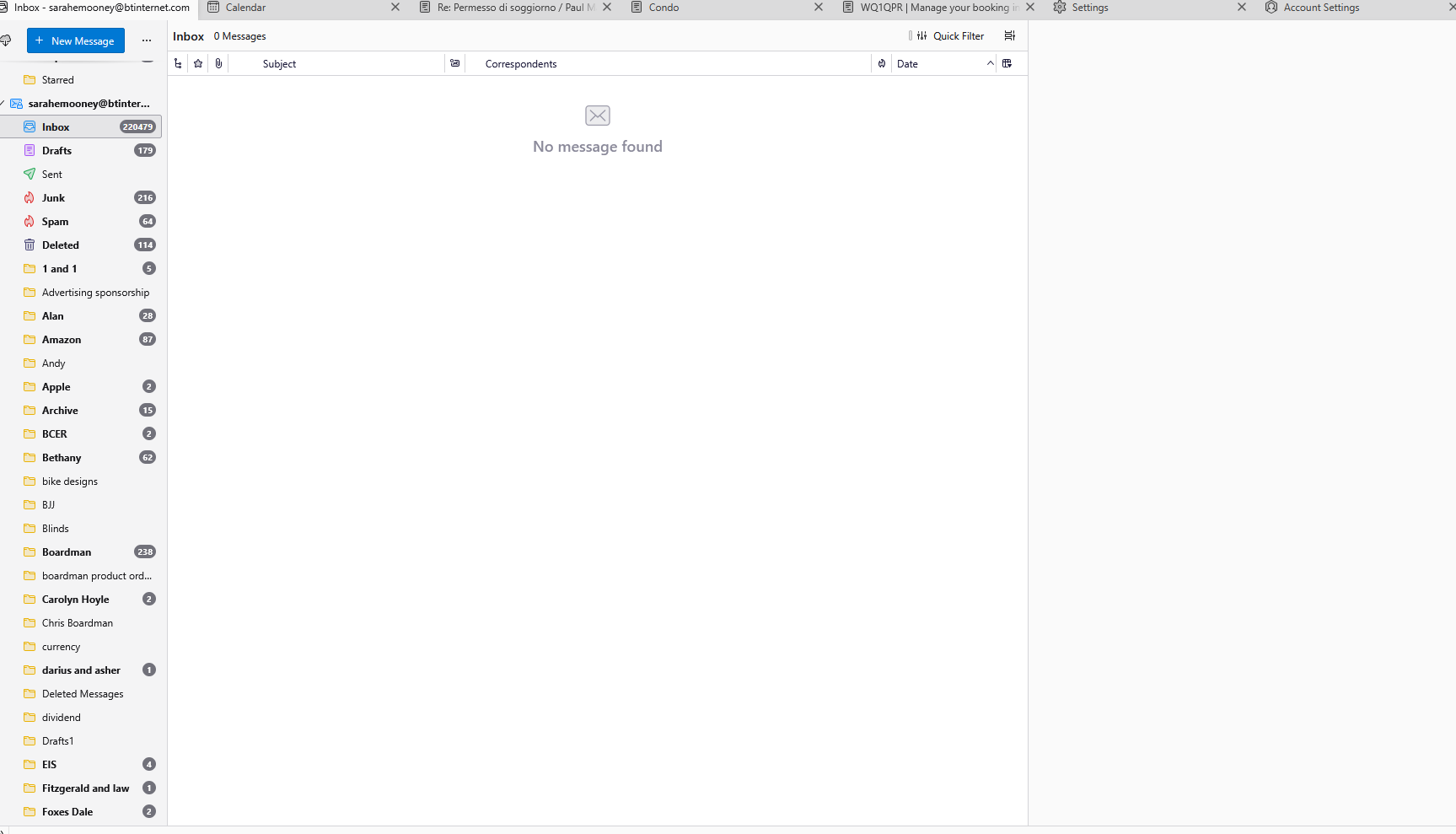
I am running Thunderbird 140.11.1esr on Windows 11. I have many email accounts mainly with btinternet which I access with Thunderbird. Most of them work fine but when I tried add another email account with a very large inbox all of the folders download fine but the inbox itself doesn't show any messages but the number alongside the folder says 220479 (which I think is unread messages). I have tried this on 2 different laptops with the same result. I have tried to Repair the folder. The folder is selected for offline use and I have tried to press the Download now button.
Any ideas?
Thank you
Paul
Wšě wotmołwy (13)

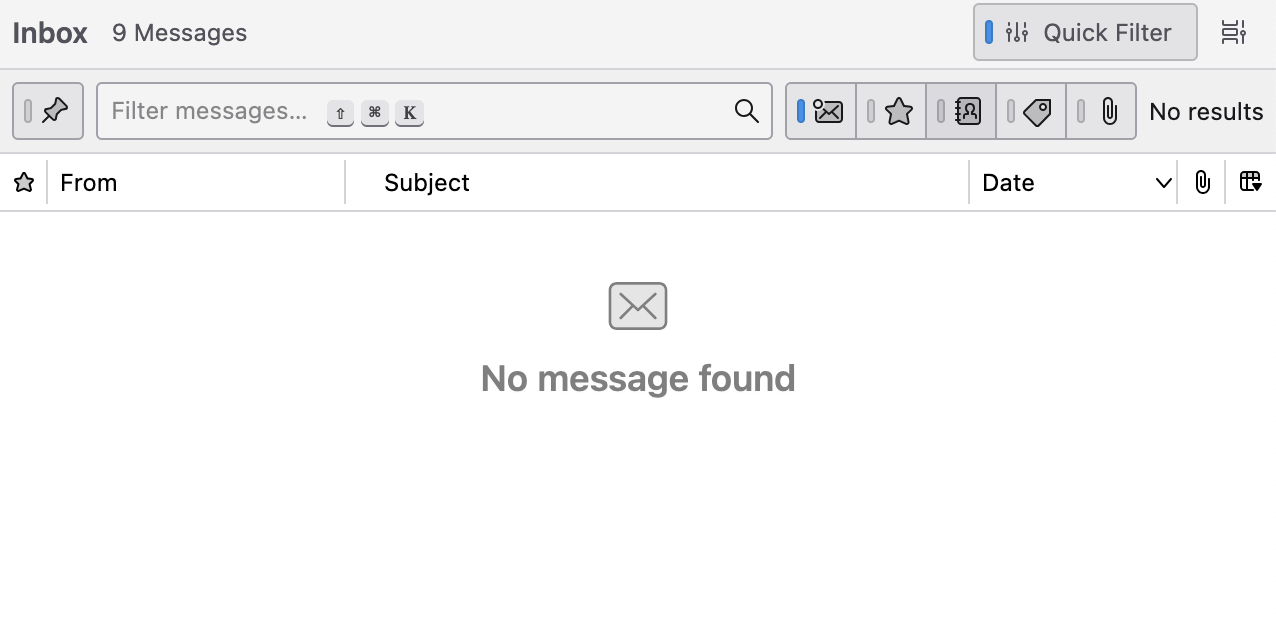
One common explanation is that the quick filter is set. See my image. If your screen looks like mine, uncheck the quick filter.
hi Rick,
thank you but the quick filter is not on. I toggled it on then off and that didn't work.
What do you mean by "I have tried to repair the folder"? What did you do? What happened when you did it?
Containing more than two hundred thousand messages the corresponding Inbox file in the Thunderbird profile might be corrupted.
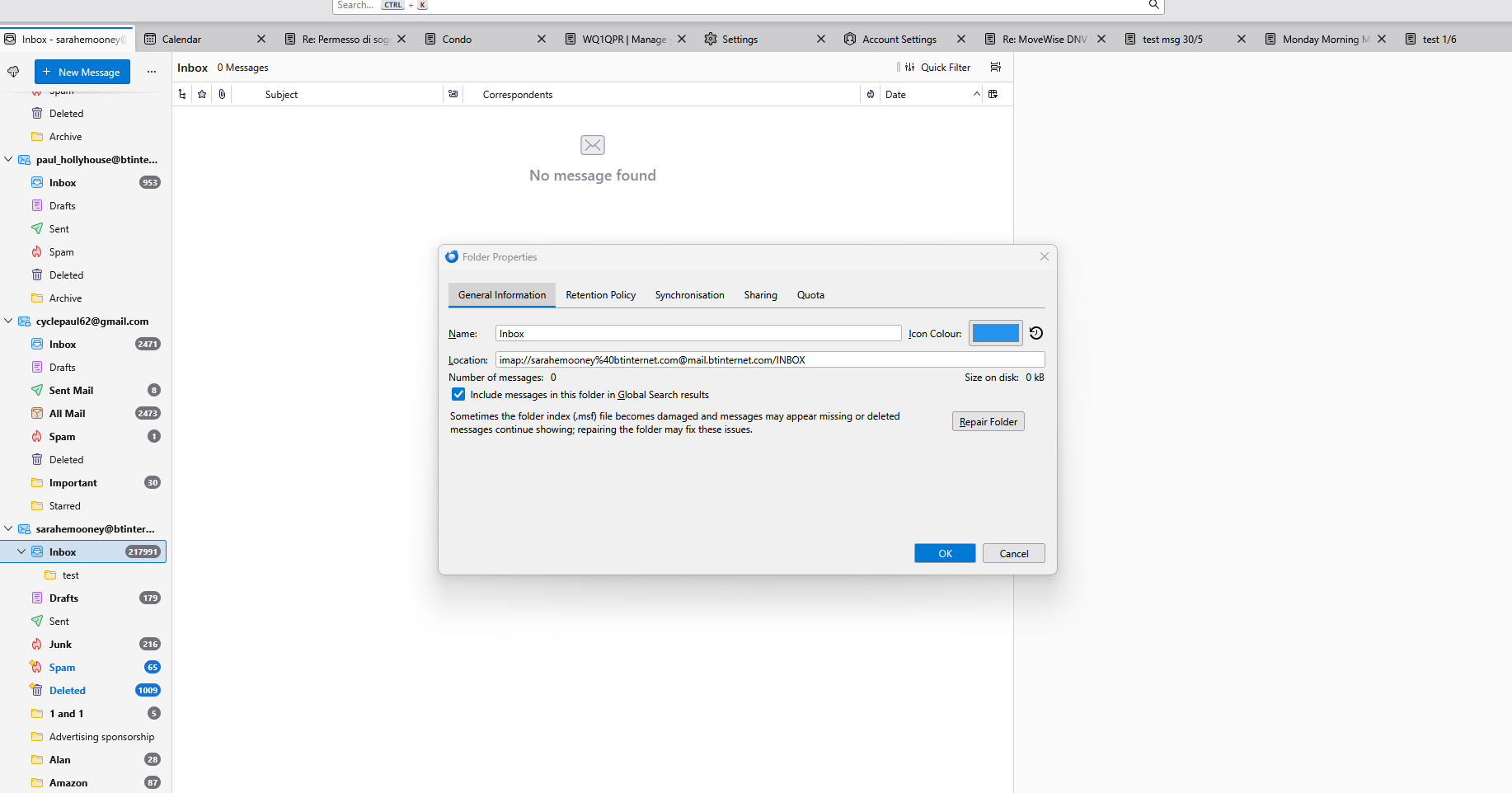
R-click on the problematic Inbox > Properties > General: which is the "number of messages" and which is the "size on disk"
hi Rick, I right clicked on the inbox folder, on the General Information tab, I clicked Repair Folder. It did nothing.
thanks Paul
hi Mapenzi,
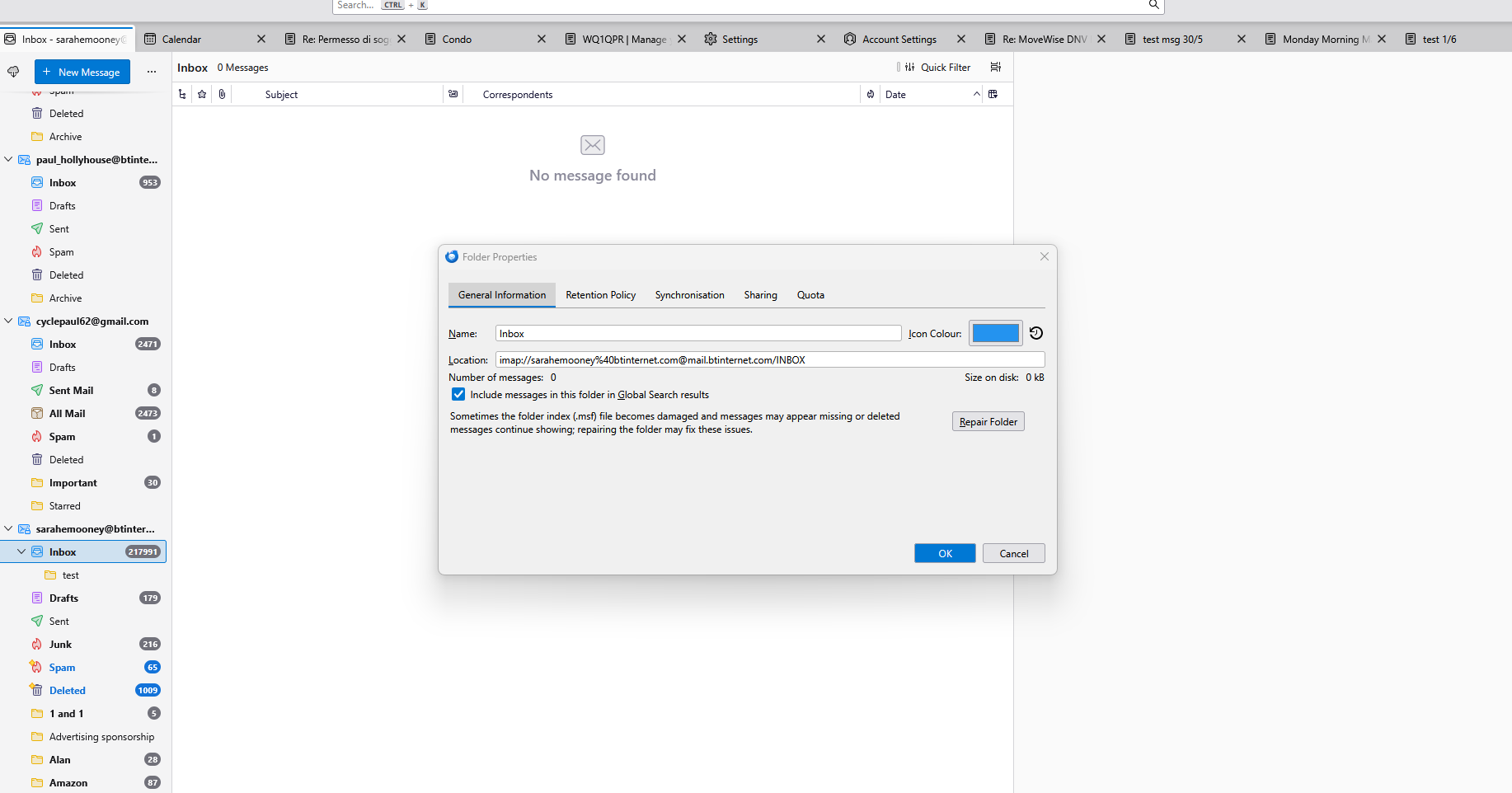
It shows 0 messages and 0 size on disc. If you look on the folder list on the left it shows 217991 messages.
Thanks
Paul
@Paul, I think that Thunderbird can't read your INBOX file which probably is corrupted. Are these 200.000 messages still stored on the the IMAP server of your webmail? If yes I recommend the following steps: • >> Account settings > problematic account name > Synchronisation & Disk Space > Message Synchronising: here disable (uncheck) ⬜ Keep all messages in all folders..... (image) • >> Settings > General > Network & Disk Space > Indexing > disable (uncheck) "Enable Global Search and Indexer" (this will be a temporary action because if you try again to download 200.000 messages the global search indexing will take several hours and slow down Thunderbird) • >> Help > Troubleshooting Information > Profile Folder > Open Folder, then quit Thunderbird. In the profile folder open the ImapMail folder and identify the "imap.xxx.xx" folder corresponding to the problematic account. When you are sure to have identified it move it to your desktop • restart Thunderbird....
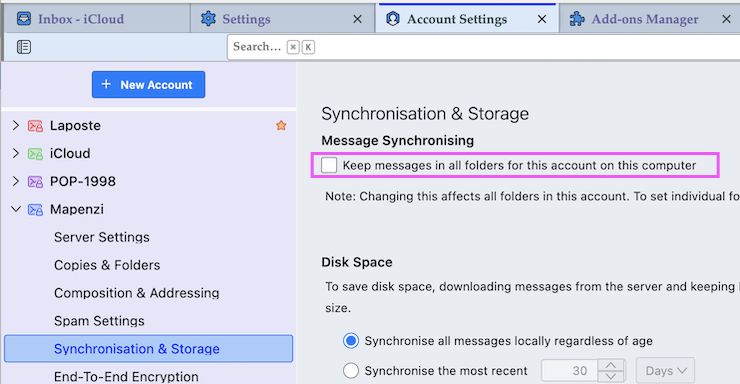
hi Mapenzi, I did this and when I restarted Thunderbird it gradually started to download various folders as I looked at them. However, it didn't do this for the inbox which stayed at No Message found. The number of unread messages has increased slightly as I have recieved more messages I assume.
Anything else I can try?
thanks Paul
Mapenzi may have other or better ideas, but here's what I would do with my knowledge in your situation: Get the add-on ImportExportToolsNG. Use it to import the inbox folder that you put on your desktop into a local folder in Thunderbird.
It may or may not work. It may work partially. It might tell us more about what is wrong with that folder.
hi Rick, Happy to give it a try. I have created a local folder which of the import options should I use?
thanks Paul
cycle_paul said
I have created a local folder which of the import options should I use?
You won't use that folder. A new folder will be created on import. Right click on "Local folders", then click on "ImportExportToolsNG", then "Import mbox files", then "Individual mbox files", then select that folder that is on your desktop.
I'm eager to hear the results.
Hi Rick,
Rick said
It may or may not work. It may work partially.
Good idea! It may work since IET NG will create a completely new mbox file. On the other side what I don't understand: after removing the imap account folder from the profile folder, Thunderbird on restart should also have created a completely new INBOX file...