Join us to show up for other Firefox users 🦊. Earn fun badges and Mozilla swag vouchers! Find out more: https://mzl.la/askafox150

Windows 10 reached EOS (end of support) on October 14, 2025. If you are on Windows 10, see this article.

Pomoc přepytać

Hladajće so wobšudstwa pomocy. Njenamołwimy was ženje, telefonowe čisło zawołać, SMS pósłać abo wosobinske informacije přeradźić. Prošu zdźělće podhladnu aktiwitu z pomocu nastajenja „Znjewužiwanje zdźělić“.

Dalše informacije

Unable to delete a profile

  • 1 wotmołwa
  • 0 ma tutón problem
  • 125 napohladow
  • Poslednja wotmołwa wot Agent virtuel
  • Rozrisany

Hello,

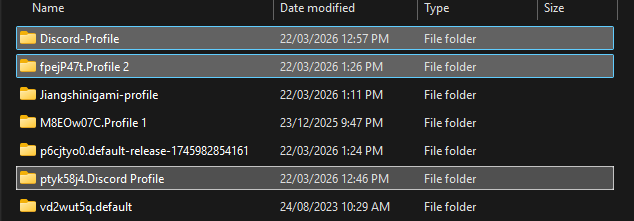
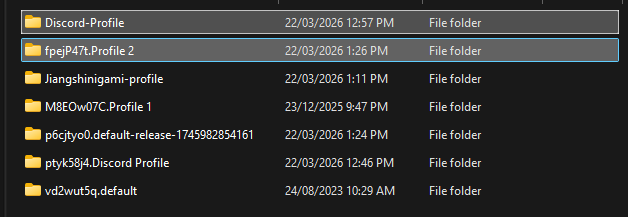
I've been using the profile manager, and wanted to delete a profile that i have made. However, when i select the option to delete it, it only opens up a new tab in the profile called "about:deleteprofile', which displays an empty page and does nothing. Then, I would try to delete the profile manually, in the profiles folder, but if I opened firefox or restarted my computer, it would just come back. I have attatched the relevant images below.
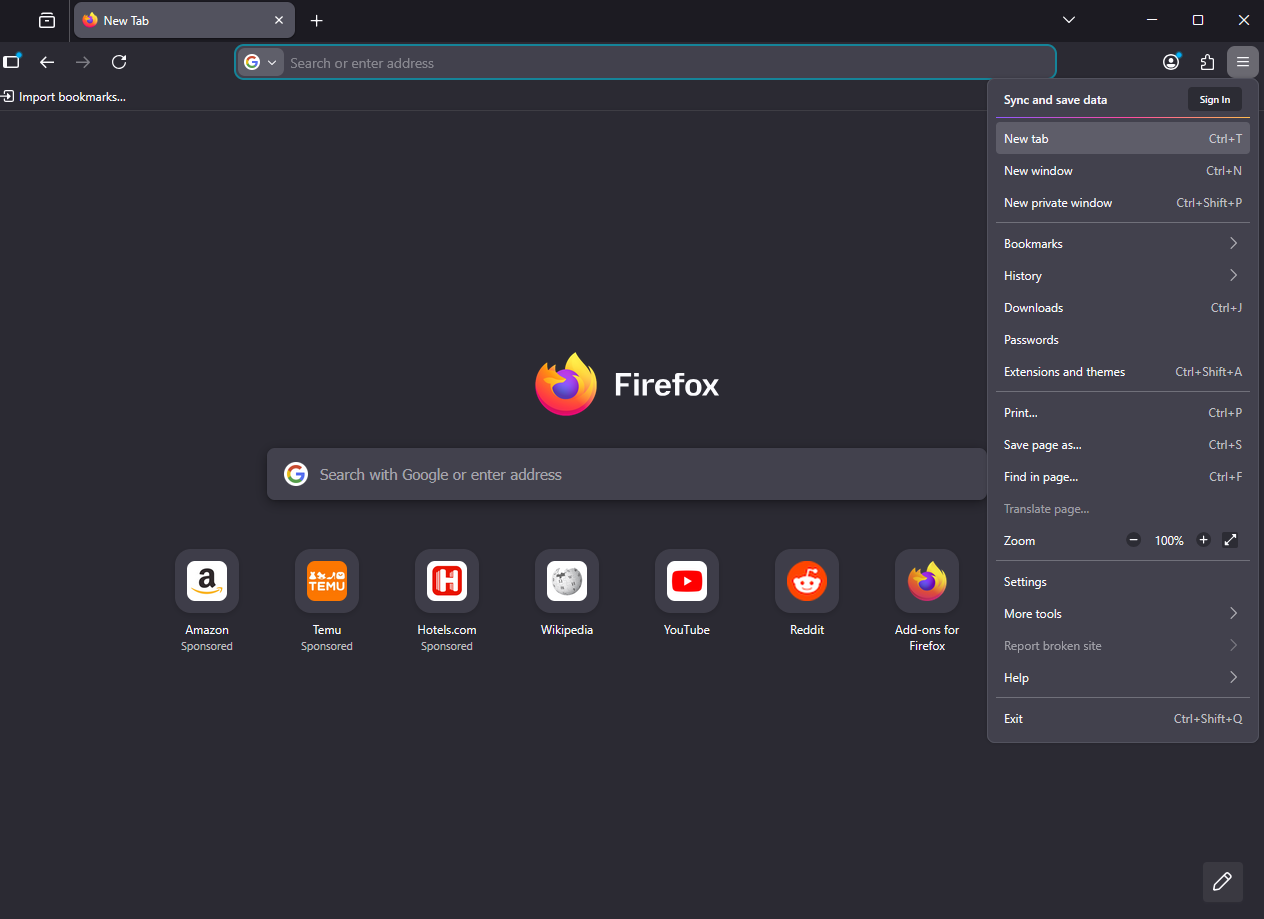
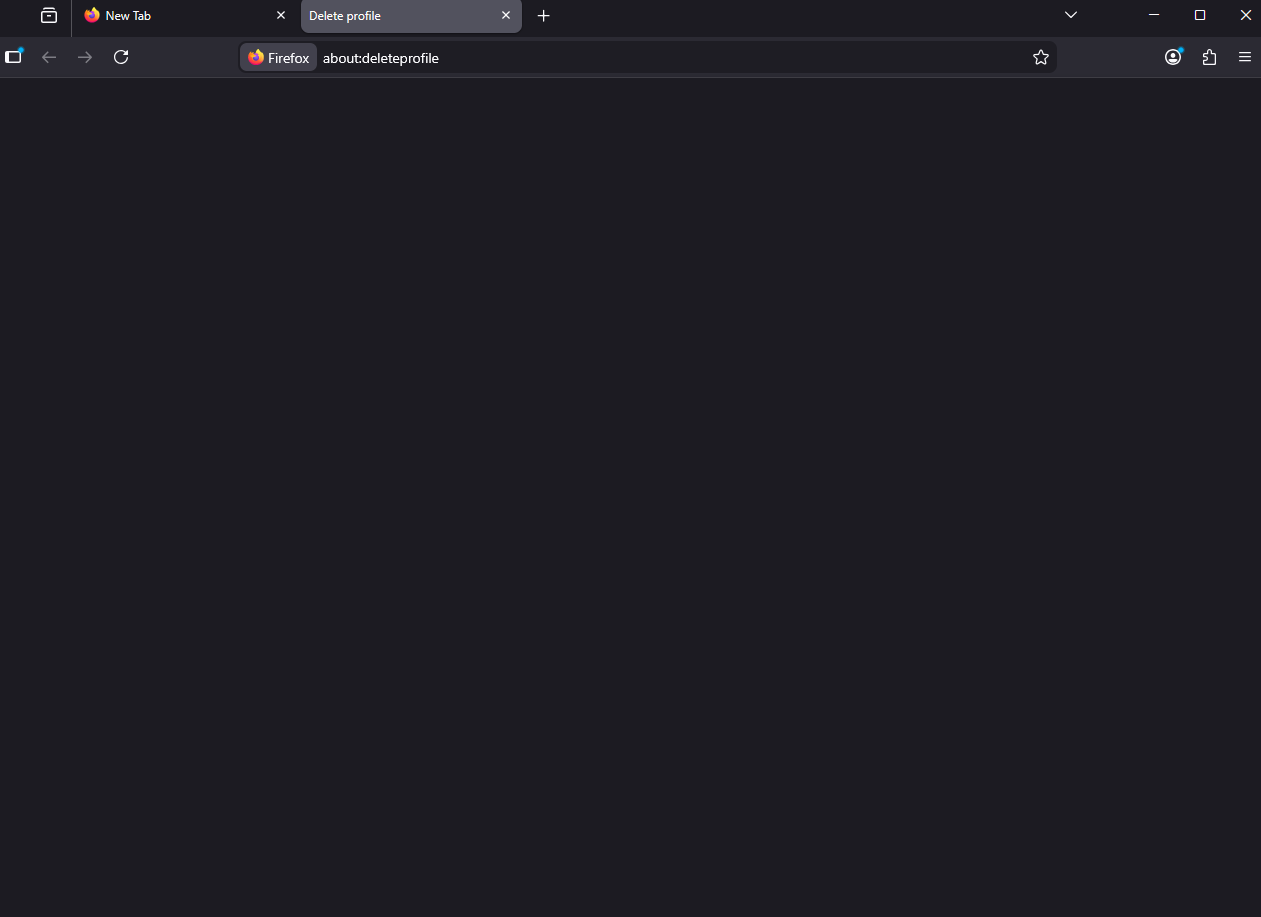
Hello, I've been using the profile manager, and wanted to delete a profile that i have made. However, when i select the option to delete it, it only opens up a new tab in the profile called "about:deleteprofile', which displays an empty page and does nothing. Then, I would try to delete the profile manually, in the profiles folder, but if I opened firefox or restarted my computer, it would just come back. I have attatched the relevant images below.
Připowěsnjene fota wobrazowki

Wubrane rozrisanje

Hello

about:deleteprofile, which displays an empty page and does nothing.

I had the same problem and solved.

Take a look at https://bugzilla.mozilla.org/show_bug.cgi?id=2000125#c4

1 - Go to configuration editor https://support.mozilla.org/en-US/kb/about-config-editor-firefox 2 - Enter a search term toolkit.profiles.storeID

Tutu wotmołwu w konteksće čitać 👍 0

Wšě wotmołwy (1)

Wubrane rozrisanje

Hello

about:deleteprofile, which displays an empty page and does nothing.

I had the same problem and solved.

Take a look at https://bugzilla.mozilla.org/show_bug.cgi?id=2000125#c4

1 - Go to configuration editor https://support.mozilla.org/en-US/kb/about-config-editor-firefox 2 - Enter a search term toolkit.profiles.storeID

Stajće prašenje

Dyrbiće so pola swojeho konta přizjewić, zo byšće na přinoški wotmołwił. Prošu stajće nowe prašenje, jeli hišće wužiwarske konto nimaće.