


How can I fix my LinkedIn screen from cutting off three quarters of Home screen in Firefox but not in other browsers

Hi,
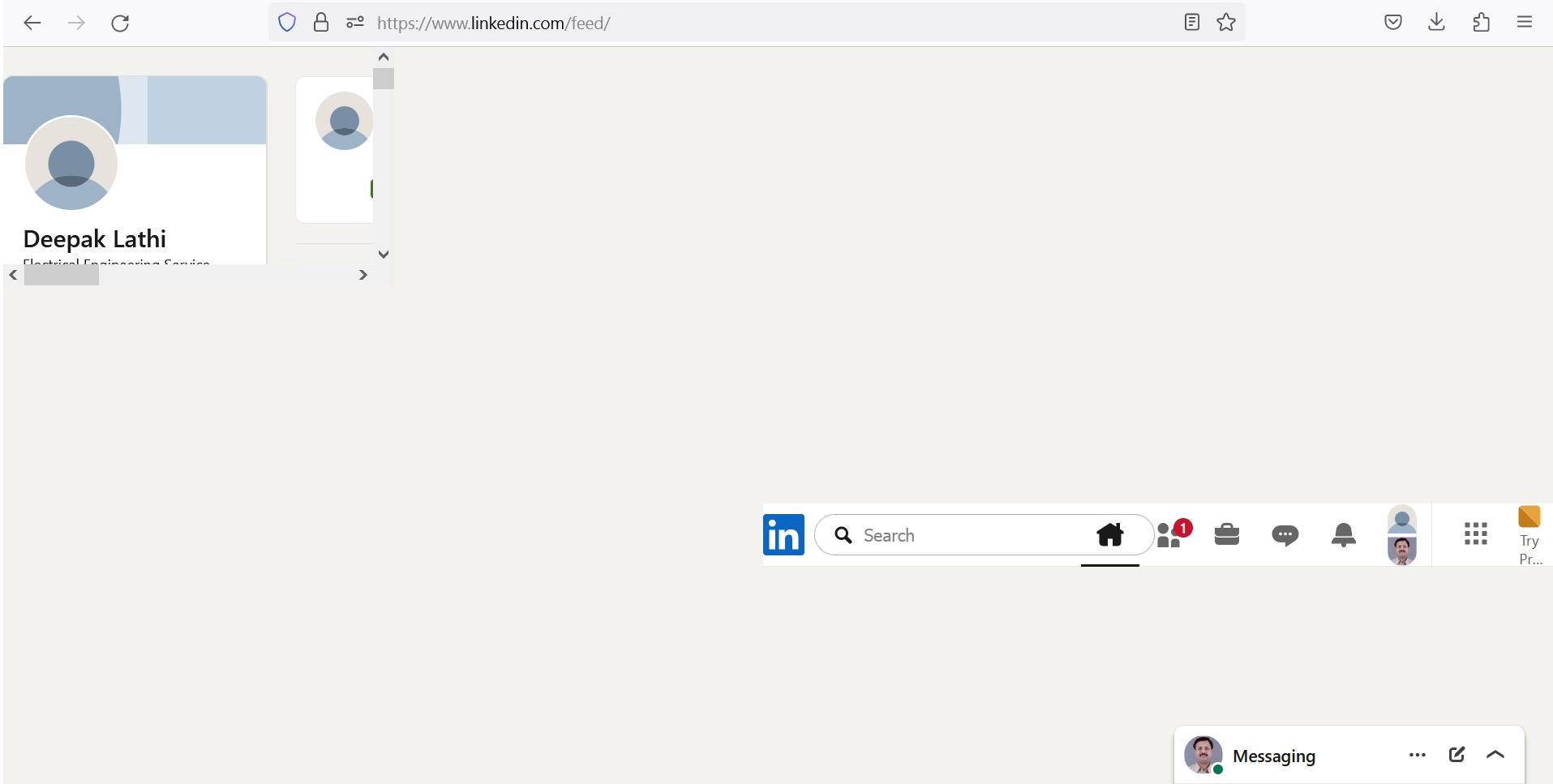
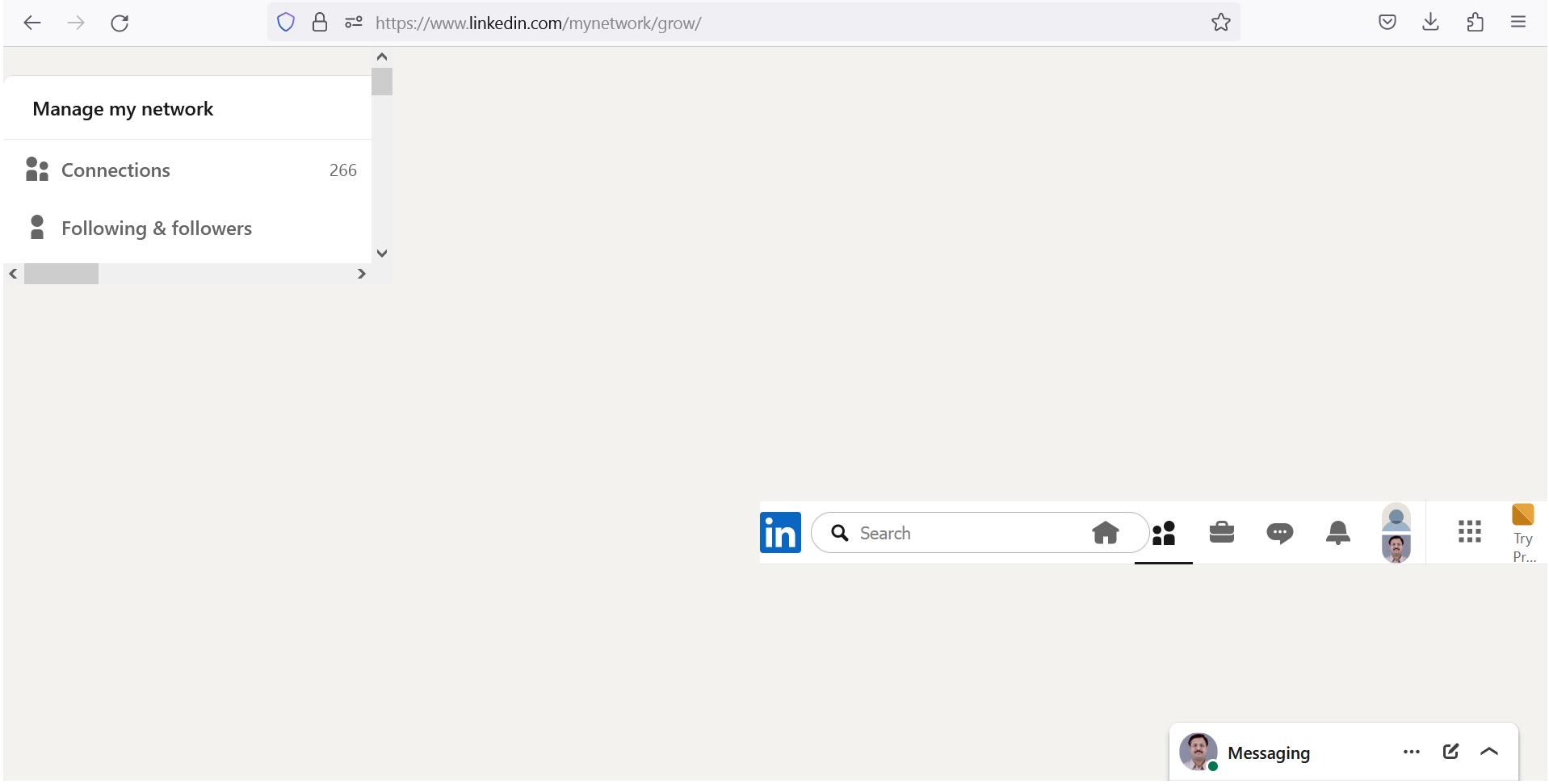
The Linked in pages are not appearing properly.
I have attached the images of the following two pages,
https://www.linkedin.com/feed/
https://www.linkedin.com/mynetwork/grow/
Please arrange to do the needful.
Regards Deepak
Wšě wotmołwy (6)
Hello
A similar question https://support.mozilla.org/en-US/questions/1555812
Sorry, i don't have a linkedin account, to verify.
Are there any linkedin users among us? to check, under https://whattrainisitnow.com/release/?version=esr ESR 115 https://blog.mozilla.org/futurereleases/2025/09/04/firefox-esr-115-support-for-windows-7-8-and-8-1-and-old-mac-os-versions-extended-until-march-2026
Hey,
Could you please try the following standard troubleshooting steps:
- Please check if you have Enhanced Tracking Protection (ETP) enabled. You can do that by clicking the shield
 icon at the left of the address bar.
- If ETP is enabled, try disabling it.
- If the problem is not fixed, try clearing Firefox cache.
- If it does not help, also try clearing cookies and data for the website you experience troubles with (warning: you will be logged out on this website).
- If it also does not help, try running Firefox in Troubleshoot Mode. Does the problem persist? If not, please follow the steps from this article to troubleshoot further.
Does it help? Looking forward to your update!
Hi Denys,
Thanks for your reply.
I had already tried these 5 steps by searching on the internet for fixing this problem.
The problem did not get resolve.
Hence I posted this query on this forum to seek some other pin pointed solution, if possible.
I even asked LinkedIn for help, but they said that the problem is related to Mozilla Firefox web browser as this problem does not arise with the other browsers.
At present I am using Microsoft Edge web browser as these two pages are appearing alright in it (without any cutting off of the three quarters of the screen).
Please suggest.
I look forward to hearing from you.
With Regards Deepak
Deepak,
Could you please create a new Firefox profile and see if it persists there? (If you use the legacy Profile Manager, about:profiles, make sure to set your current profile as default again after creating a new one.)
If the issue reproduces in a new profile, please report it on WebCompat and share a link to your report here.