


Calendars missing all data, "momentarily not available"

Please afford me a little patience because I probably shouldn't even be using Thunderbird and I'm going to try and give as much info as possible about my problem.
OS: Windows 11 Thunderbird version: 115, 102, 91 IMAP
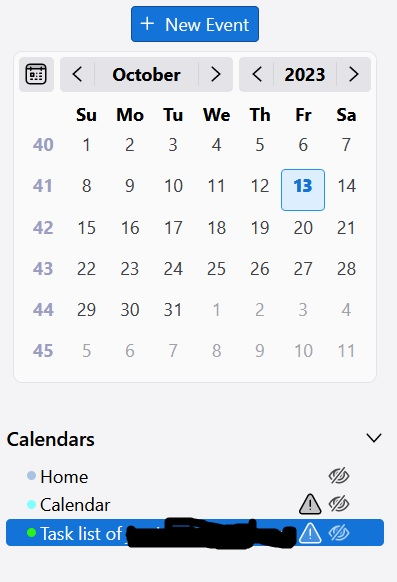
I have had my calendars lose all data temporarily but they eventually always came back within the day. But it has now been several days and the problem doesn't seem to be fixing itself anymore. I rely on these Calendars heavily for my job so I'm a bit anxious about them not working.
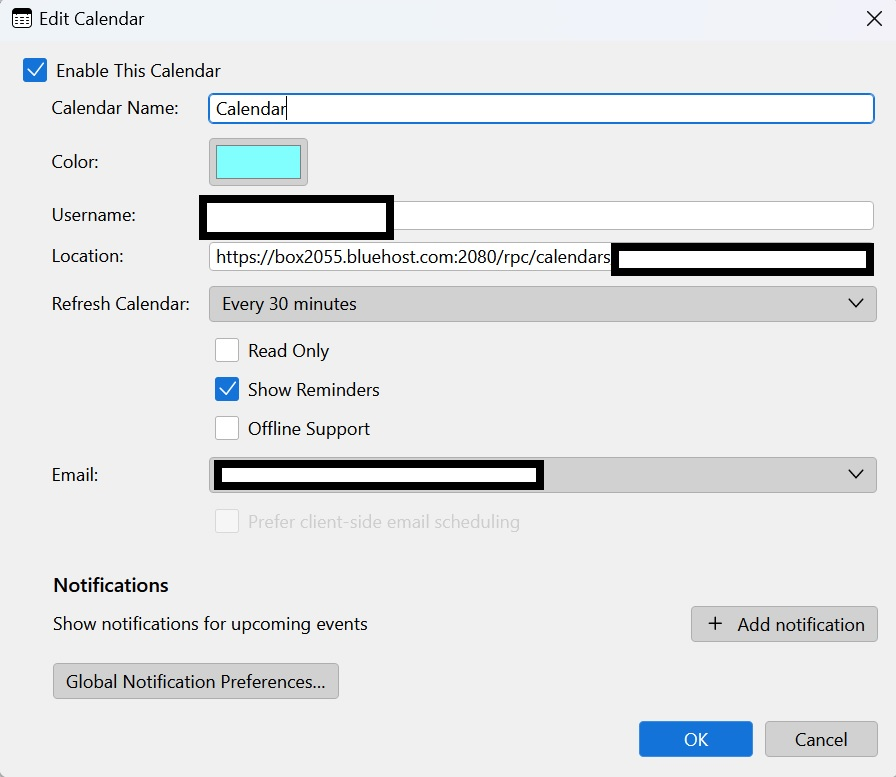
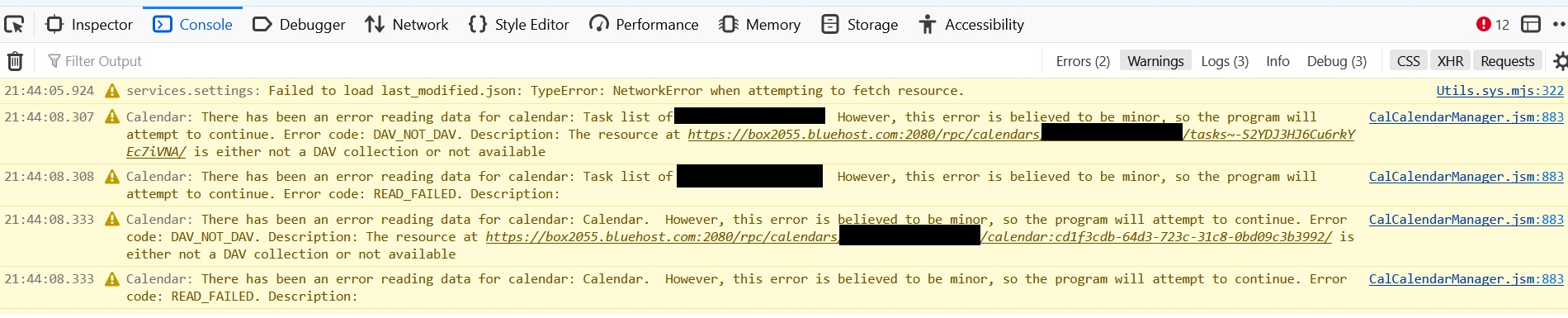
I have been googling and researching for two days now trying to find people with similar problems and so hopefully similar solutions but I have not had any luck getting to the root of the problem. A lot of the info out there is for when Lightning was still an extension or when syncing CalDav stuff. OR, whatever solution that was offered was done using linux commands and I'm on Windows. I've tried to attach screenshots of all the relevant info I can think of without just copy/pasting everything that appears in the console debugger thing.
If there's anything I can provide that might help with fixing this just let me know and I'll post it.
Thank you for reading this and anytime you spend looking into my issue. I appreciate it a ton.
Thank you,
Wšě wotmołwy (4)

Did you check with Bluehost about the problem?
christ1 said
Did you check with Bluehost about the problem?
Yes, and I believe (though I can’t prove it) that the problem is because of Bluehost, but they say that it’s a Thunderbird issue. Also, that because I’m using IMAP that the calendar is stored locally on my machine.
I’ve gone through my Profile directory to the “calendar-data” folder but instead of ICS files they are SQLite files. I’m in far over my head trying to do anything with them as most instructions I’ve found are dedicated to linux distros and not Windows.
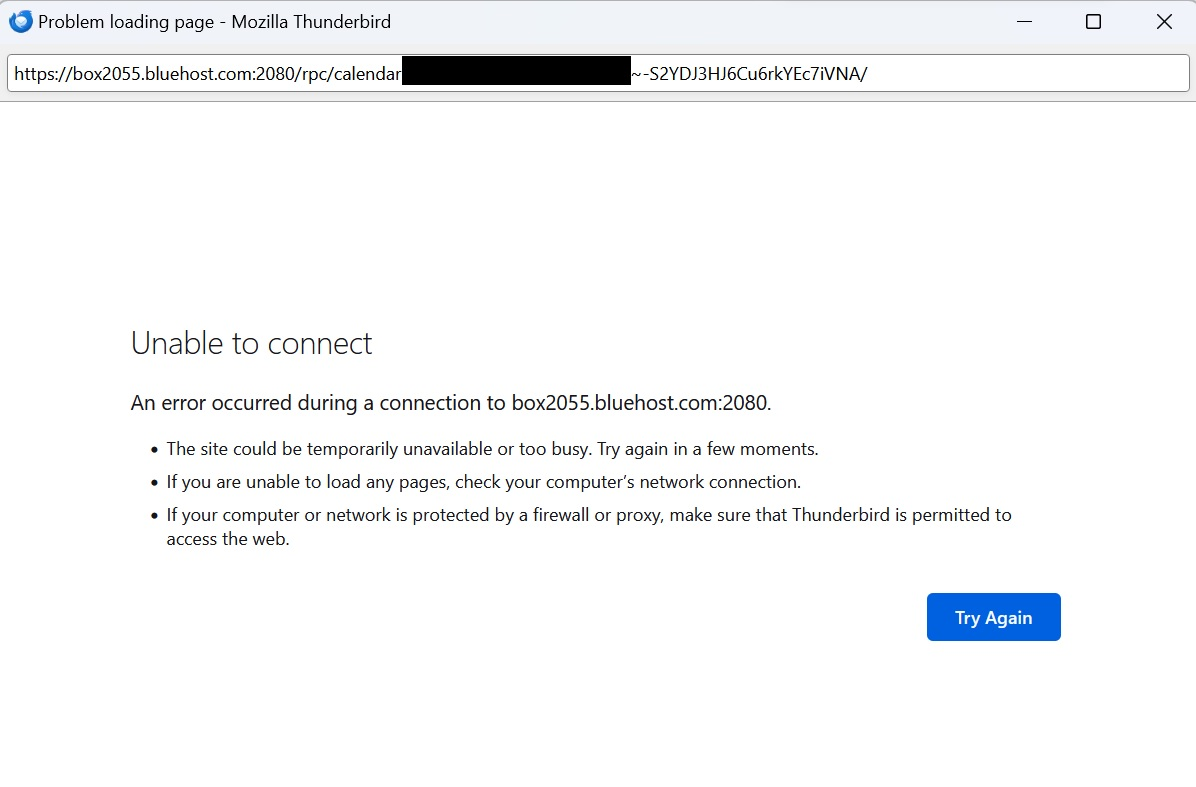
I don't have a solution for your problem. In any case, based on the error message in your last screenshot, this looks more like a networking problem, than something related to SQLite files.
Beyond that, typically a network calendar is being accessed via CalDAV. Is this what you're using? Thunderbird supports CalDAV natively, there is no need for any add-ons.
they say that it’s a Thunderbird issue.
Of course they do.
Also, that because I’m using IMAP that the calendar is stored locally on my machine.
I don't see how IMAP (for email) is being related to the calendar.
Thank you, I’ve finally managed to get Bluehost to open and escalate a ticket so hopefully this resolves it.
I believe I’m using CalDev, I’m using whatever the default option is for Thunderbird.
Thanks for replying.