Windows 10 reached EOS (end of support) on October 14, 2025. If you are on Windows 10, see this article.

Pomoc přepytać

Hladajće so wobšudstwa pomocy. Njenamołwimy was ženje, telefonowe čisło zawołać, SMS pósłać abo wosobinske informacije přeradźić. Prošu zdźělće podhladnu aktiwitu z pomocu nastajenja „Znjewužiwanje zdźělić“.

Dalše informacije
Archiwowany

High cpu usage of fifefox dev edition

Yash

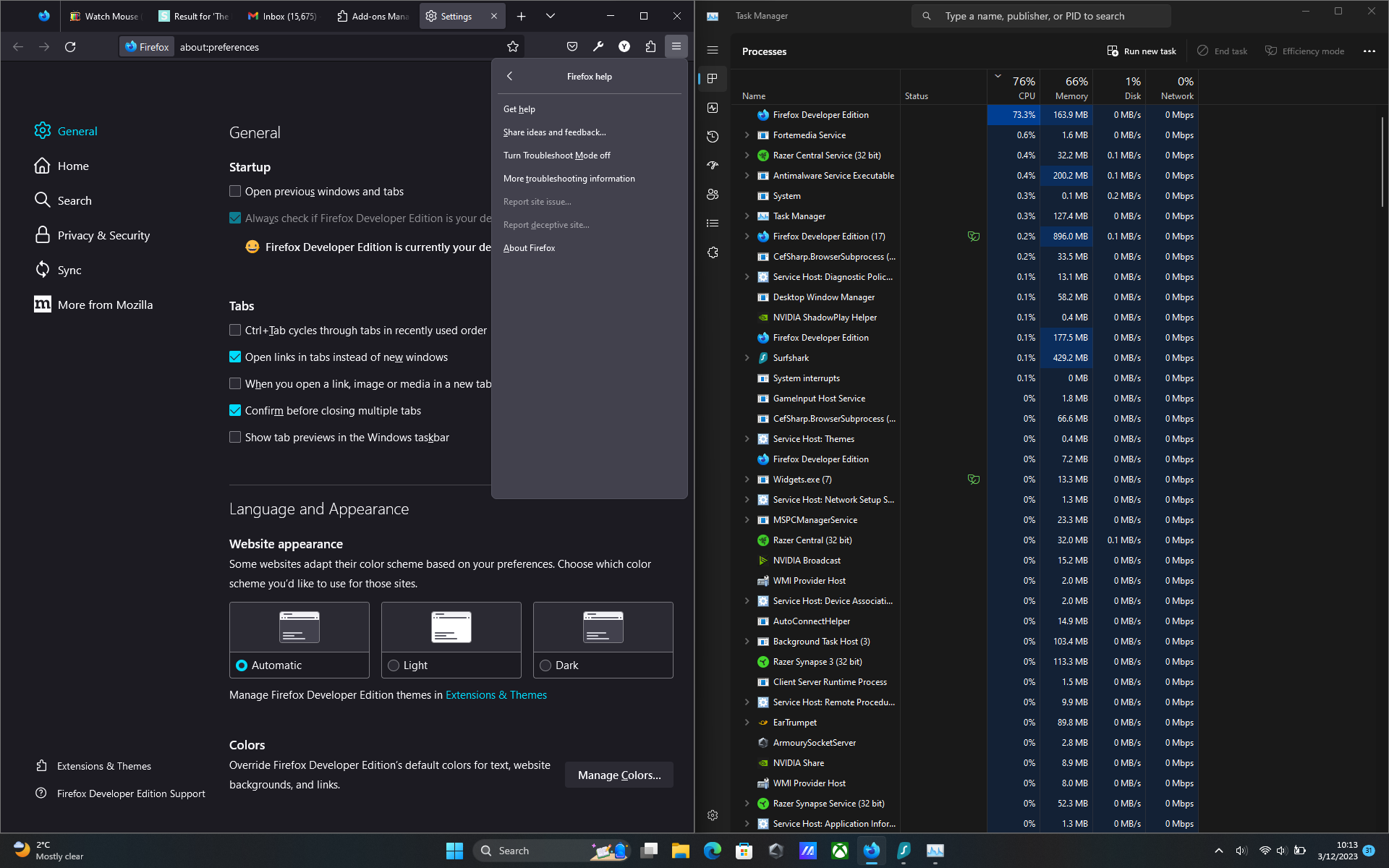
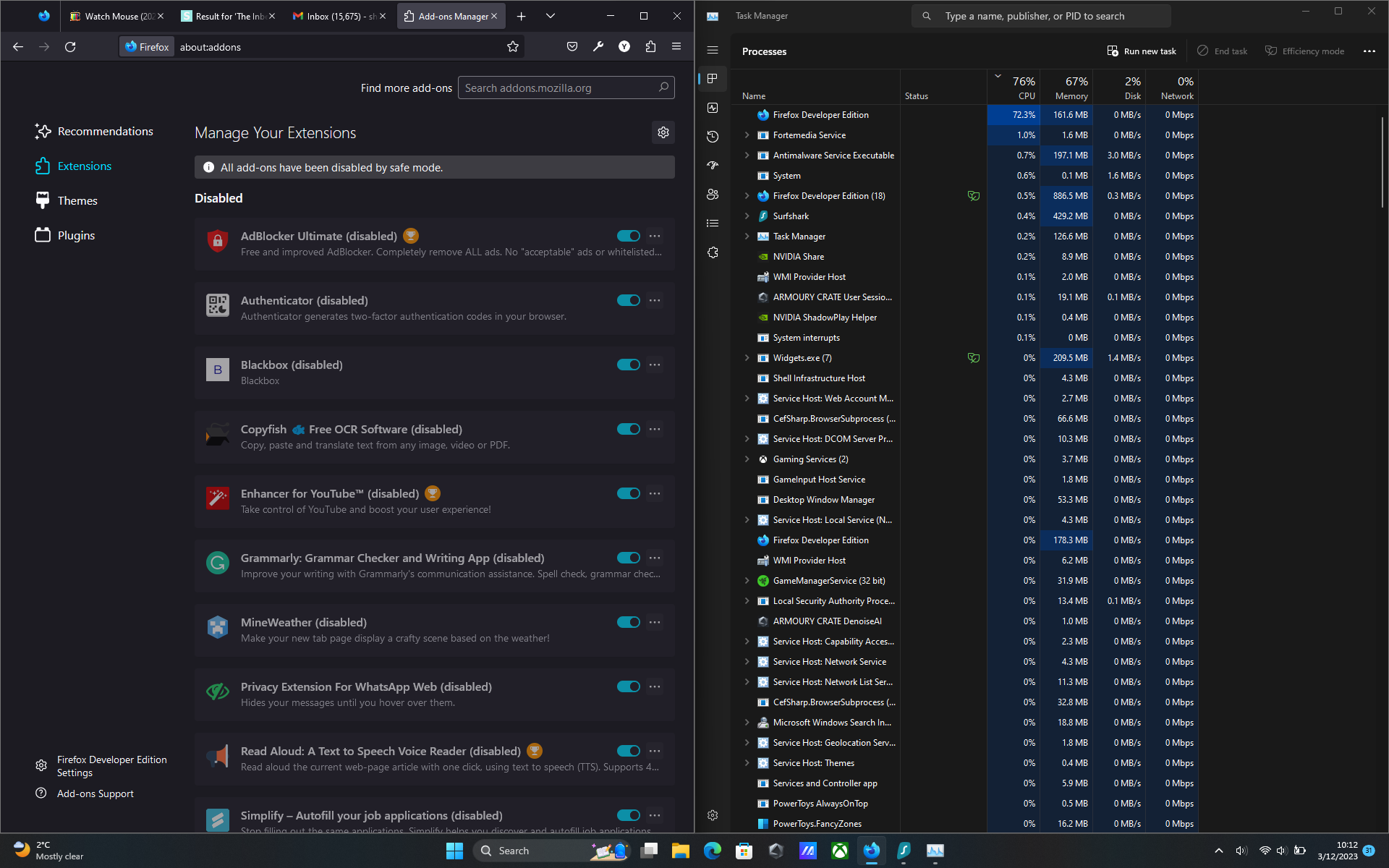
When watching youtube or even doing a little task with only one tab the cpu usage from a specific firefox process goes upto 90%. And I have did everything that was given in the following troubleshoot method "https://support.mozilla.org/en-US/kb/firefox-uses-too-much-memory-or-cpu-resources" but still the same result. I tried with troubleshoot mode on with disabling all extensions but the cpu usage was still high. I have also checked with firefox's own task manager tool but there wasn't a single process that was using full cpu. I'll be attaching all screenshots below.
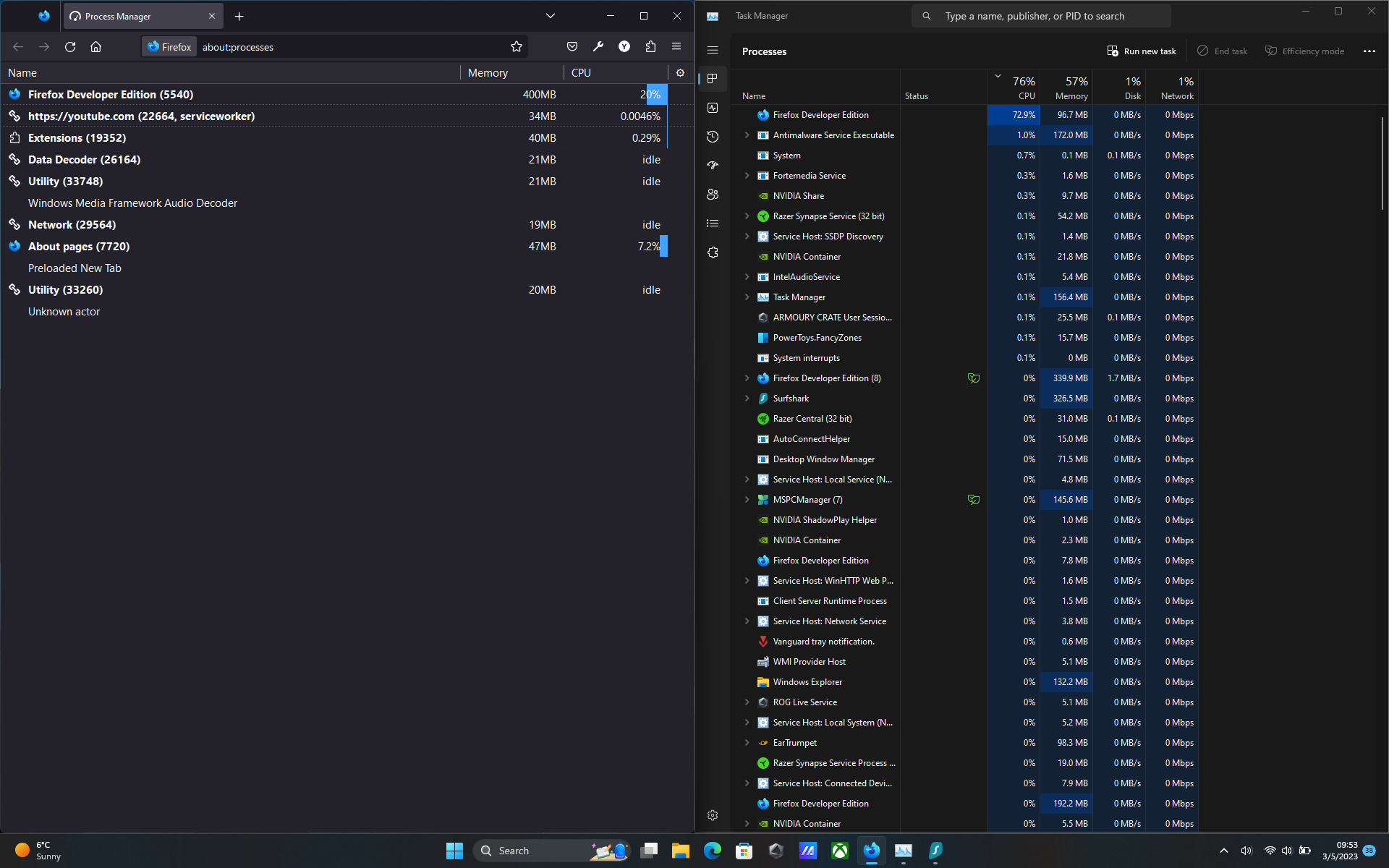
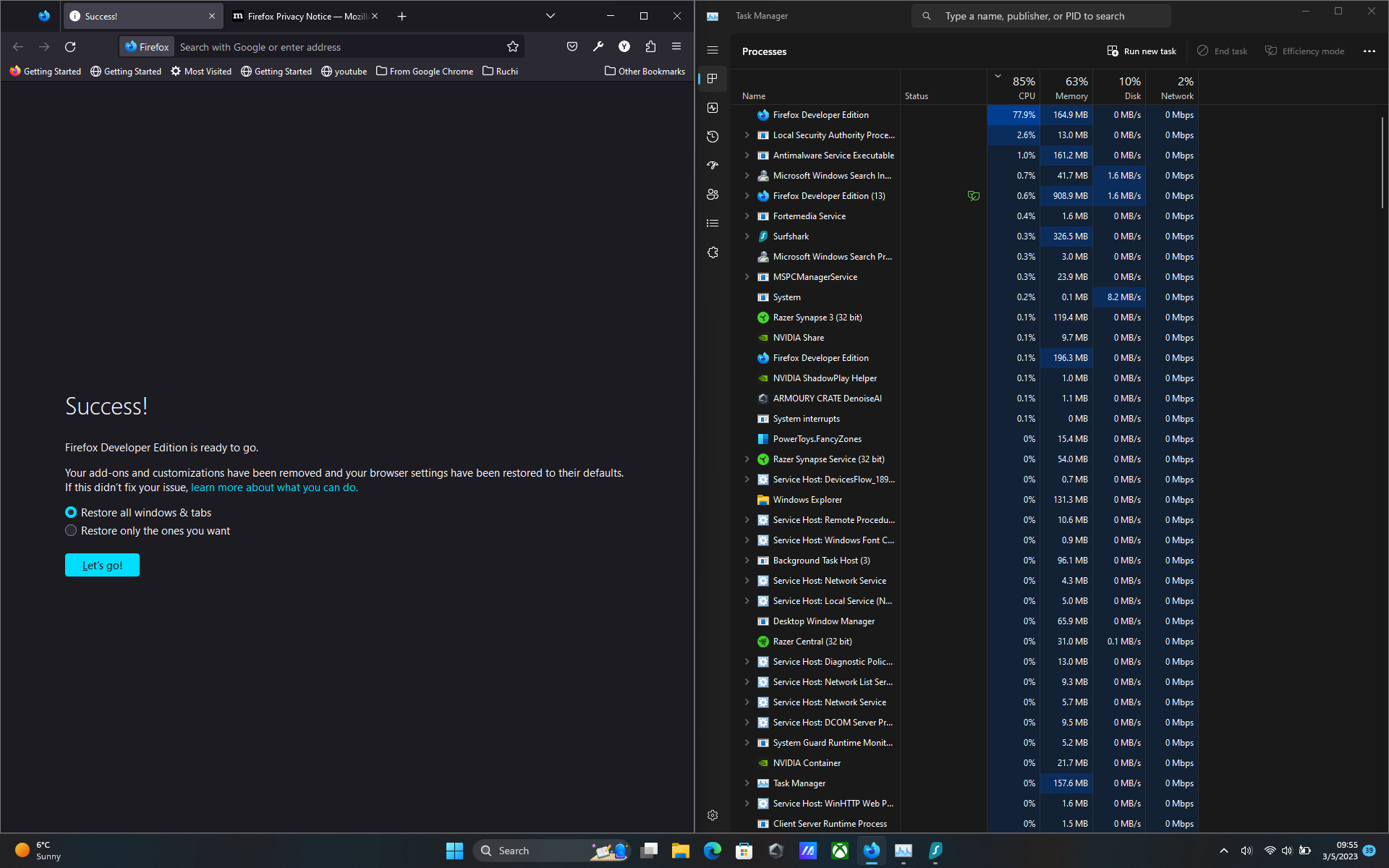
When watching youtube or even doing a little task with only one tab the cpu usage from a specific firefox process goes upto 90%. And I have did everything that was given in the following troubleshoot method "https://support.mozilla.org/en-US/kb/firefox-uses-too-much-memory-or-cpu-resources" but still the same result. I tried with troubleshoot mode on with disabling all extensions but the cpu usage was still high. I have also checked with firefox's own task manager tool but there wasn't a single process that was using full cpu. I'll be attaching all screenshots below.
Připowěsnjene fota wobrazowki

Wšě wotmołwy (1)

I have this issue as well. I can close the process using task manager and that fixes the issue, but it pops up again later. No clue what's causing it. Might even be in stable by now.