

Tuta nitka je so archiwowała.
Prošu stajće nowe prašenje, jeli pomoc trjebaće.

Archiwowany
Accidentally added search engine to multi-account containers
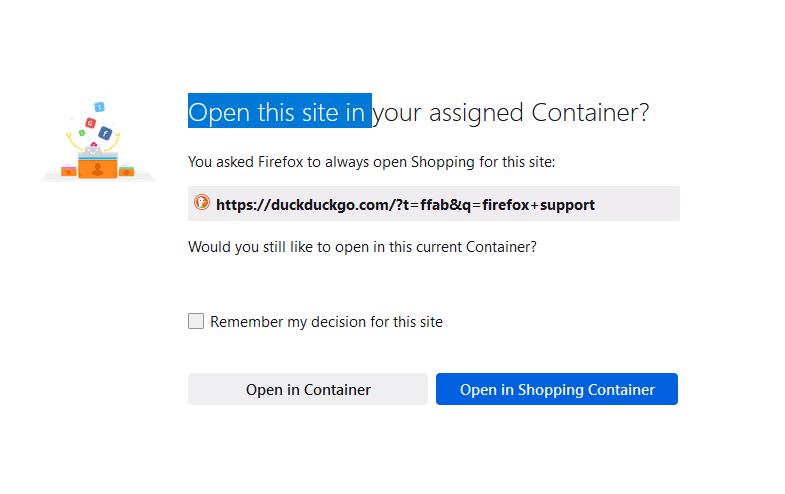
I accidentally told Multi-Account Containers to "Always open" duckduckgo in a container. Now when I search for anything, it says 'do you want to keep your decision" and when I click "open in container" (ie no container) it will do that for a specific search term, but even if "remember my decision" is checked it will not remember. How do I see what websites are assigned to which containers and simply remove a whole website?
I accidentally told Multi-Account Containers to "Always open" duckduckgo in a container. Now when I search for anything, it says 'do you want to keep your decision" and when I click "open in container" (ie no container) it will do that for a specific search term, but even if "remember my decision" is checked it will not remember. How do I see what websites are assigned to which containers and simply remove a whole website?
Wšě wotmołwy (1)
Multi-Account Containers icon -> Manage Containers
- /questions/1318967 How to Unlearn "Always Open This Tab in a Container" - Remove Site