


May need to install the required video codecs
# My problem
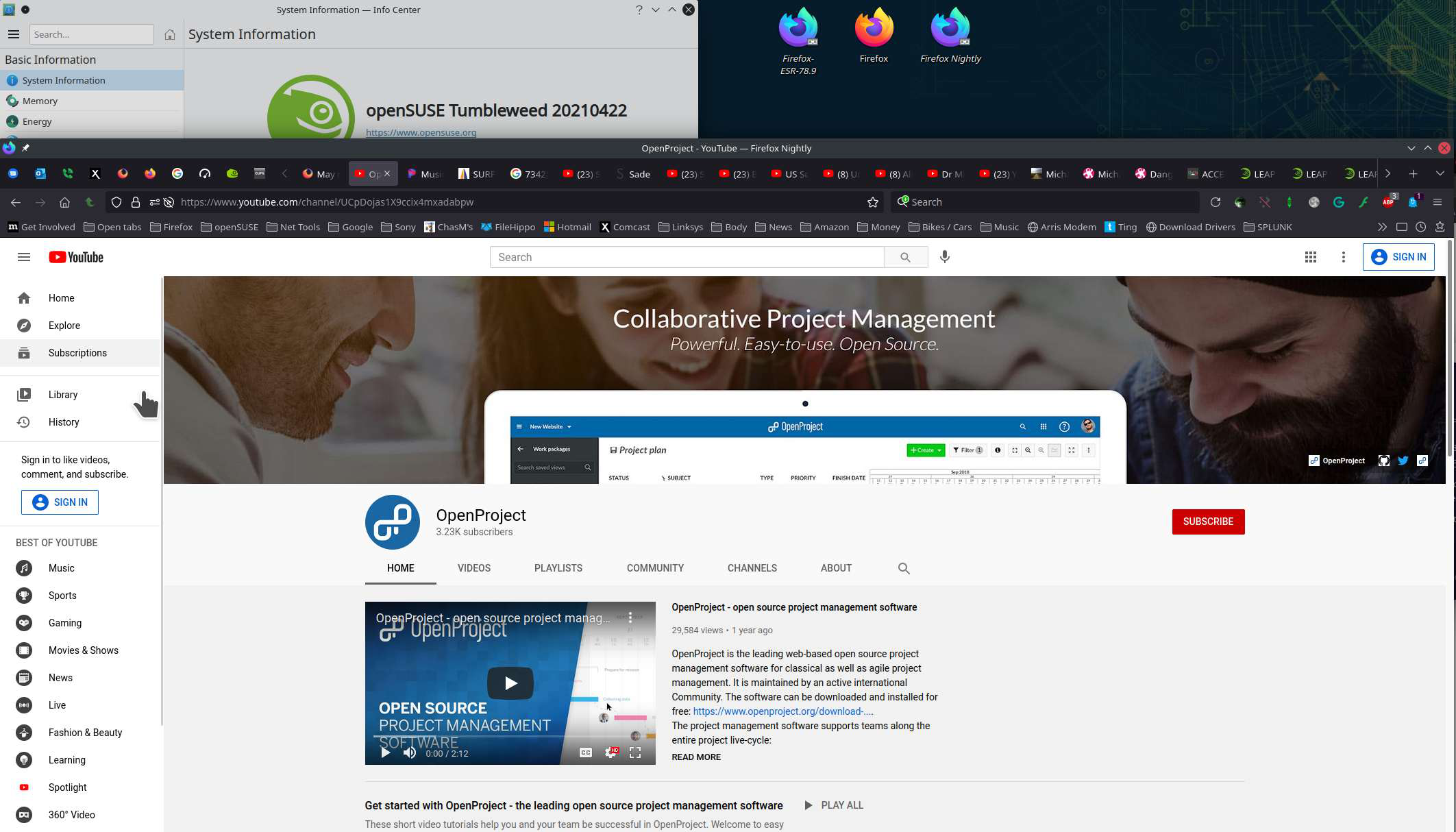
When i go to some site with video (for example https://www.openproject.org/ ) i have the following message : "To play video, you may need to install the required video codecs".
# Spec
I run Firefox Beta in Fedora, it's installed in /opt/ folder. I have the "normal" version of firefox too and the video works well.
# Some other infos
The video seem to be a mp4 video and i have the following package installed in my fedora GStreamer Multimedia Codecs (Multimedia plauback for APE, AVI, DV, FLAC, FLX, Flash, MKV, MP4, Speex, VP8, VP9 and WAV).
Wot user3771646 změnjeny
Wšě wotmołwy (4)

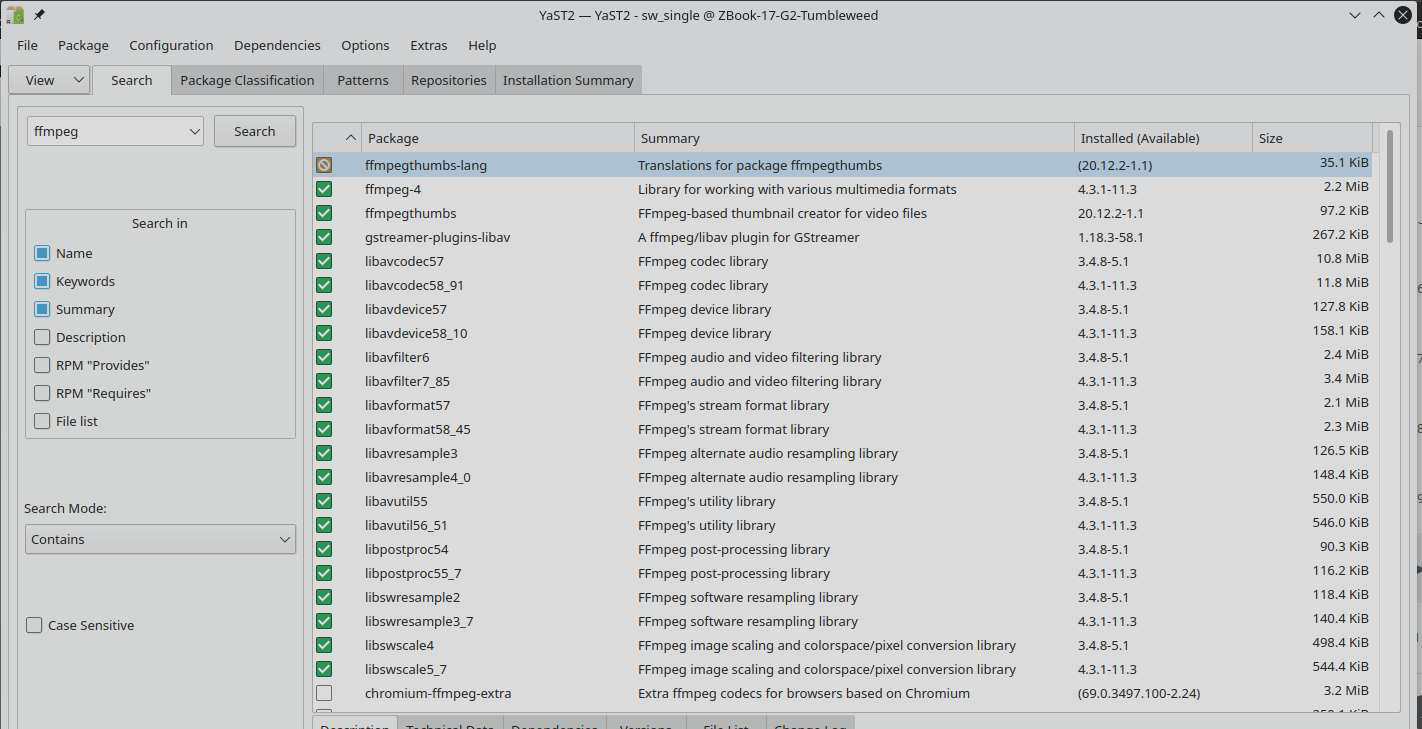
Here is what I have installed from the packman repo. see screenshot Your example link was not helpful, but it looks like most of their videos are on YouTube.
Same message and no firefox help to click on. Trying to watch disney plus using Ubuntu 21... Previously used Ubuntu Studio and firefox could do this with 1 click on "enable DRM" pop up, and I was only using .iso from flash drive, never installed it.
Downloaded and installed Google Chrome, that works at least, yay!
Make sure you have the latest FFmpeg and libavcodec packages installed.
I had the same problem in Ubuntu 20.04 with Firefox 92.0, I could solved my problem installing the Multimedia Codecs for Ubuntu, running on the terminal the command:
sudo apt install ubuntu-restricted-extras
Here you can find a complete article with the explanation written by Shahriar Shovon.
I guess that in other distributions the solution is almost the same, install the Multimedia Codecs!
PD: Don't forget close and open Firefox after install the codecs!
Wot nicoandres změnjeny