


Delete a bookmark from a searchbar with Shift + Delete
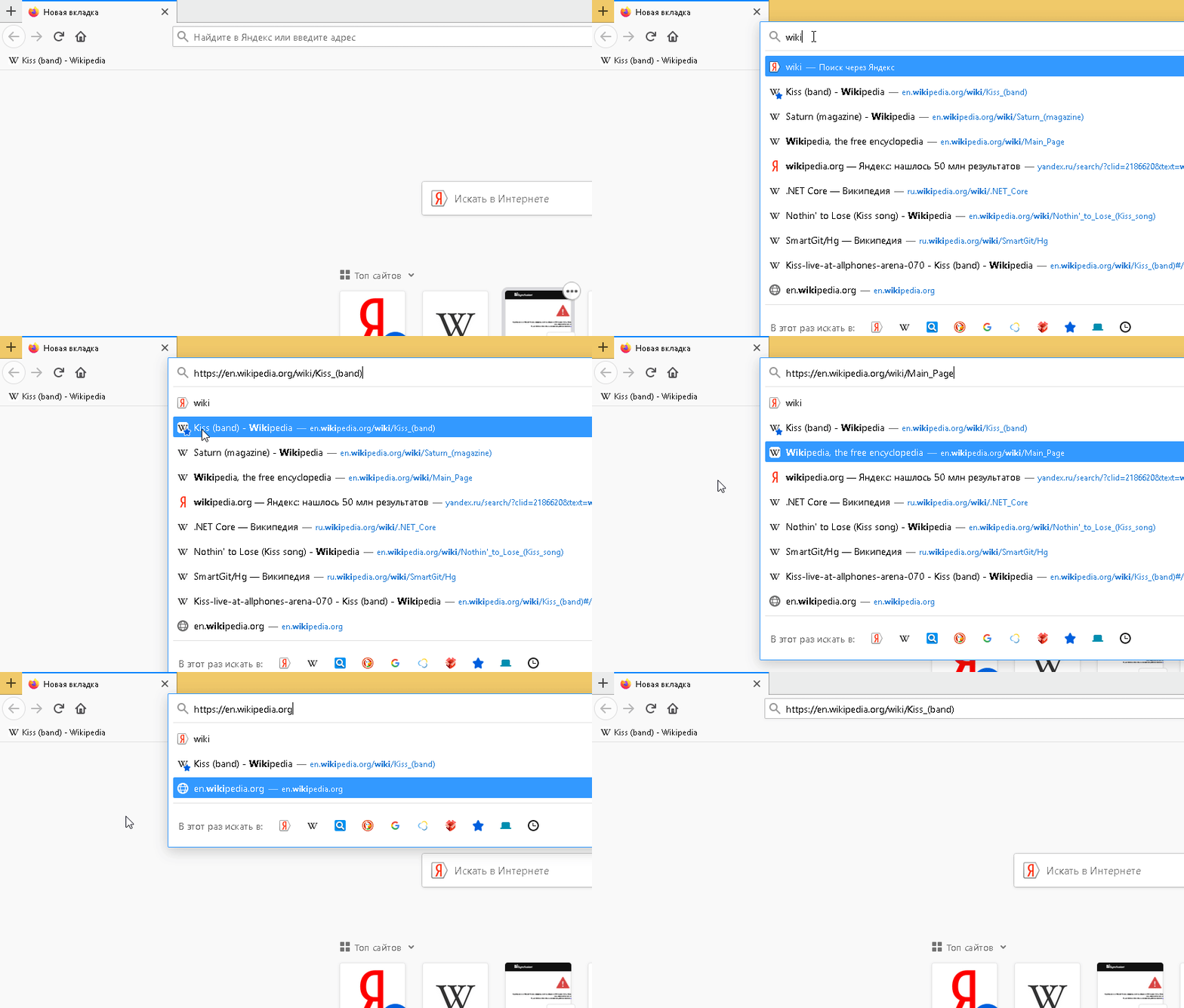
Why doesn't Shift + Delete delete a bookmark from a searchbar? Here is a simple example: Example of deleting history/bookmark

It works like a charm for history items but not for bookmarks. How to fix it? Maybe some options must be turned on? Since it is possible for deleting history items why it's not possible for bookmarks? Maybe you know any extension with this functionality?
Wšě wotmołwy (2)
Check if this bookmark is on your Top Sites panel on the New Tab page.
The only ways to prevent a bookmark from showing is to remove this bookmark in the Bookmarks Manager (Library) or by excluding bookmarks from appearing as a suggestion in the drop-down list. You can't remove a bookmark permanently via "Shift+Delete".
The location bar drop-down list can show history items, bookmarked pages, pages opened in tabs, top sites, and search suggestions. You can set what suggestions show when you enter an URL in the location/address bar bar.
- Options/Preferences -> Privacy & Security
Address Bar: When using the location bar, suggest:
History
Bookmarks
Open tabs
Top sites - Options/Preferences -> Search -> Search Suggestions