


Problems with playing videos in Firefox. (Videos on twitter dont work. Missing options in youtube)
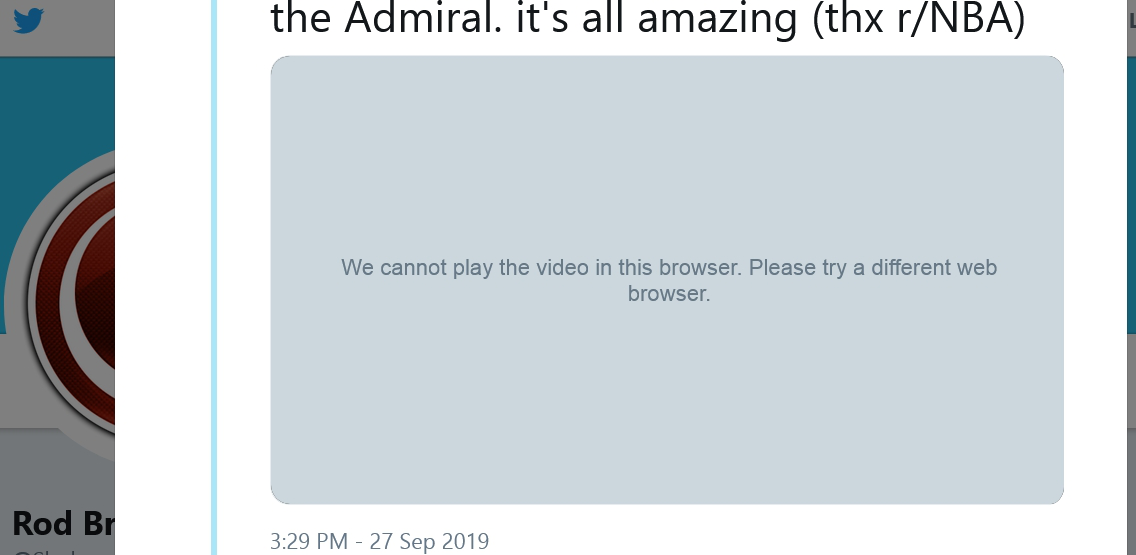
As the title says I cannot play any videos on Twitter and have problems when I try to play videos on other websites. I cannot get Firefox to play videos in 60fps anywhere. Youtube won't even give me the option. 60fps doesnt work on Twitch.tv either. Playing videos on Twitch on Firefox is a nightmare in general. Super slow and laggy.
Neither of the above problems are there for me on Chrome. Videos work properly and in 60fps on Chrome.
I have already tried disabling hardware acceleration and have tried running Firefox in safe mode. Neither option worked. I'm getting kinda sick and tired of having to switch over to Chrome every time I wanna watch a video. Some help would be greatly appreciated.
Wubrane rozrisanje
Alright so I figured it out. Apparently Firefox didn't automatically enable all video codecs for some reason. God knows why. I had to go into the configuration screen (type about:config in the address bar without the quotation marks), then filter on media.me and set all the things that were set to 'false' to 'true'.
Wšě wotmołwy (4)
Is there any more specific detail in the Web Console about playing media ?
- "3-bar" menu button or Tools -> Web Developer
- https://developer.mozilla.org/en-US/Tools/Web_Console
See also:
cor-el said
Is there any more specific detail in the Web Console about playing media ?
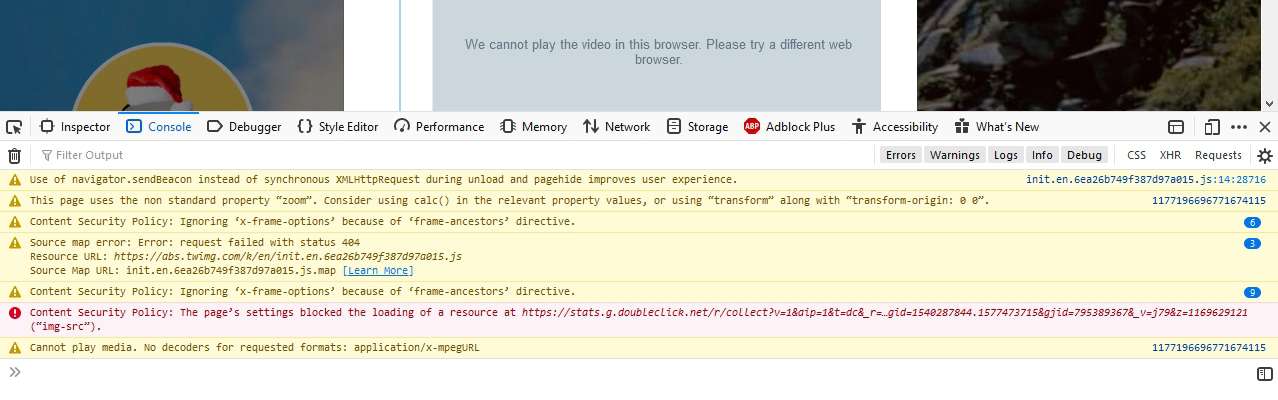
There appears to be something there when I try to play a video on Twitter.
Cannot play media. No decoders for requested formats: application/x-mpegURL
On youtube I dont think it says anything about the media.
Wubrane rozrisanje
Alright so I figured it out. Apparently Firefox didn't automatically enable all video codecs for some reason. God knows why. I had to go into the configuration screen (type about:config in the address bar without the quotation marks), then filter on media.me and set all the things that were set to 'false' to 'true'.
slomesjakie said
Alright so I figured it out. Apparently Firefox didn't automatically enable all video codecs for some reason. God knows why. I had to go into the configuration screen (type about:config in the address bar without the quotation marks), then filter on media.me and set all the things that were set to 'false' to 'true'.
Hey man, I tried this way but still Twitter videos won't load. It's a bit annoying, have I did things as u explained? https://imgur.com/a/OpPQVE3