


Upon updating and running the newest firefox, none of my search history is available or able to be generated new (for autofill, and simplicity of web navigation

There was a Firefox update. I installed it, but it couldn't boot with the old version running. I closed it, the update finished, and I had a beautiful new UI with all my saved websites (cookies) and passwords. Upon closing and re-opening the program, all the updates were gone, and I was prompted, again, to install the "latest" version of firefox. I jumped through all hoops again, assuming it was a hot-fix, and again the program was perfect until i restarted it. I rebooted my computer to no avail, the pattern maintained. I signed up to sync accounts on one update and proper firefox, and it worked... until i reopened the program. Ive checked permissions, and Firefox is allowed access as per necessidy with windows 10, and tried every permutation of install, reboot, and run that I could fathom, and am presently stumped. help? Jared
Wubrane rozrisanje
Please go into your control panel, go to add / remove programs, and see if there are multiple versions of Firefox. Remove all but the latest (63.0.3)
Tutu wotmołwu w konteksće čitać 👍 1Wšě wotmołwy (5)
You are using a very old version of Firefox (47). The current version is 63.0.3. Please download that version from www.getfirefox.com and install it, then let us know if your data is still missing.
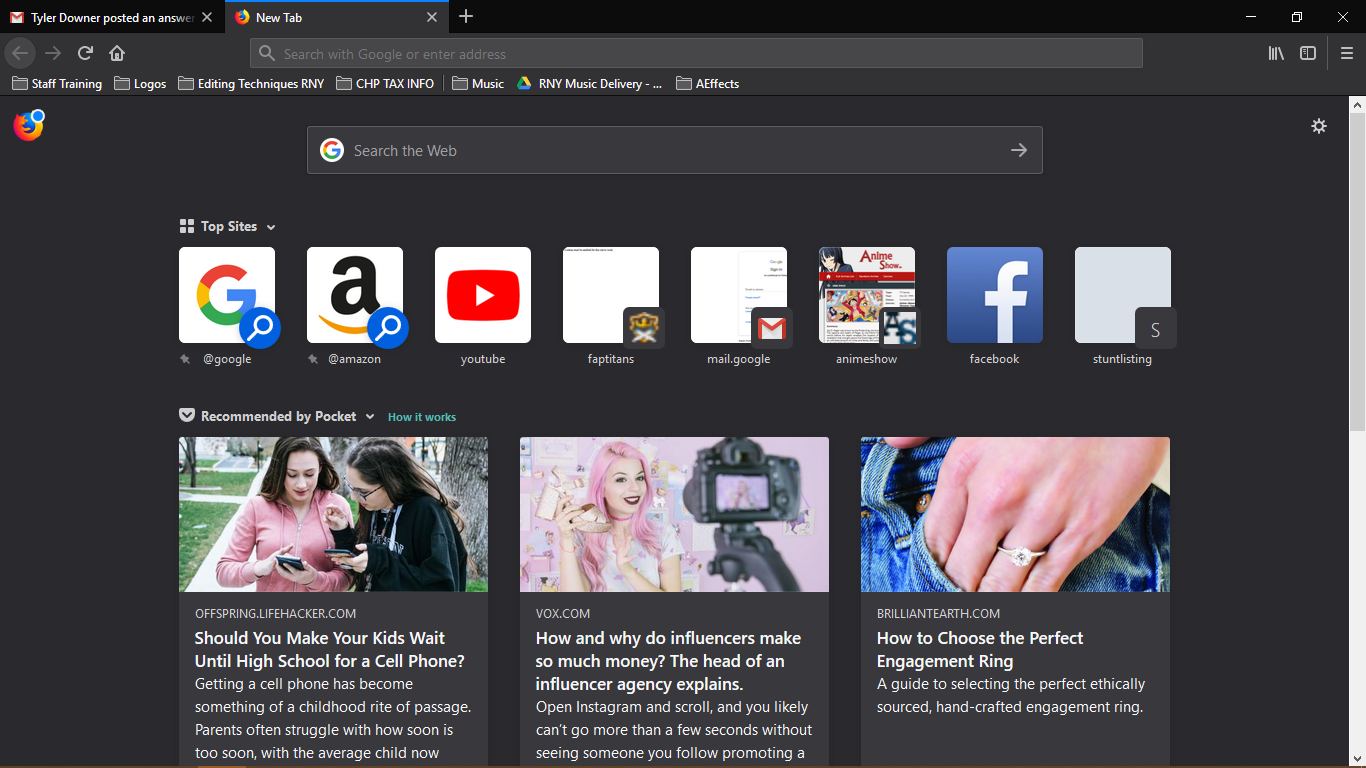
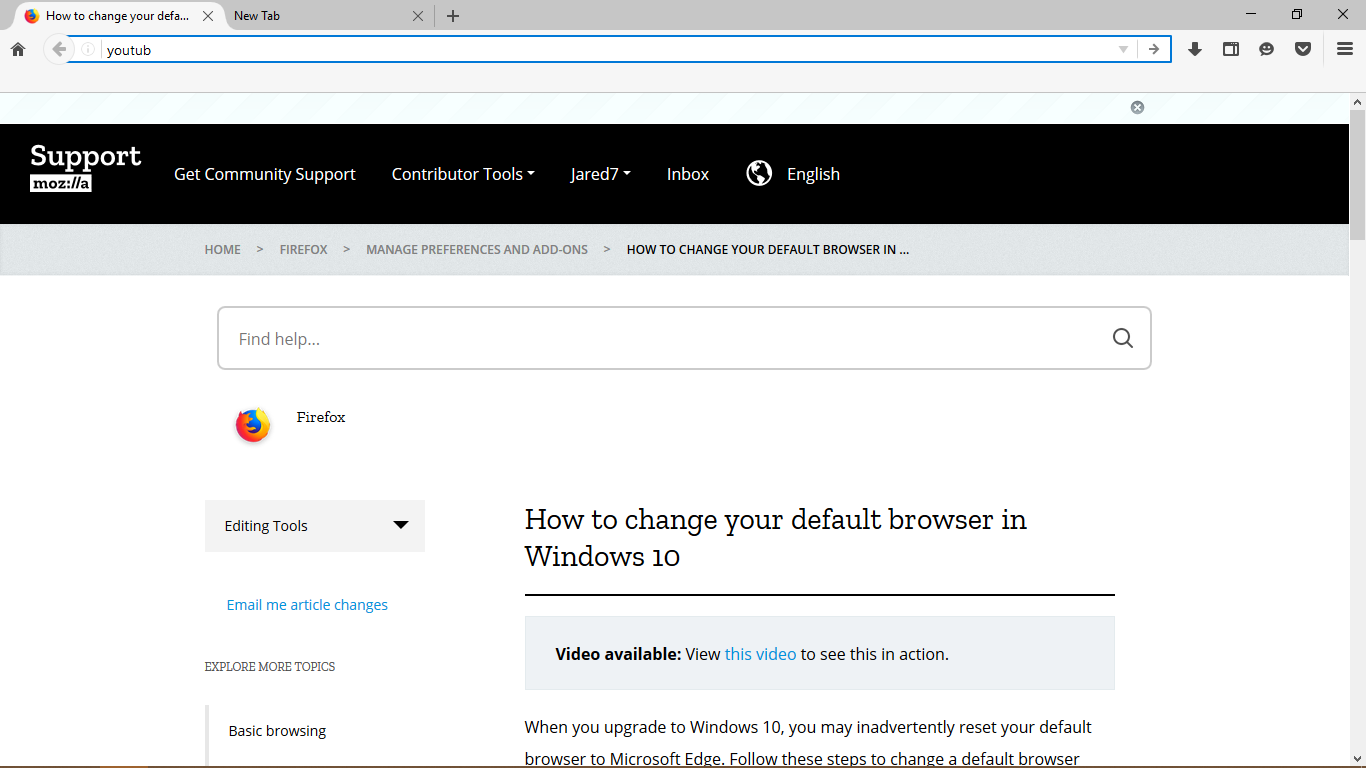
Ok, so atm I'm running the latest update. I'm hoping this will show as i respond here, but i'll also try to take some screenshots. When I reopen Firefox in a min, the program will have regressed into that older version.
Ok, I'm back, and again the program has regressed.
Hopefully this provides more context, and thank you in advance for the help. Jared
Wubrane rozrisanje
Please go into your control panel, go to add / remove programs, and see if there are multiple versions of Firefox. Remove all but the latest (63.0.3)
Don't know how I missed this, but this solved the issue for me. Thanks for your help! Jared