


login page for just one site hangs after Firefox upgrade

After the recent Firefox upgrade a couple of days ago, I am unable to get to my Questrade login page. I click login, I get a white page with a message in bottom left hand corner "transferring data from login.questrade.com..." and no further response. I am able to login with MS Edge, and Firefox is able to access all my other websites except this one.
I have run through all the things to try in the Firefox support article "Firefox can't load websites but other browsers can" to no effect.
- cleared cookies & cache
- cleared recent history
- turned off DNS over HTTPS
- Disable IPv6- changed to true
- changed Proxy settings to No Proxy
I've turned off Bitdefender firewall and antivirus apps to no effect and ran a full system scan with Bitdefender. I really don't want to have to use a different browser each time I want to access questrade site. I would really appreciate any advice as to what else I could try to resolve this issue. Thanks so much!
Svi odgovori (6)
Have you tried signing in using a new Private Window to test?
Did the guides suggest trying Troubleshoot Mode (from Help menu) to rule out any "privacy" addon interference?
Hi, yes I tried the private window and also tried to login in troubleshooting mode with no success
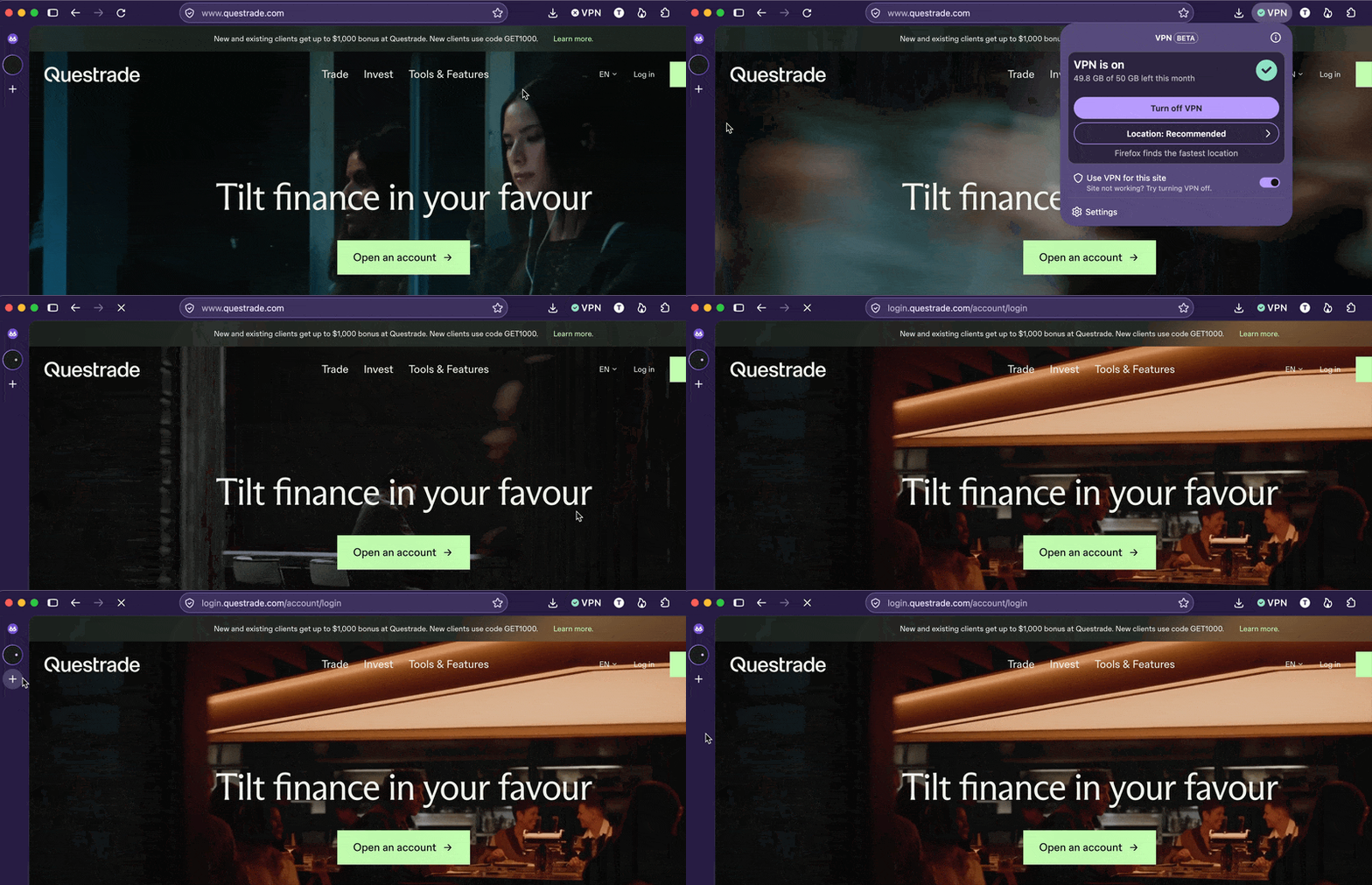
Hi Barry, and do you by any chance use some VPN service? I have no issues accessing the login page, but just tried enabling the built–in VPN feature for good measure and immediately got the loading hang you're describing — potentially a security vendor of theirs stalling the connection as it does not appear residential/consumer enough to them…
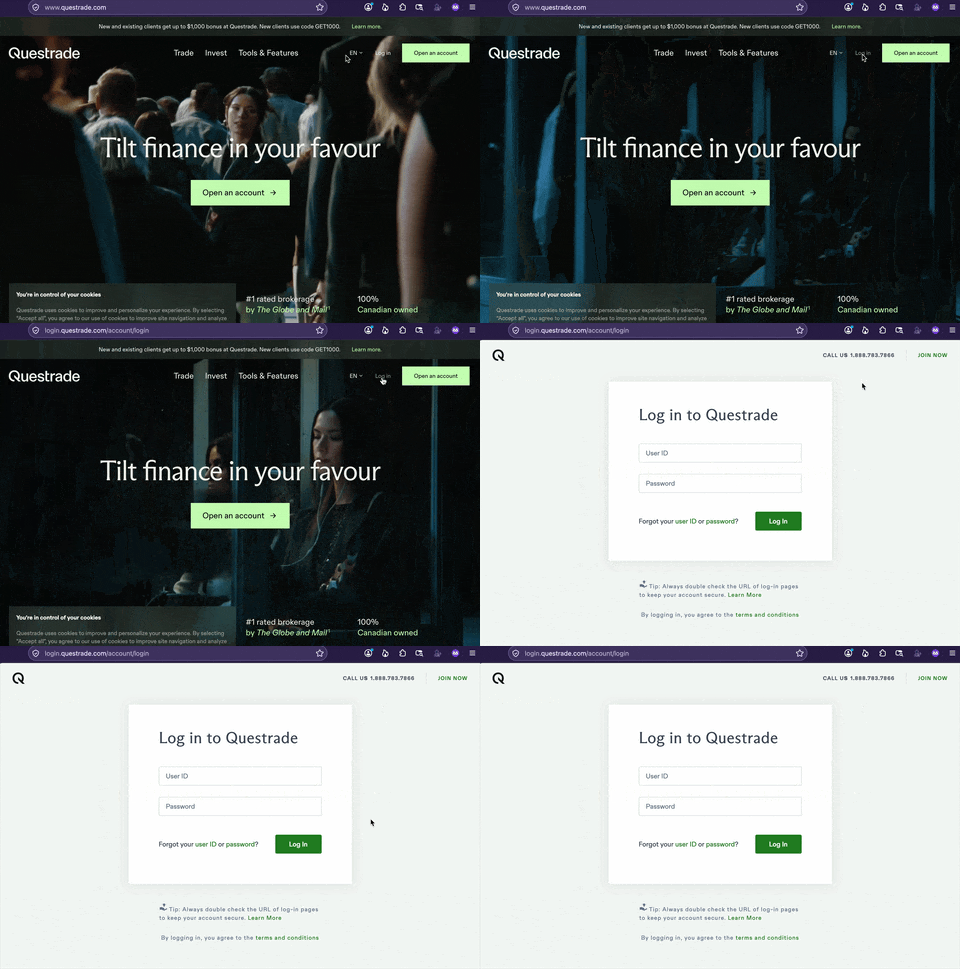
Here's screen capture reaching the login page fine, vs. enabling VPN and getting stuck, if that's your case too:
No I don't use any VPN service. Could it have initiated the VPN service with out me knowing?
I have had to go help a friend and won't have access to my PC for a few days. I will double check whether the VPN service has somehow been activated and send a reply as soon as I get back.
In most cases using a VPN would be equal to "using a dubious IP address", which, in case of your residential IP getting blocked by some vendor, could be verified by using a different connection — like using a wifi of your neighbor, a café, or tethering to a mobile hotspot if you have a data plan you can use to connect with — to see if the issue goes away when you connect using a different provider than your current internet service.