


Disable Google search in look up feature on iOS

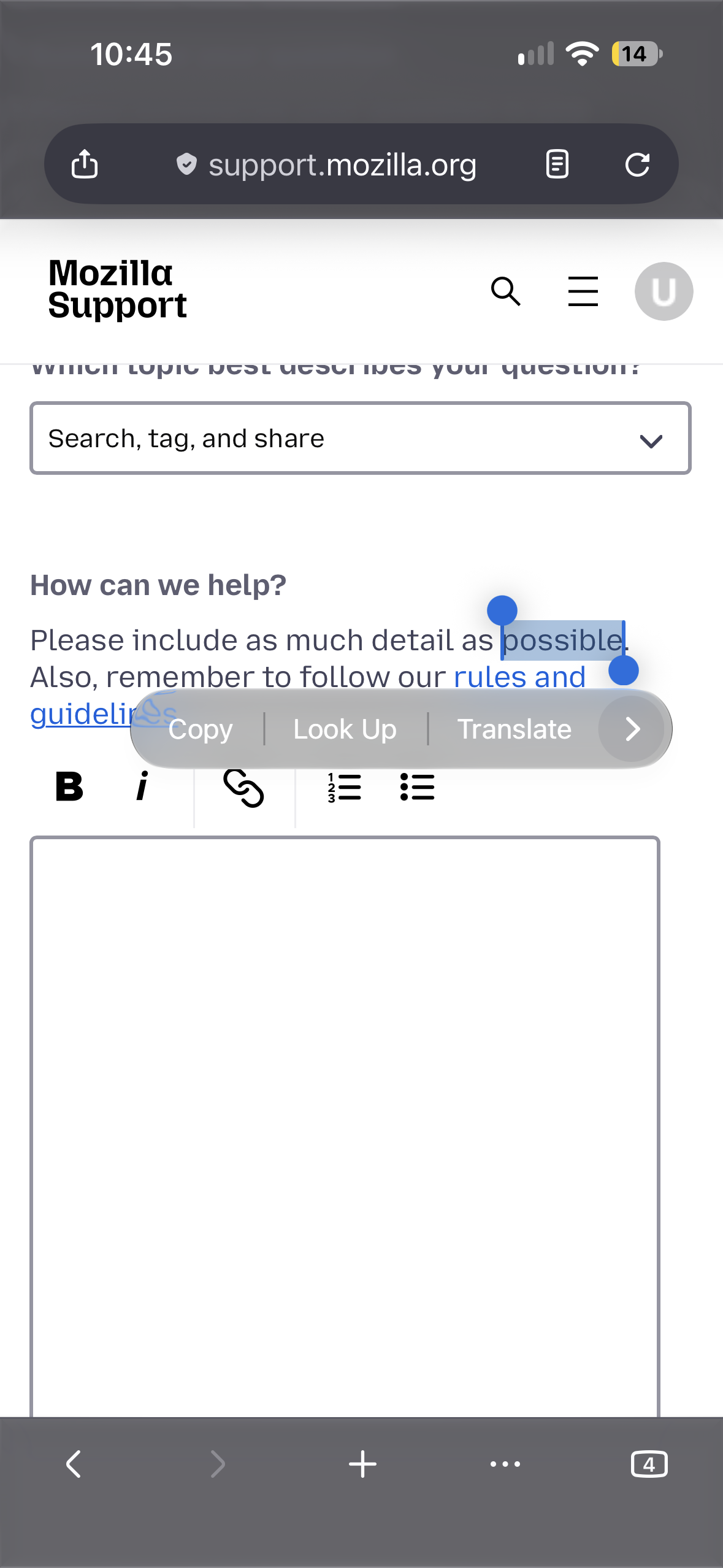
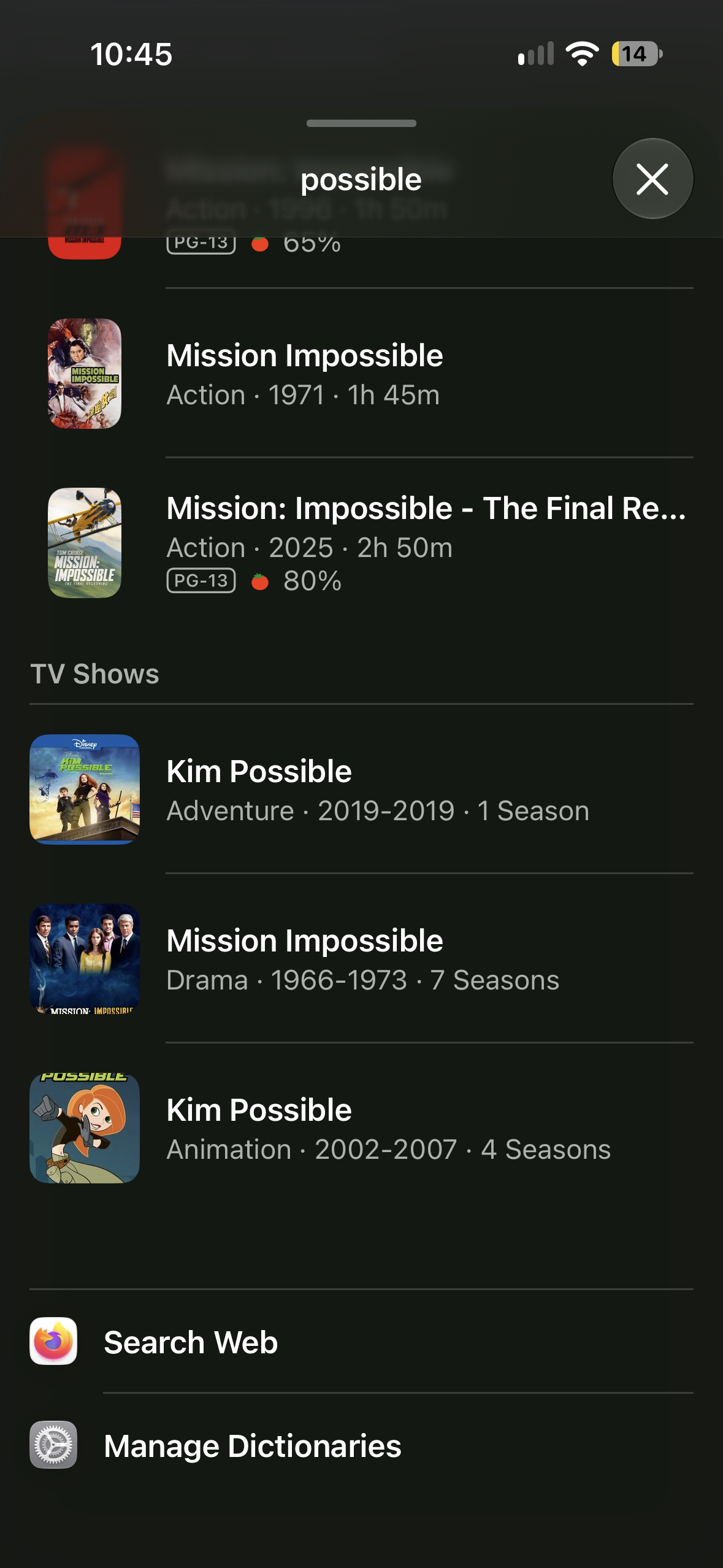
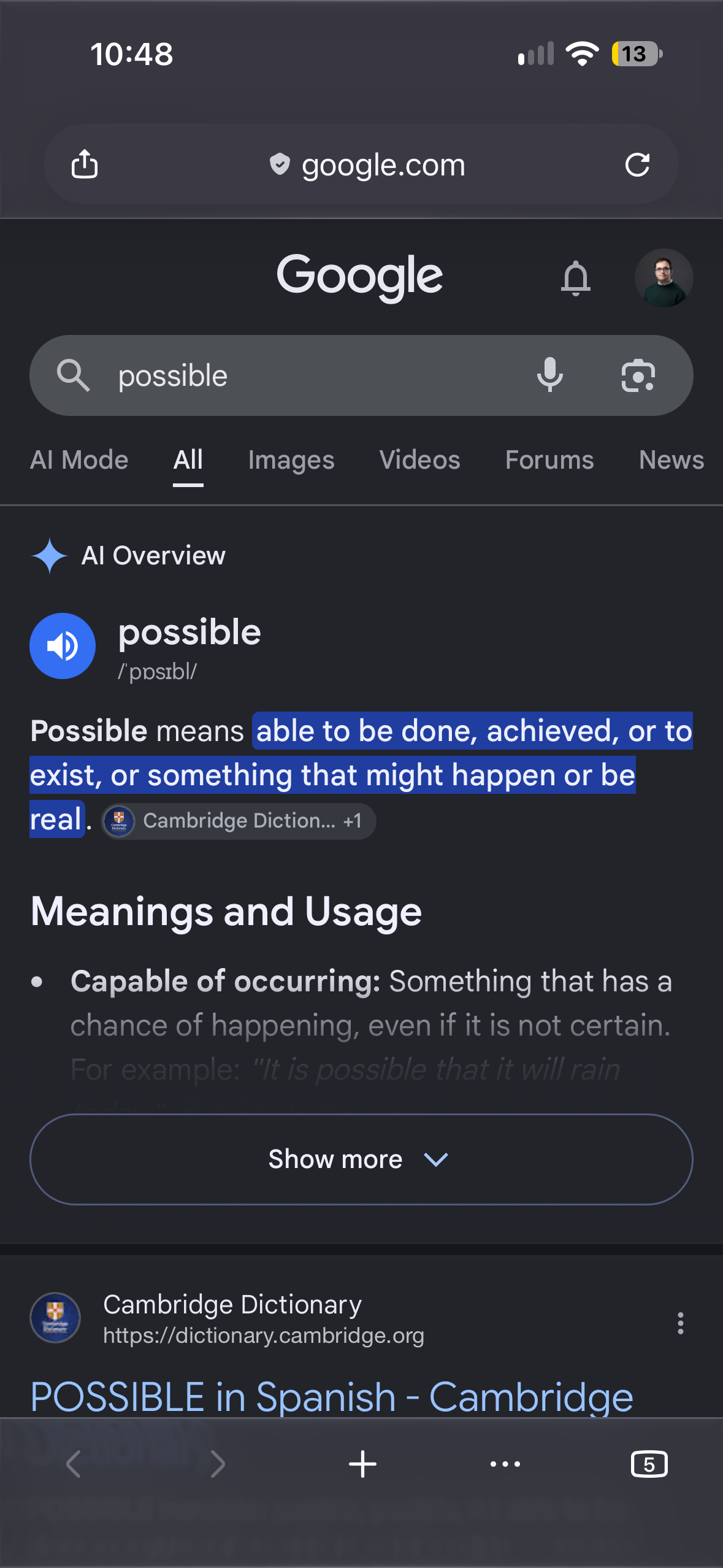
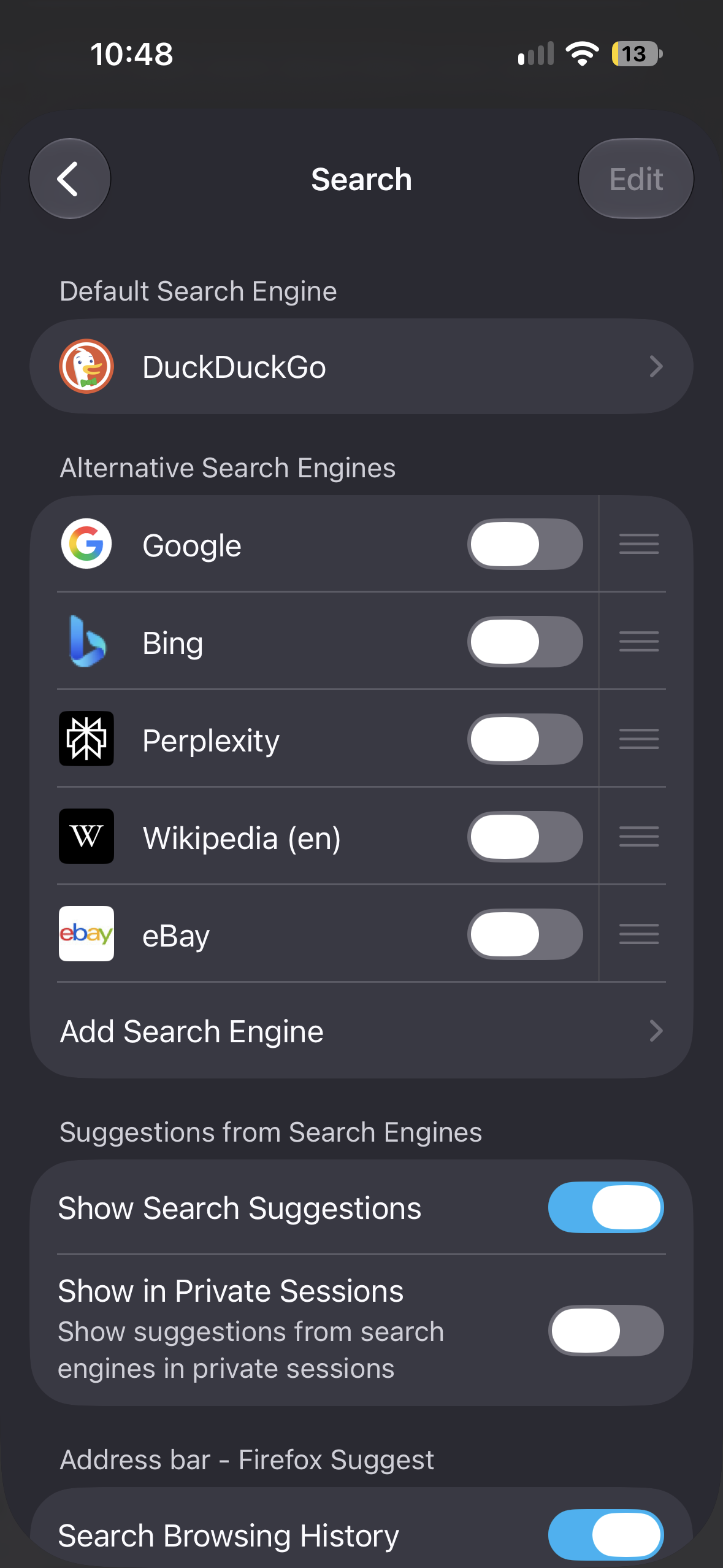
I have DuckDuckGo set as my default search engine on Firefox iOS, but whenever I try using the Look Up feature and then Search, it always gives back results from Google. I even turned off Google Search as one of my preferred search engine, and I still get Google search results. This only happens when I try using Look Up, because it works perfectly fine when I try searching normally. How do I change it, if it can be changed at all?
Odabrano rješenje
Oh, thanks for sharing that context, Jan. I'll go ahead and close the bug since it's certainly not a bug on our end.
Svi odgovori (3)
Hi utbahc,
Thanks for reporting the issue. I can easily reproduce this on my machine. I'm unsure if this is a normal behaviour, but I expect the same thing that it should search using the default search engine, instead. Because of that, I filed this bug report so the team can look into it further.
This is a system–wide feature — it's possible Apple indeed passes that to the default browser, but uses whatever search provider is actually defined for its Safari? 🤷 🙈
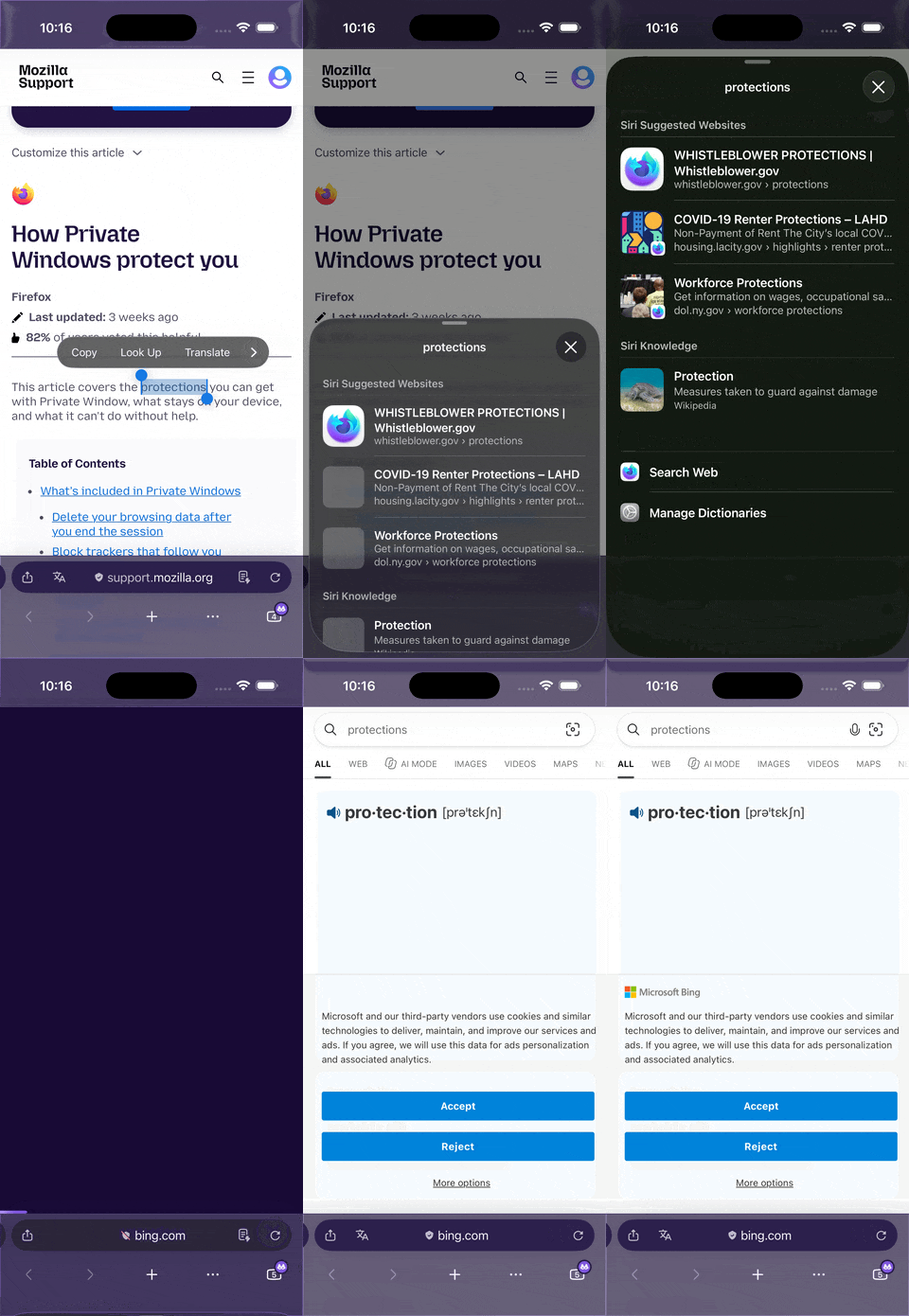
If I go to Safari settings, and change its search provider from Google to Bing (neither of which I have enabled in Firefox), I then get these Siri/system–wide popup definition lookups search in Firefox not using Google, but Bing — so it appears the system menus follow Safari search settings:
Odabrano rješenje
Oh, thanks for sharing that context, Jan. I'll go ahead and close the bug since it's certainly not a bug on our end.