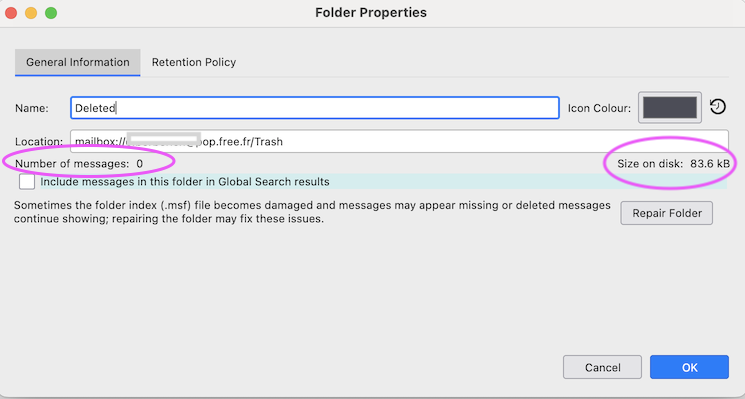
For the past few years I set up archive folders and saved important emails in them. Suddenly the emails have all disappeared although the folders are still there???

Could you please help me restore the emails to my archive folders.
Thanks in advance Adrian
Svi odgovori (3)
Odabrano rješenje
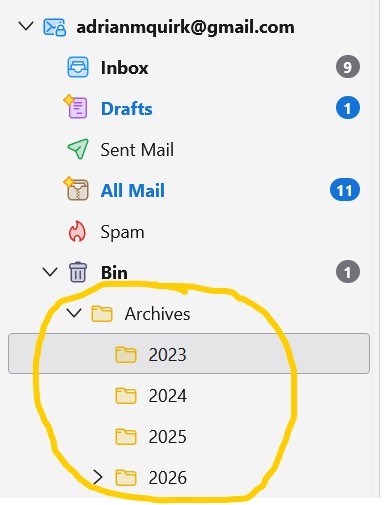
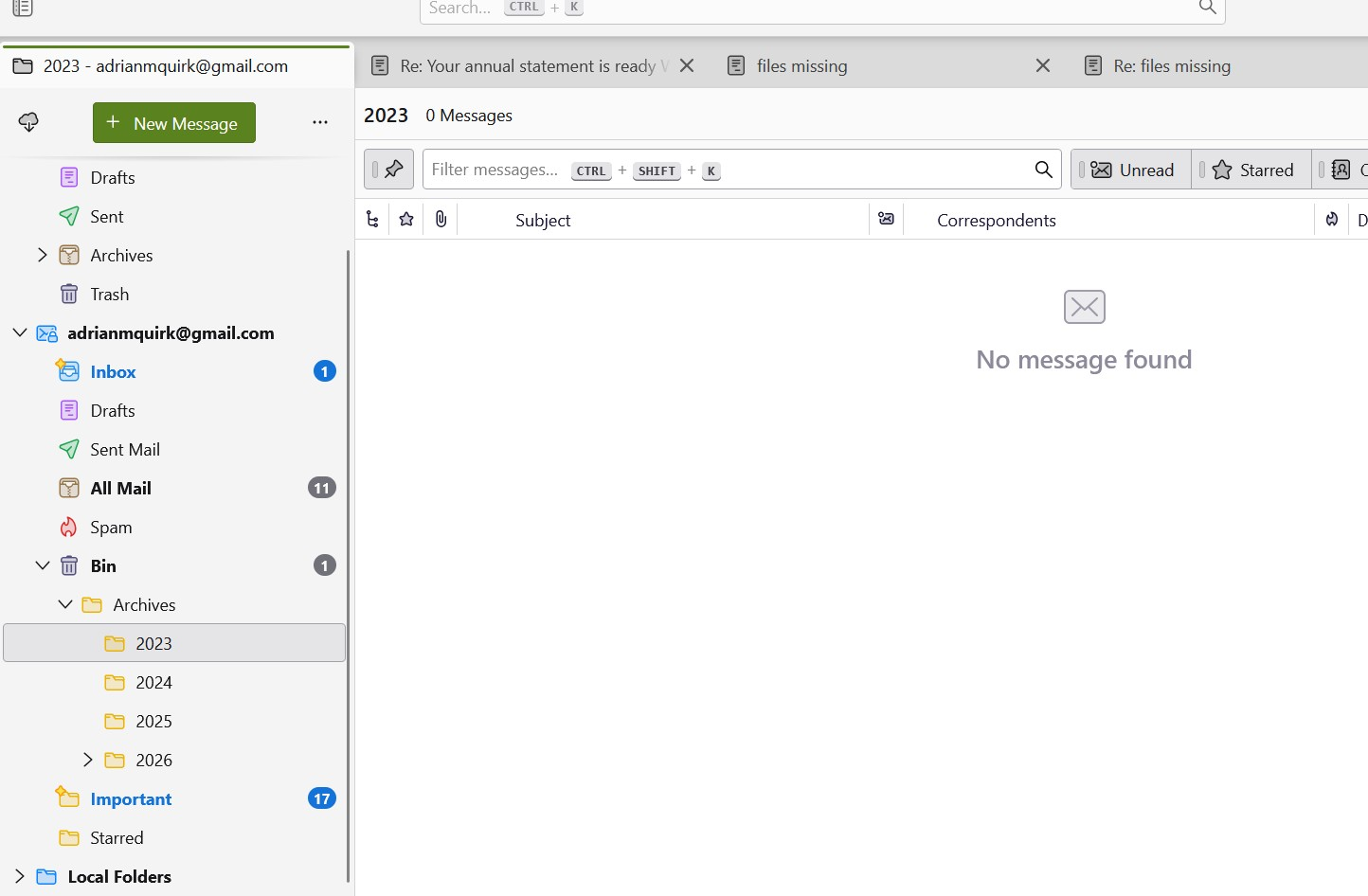
Why are your Archives folders located in the Bin (Trash) folder?
Thanks for your question. I think I have stupidly created the archives folder in the Bin!!! I've added screenshots again but I think I've deleted them by emptying the bin, although it is weird the folders themselves did not delete!
Izmjenjeno od adrianmquirk
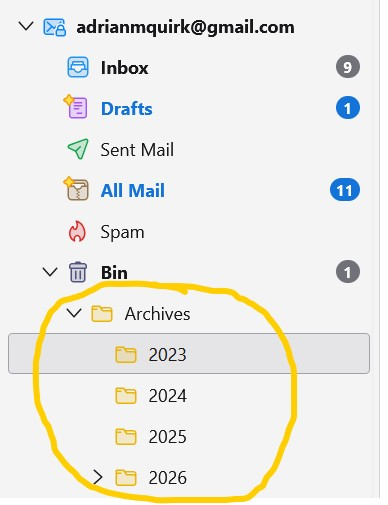
I have no explanation for your misfortune. If you really have created your archives folder and its subfolders in the bin (trash) folder, using the R-click > "Empty Bin" command would have definitively eliminated all messages from the Bin as well as the folder Archives and its subfolders. Just to be sure since we have no further informations about what really happened: R-click on folder 2023 > Properties > General > look up the "Size on disk". Do the same for the other subfolders 2024. ....etc
Do you have a backup copy of your Thunderbird profile?