


Remove old email account

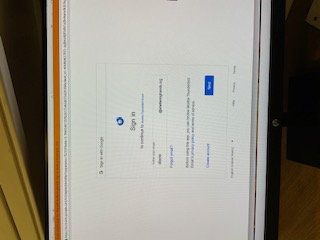
On my PC I continue to get message about long-ago email address. I cannot delete or even sign into this. Address is : diane@shelteringhands.org Any help much appreciated. Thank you.
Svi odgovori (5)

First of all you should modify your post and remove your email address ( you should never post your email address in any forum ).
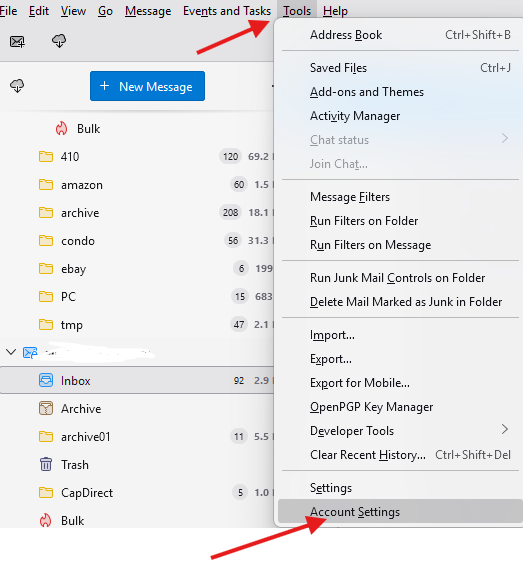
To delete your email account . Click on Tools and then Account Settings, and then Select the account to delete, once the account is selected, look at the far right and you should see Delete button in red. Click on it to delete it.
Cannot find tools.
While your cursor is in Thunderbird, press <Alt> + T
This particular email account has been inactive for a year. I have no access to it but continue to get the message shown above. Hopefully these messages will stop at some future time. Thank you for trying. Diane
The messages will not stop until you delete it. If you click the hamburger menu in upper right (three short stacked lines) you will see the 'account settings' link. If you click that and then click the account in left sidebar, you should see a delete button in upper right.