


Windows 10 reached EOS (end of support) on October 14, 2025. If you are on Windows 10, see this article.

Pretraži podršku

Izbjegni prevare podrške. Nikad te nećemo tražiti da nas nazoveš, da nam pošalješ telefonski broj ili da podijeliš osobne podatke. Prijavi sumnjive radnje pomoću opcije „Prijavi zlouporabu”.

Saznaj više
Solved Arhivirano

Since the last upgrade I have been having a problem with outlook.com/OWA signing in, need to keep clearing cookies

shivaeb

So I have had a favorite URL in Firefox for a decade or more https://www.outlook.com/owa to access outlook.com via web browser. Microsoft in Firefox only since the last upgrade does some weird looking and throws an error saying to try again later. If I delete my cookies for live.com and refresh the link it brings me to the sign in page where I can put in the email/password and it opens fine. If I close the window same thing happens and have to clear cookies, etc. Doesn't have the issue on Chrome or Edge, but thought I would make someone aware something odd is happening there. For now I just am using an alternate link https://outlook.live.com/mail/0/ and it comes up fine but it is not re authenticating again at that point.

Is there something I can do to avoid the error?
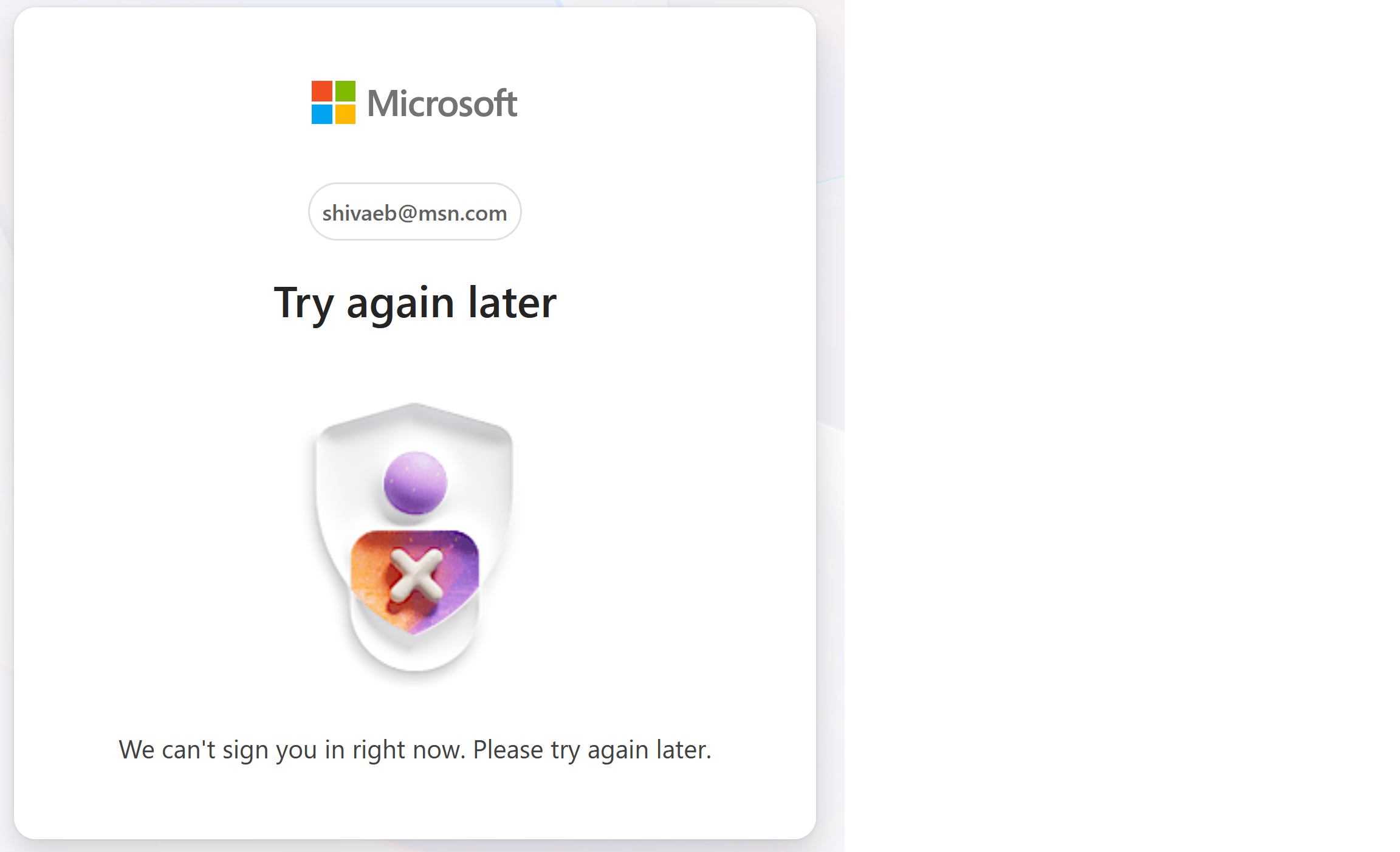
So I have had a favorite URL in Firefox for a decade or more https://www.outlook.com/owa to access outlook.com via web browser. Microsoft in Firefox only since the last upgrade does some weird looking and throws an error saying to try again later. If I delete my cookies for live.com and refresh the link it brings me to the sign in page where I can put in the email/password and it opens fine. If I close the window same thing happens and have to clear cookies, etc. Doesn't have the issue on Chrome or Edge, but thought I would make someone aware something odd is happening there. For now I just am using an alternate link https://outlook.live.com/mail/0/ and it comes up fine but it is not re authenticating again at that point. Is there something I can do to avoid the error?
Priložene slike ekrana

Svi odgovori (1)

Odabrano rješenje

I think you should be using https://www.outlook.com.