


Email Folder Contents Missing

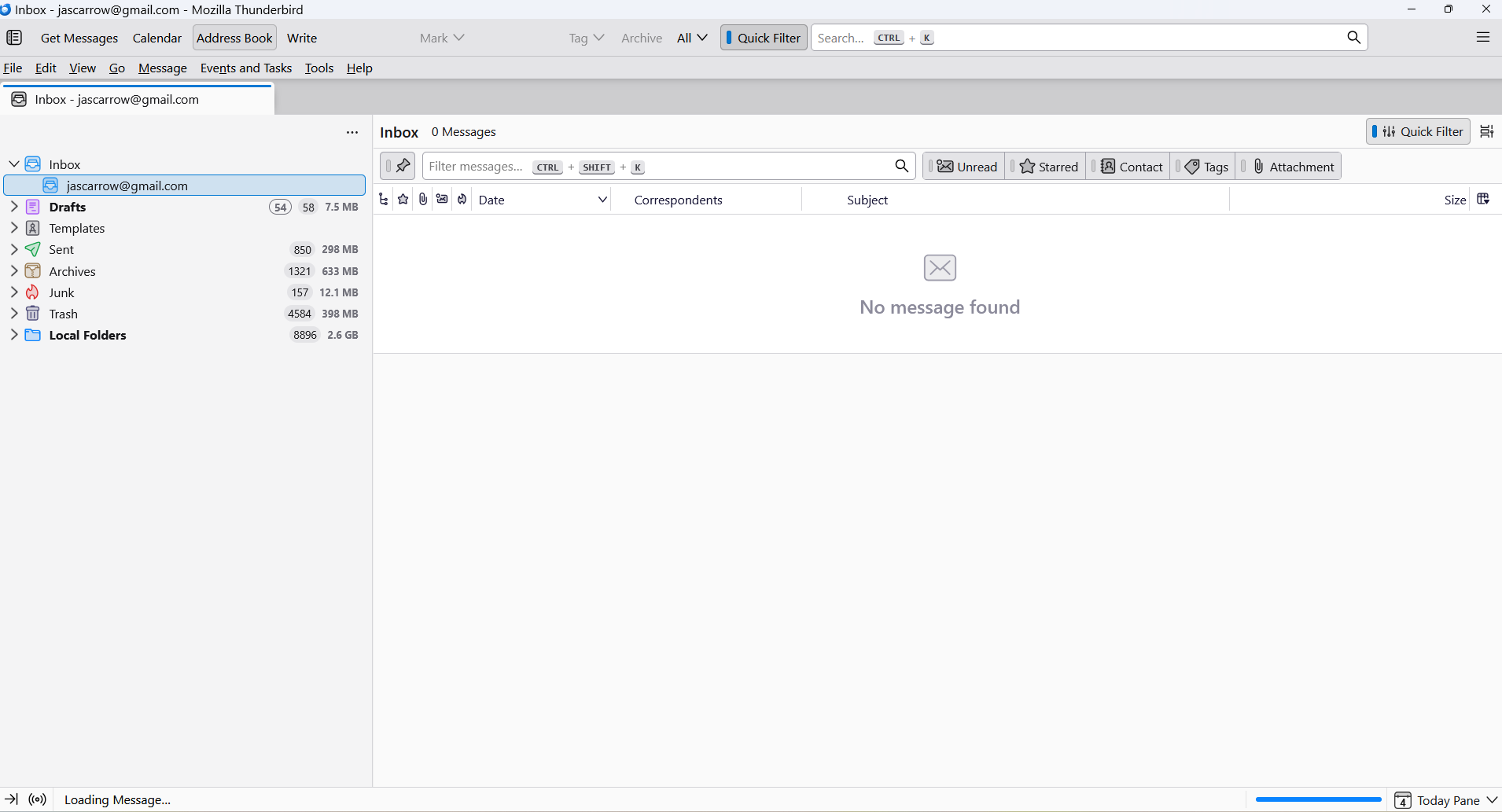
Today after clicking on Get Messages, I noticed my Email account showed all the message headers on the right as usual, but did not show any of the message contents when I clicked on any of them. All I got was an empty message screen. This happened for new and previously existing read messages. The problem was limited to my Email account and did not affect other folders such as Drafts, Sent, Trash, etc. I right-clicked on the Email folder under the Inbox, opened Properties and hit the Repair Folder button, which made all the headers disappear as well! I didn't see any help messages with issues specific and/or limited to just the Email folder in Inbox. Can someone help! Tks, JS
Izabrano rješenje
right click the folder name, select properties and then the repair button.
Pročitaj ovaj odgovor u kontekstu 👍 0Svi odgovori (5)
Odabrano rješenje
right click the folder name, select properties and then the repair button.
As mentioned in my description of the problem, I already did that, and it made the problem worse by making the message headers disappear as well. I should mention Thunderbird is up to date with version 142.0 64 bit
Hi Matt: I haven't heard from you in a while. Are you still with me on this problem? Do you have any questions regarding the problem, or additional suggestions for remediation? Tks, JS
Since I haven't heard from you, I tried my own solution, which was to go to backup and restore the entire Thunderbird user definition stored in the user Appdata>Roaming>Thunderbird folder. This seems to have solved the problem, although whatever bug created the issue remains for others to solve.
Since I haven't heard from you, I tried my own solution, which was to go to backup and restore the entire Thunderbird user definition stored in the user Appdata>Roaming>Thunderbird folder. This seems to have solved the problem, although whatever bug created the issue remains for others to solve.