


Disable "Show search terms instead of URLs" when using the default search engine
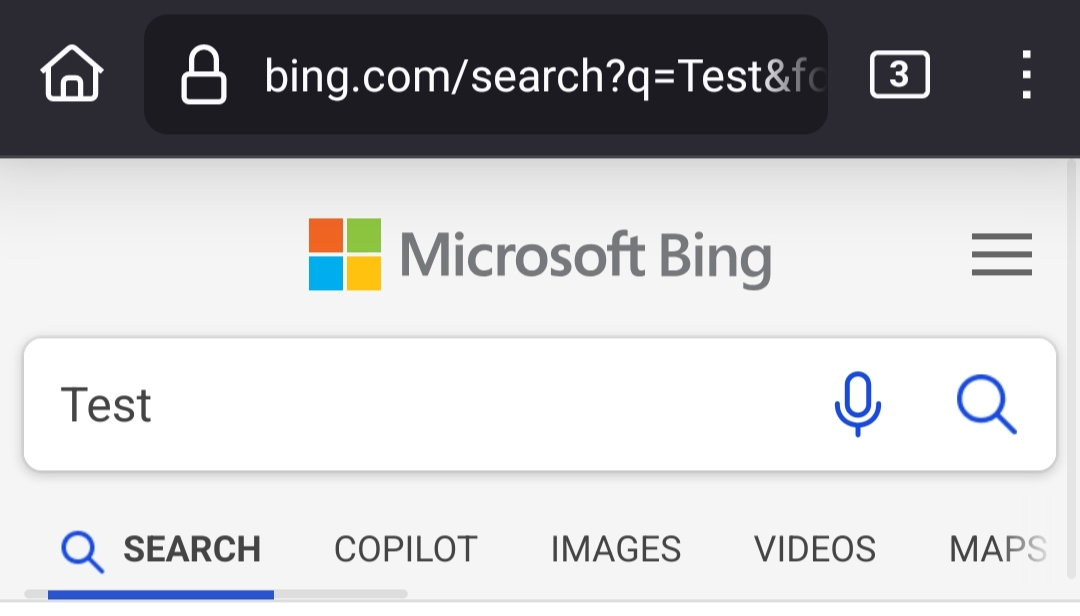
Hello there, currently it is impossible for Firefox on Android to disable the "Show search terms instead of URLs" setting that hides the URL when searching through the address bar with the default search engine. How may I disable this? I'd like to always be shown the full URL everywhere.
Hello there, currently it is impossible for Firefox on Android to disable the "Show search terms instead of URLs" setting that hides the URL when searching through the address bar with the default search engine. How may I disable this? I'd like to always be shown the full URL everywhere.

Svi odgovori (1)
Hey Ekto, When you are using Google, it will always just show the search term instead of the full URL unless you are using google.com.