


[Some] Remote images don't display in messages

When viewing an email message remote images often don't display. Instead, the alternate text is displayed or a rectangle with a broken image icon is shown.
If the email message has a "View this email in your browser link" and I click it the images appear.
I have enabled View > Message Body As > Original HTML View > Display Attachments Inline
I have searched support and while I have seen others report this problem in archived threads I have not found any solutions that work for me.
Please see attachments.
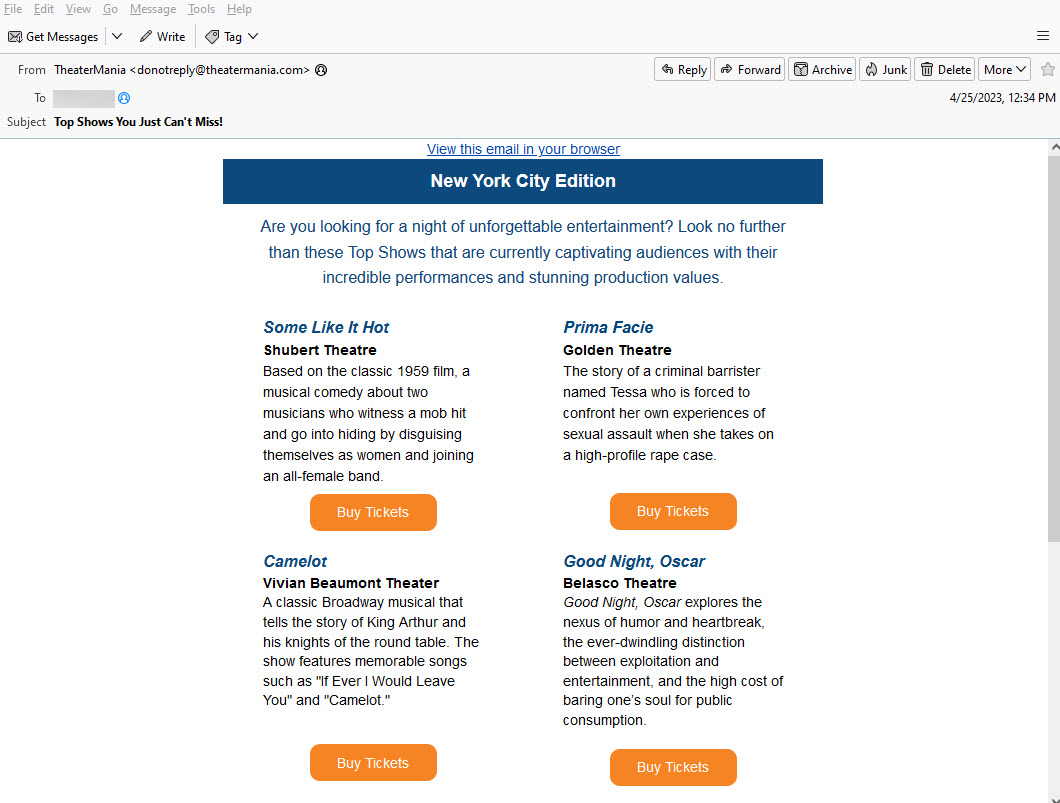

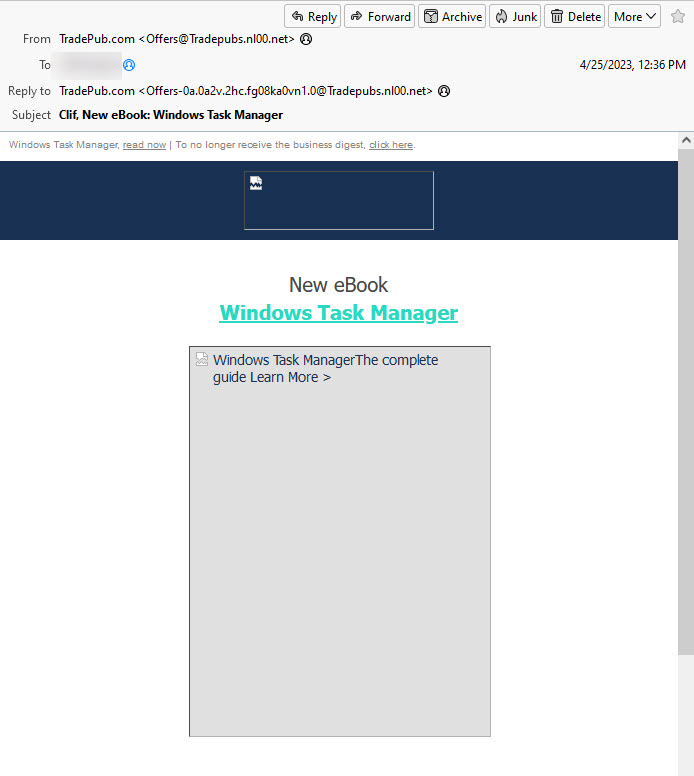
Svi odgovori (5)
under privacy&security, do you have the box checked to allow remote messages?
In Settings > Privacy & Security > Privacy > Mail Content I have checked "Allow remote content in messages."
What's even worse is that for old messages that I previously could see the images they now have gone missing. Please help!
Does this happen for all messages, or just some? If you have one that shows broken images, and if it is nothing personal, would you mind redirecting (not forwarding) to me at davidthunderbird at gmx dot com ?
The problem seems to have been resolved. Thank you for your assistance.