


Why can't my firefox account sync data?

I haven't logged in to my firefox account for more than 3 years. I downloaded the latest version (109.0.1) today. After logging in, there is no data sync. After clicking the "sync now" button, it becomes gray syncing...., just After a few seconds, it returns to "sync now", and no data can be sync. How to solve it? Thanks
Svi odgovori (14)

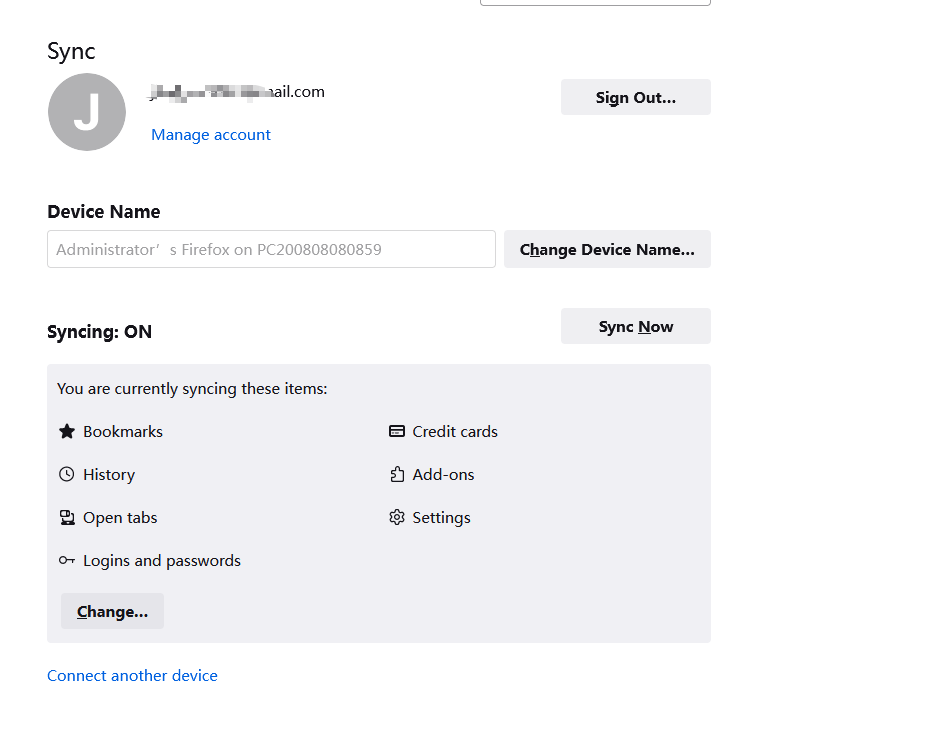
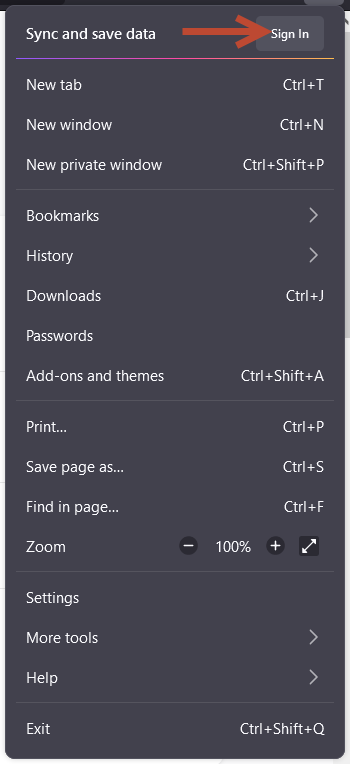
Did you try to sync from the "logged out" state? Like on the screenshot?
Alex R said
Did you try to sync from the "logged out" state? Like on the screenshot?
I don't understand, how to sync from the "logged out" state? If you want to sync data, you have to log in first.
Izmjenjeno od joegood1
Hi
Is the data syncing to your second copy of Firefox?
joegood1 said
Alex R said
Did you try to sync from the "logged out" state? Like on the screenshot?I don't understand, how to sync from the "logged out" state? If you want to sync data, you have to log in first.
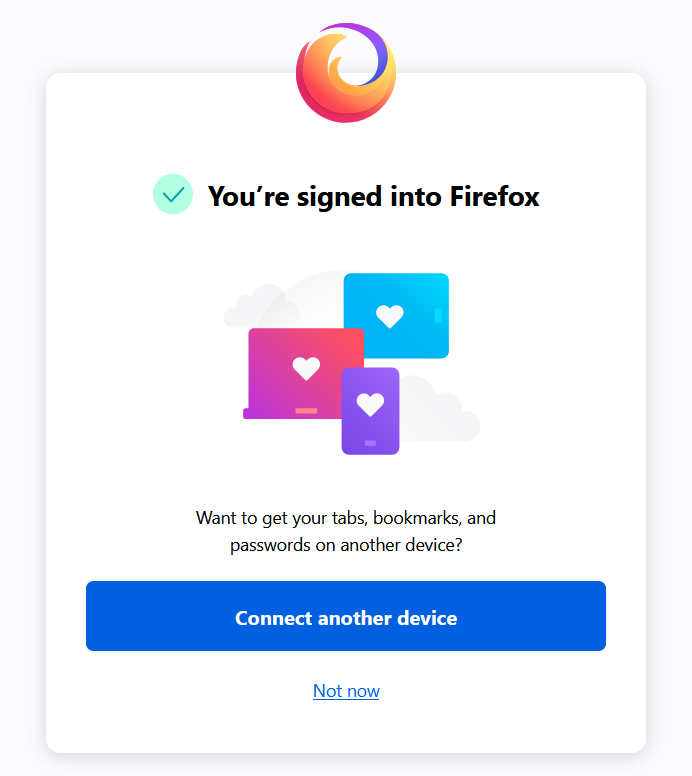
Ok, did you already have a synced device? After login, the Firefox offers to "connect another device" (on the screenshot), the same button you have on your screenshot. In order to sync other device, you need to login to Firefox account on your main device and then click "connect another device".
Izmjenjeno od Alex R
Alex R said
joegood1 said
Alex R said
Did you try to sync from the "logged out" state? Like on the screenshot?I don't understand, how to sync from the "logged out" state? If you want to sync data, you have to log in first.
Ok, did you already have a synced device? After login, the Firefox offers to "connect another device" (on the screenshot), the same button you have on your screenshot. In order to sync other device, you need to login to Firefox account on your main device and then click "connect another device".
i don't have a synced device,Is there any other way?
Paul said
Hi Is the data syncing to your second copy of Firefox?
What does second copy of Firefox mean?
Another copy of Firefox on another computer or on a mobile device. Firefox Sync is designed to sync bookmarks between devices, not as an online backup.
Paul said
Another copy of Firefox on another computer or on a mobile device. Firefox Sync is designed to sync bookmarks between devices, not as an online backup.
But I only had one device before, and I could log in with a PC and successfully synchronize data. This account has not been logged in for more than 3 years. After I logged in a few days ago, I found that the data could not be synchronized.
You can open about:sync-log via the location bar to see if recent Sync logs are available. You can upload the file to a website like Pastesite if you can't post the content of the file in a reply.
cor-el said
You can open about:sync-log via the location bar to see if recent Sync logs are available. You can upload the file to a website like Pastesite if you can't post the content of the file in a reply.
I have uploaded the log, please take a look, thank you. https://pastesite.org/view/09b5e645
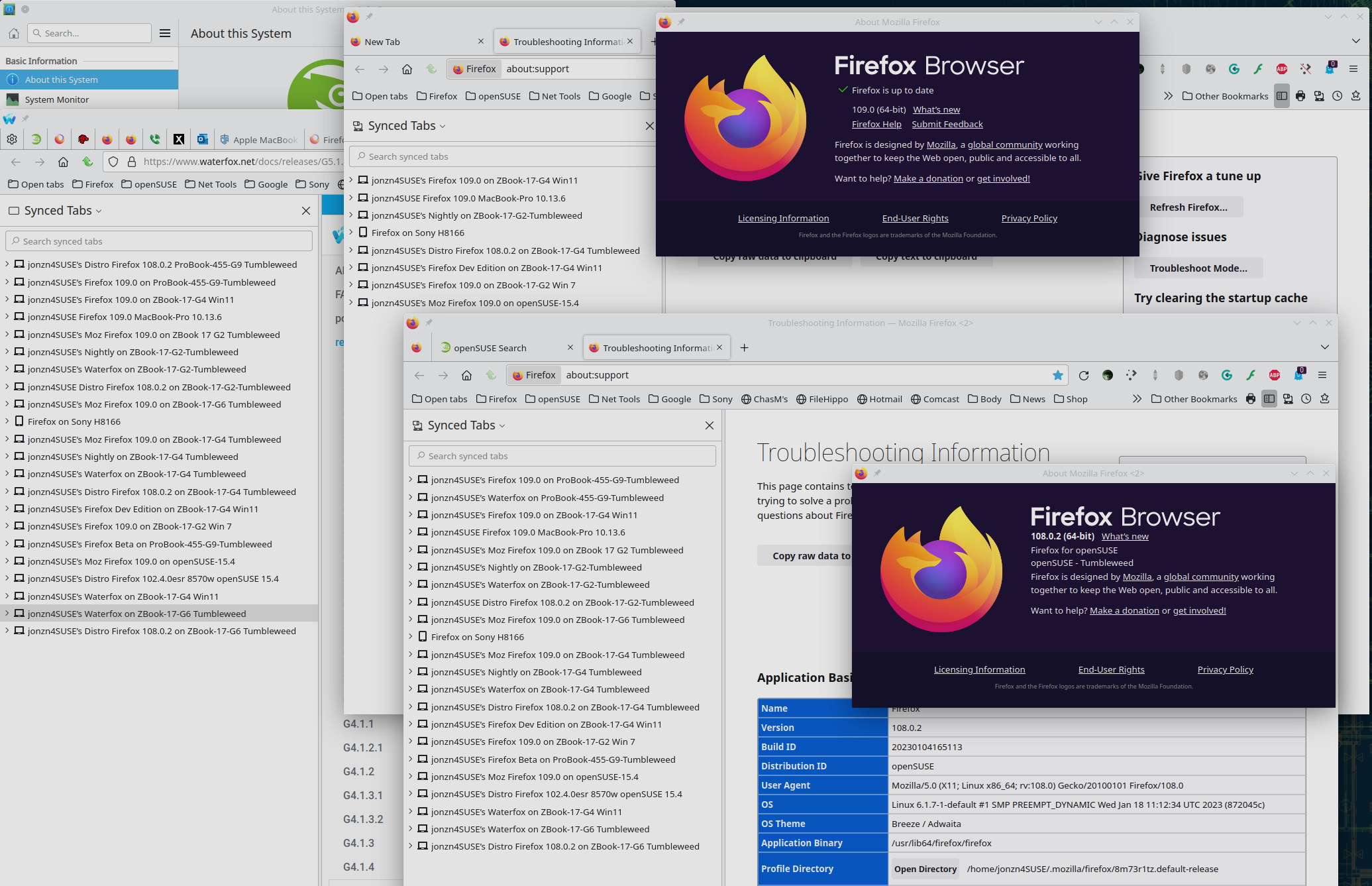
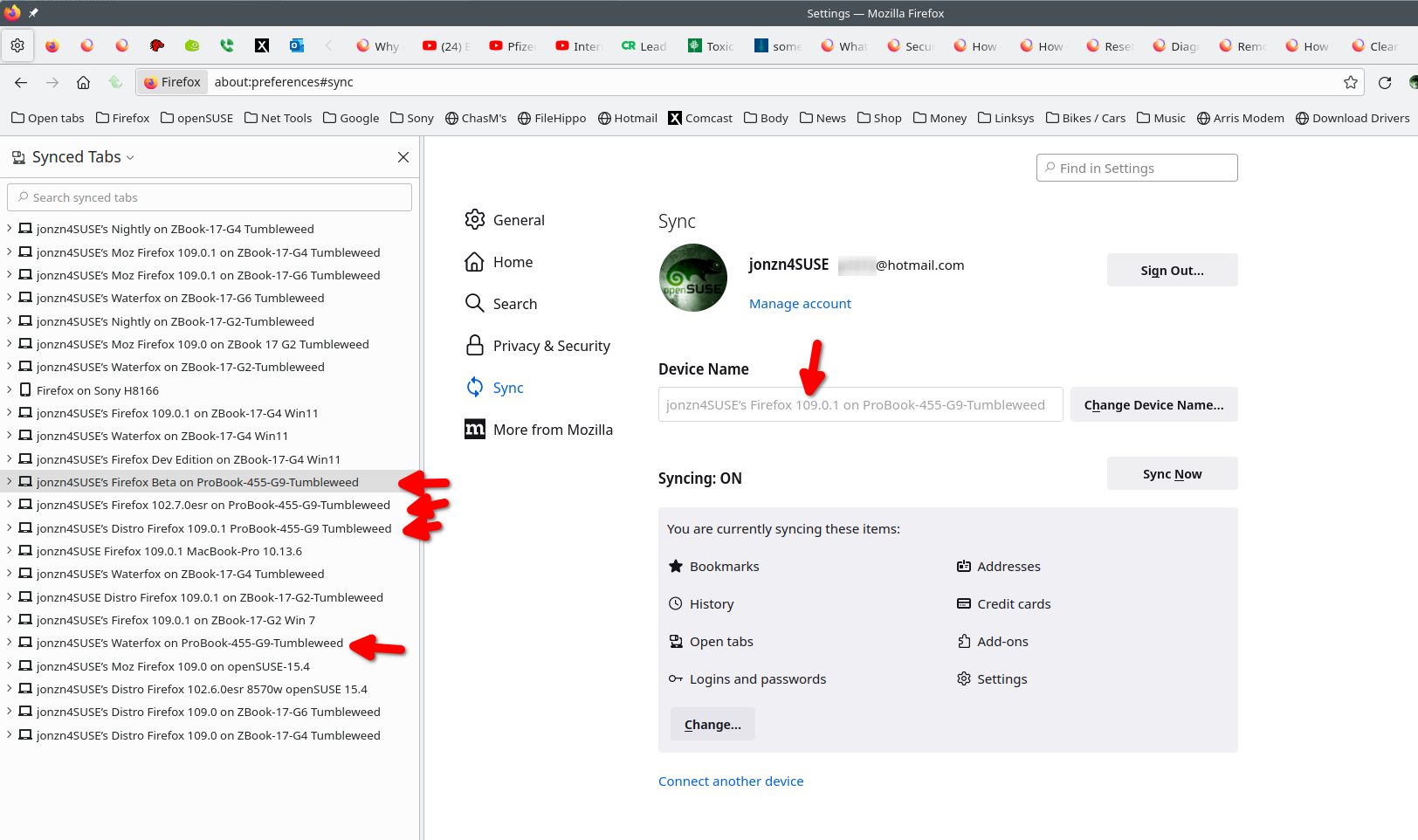
You should download a different version of Firefox like Beta, Dev, Nightly, and even Waterfox to sync with. You should then see your data. Make sure you install in a different directory than your current install. https://www.mozilla.org/en-US/firefox/all/#product-desktop-release It took time for me to see all of my devices with 109. see screenshot
Paul said
Another copy of Firefox on another computer or on a mobile device. Firefox Sync is designed to sync bookmarks between devices, not as an online backup.
Like Paul said, you cannot see synced data with 1 device, but you can see the data with different versions of Firefox on the same device. I'm currently in Firefox 109.1 from Mozilla, but I can see the other versions of Firefox and Waterfox on my G9. see screenshot
jonzn4SUSE said
Paul said
Another copy of Firefox on another computer or on a mobile device. Firefox Sync is designed to sync bookmarks between devices, not as an online backup.Like Paul said, you cannot see synced data with 1 device, but you can see the data with different versions of Firefox on the same device. I'm currently in Firefox 109.1 from Mozilla, but I can see the other versions of Firefox and Waterfox on my G9. see screenshot
I haven't logged in to my Firefox account and using firefox for three years . The version I used three years ago seems to be version 65. Is it related to this?

From what I understand is all your sync data gets deleted when you change your password. Im not sure if you did that?
Which i hope is not the case because I changed my account password and now I have no sync data and I had 4 years of bookmarks and information saved and nothing told me when resetting my password that this would happen.