


Logins don't sync even when told to

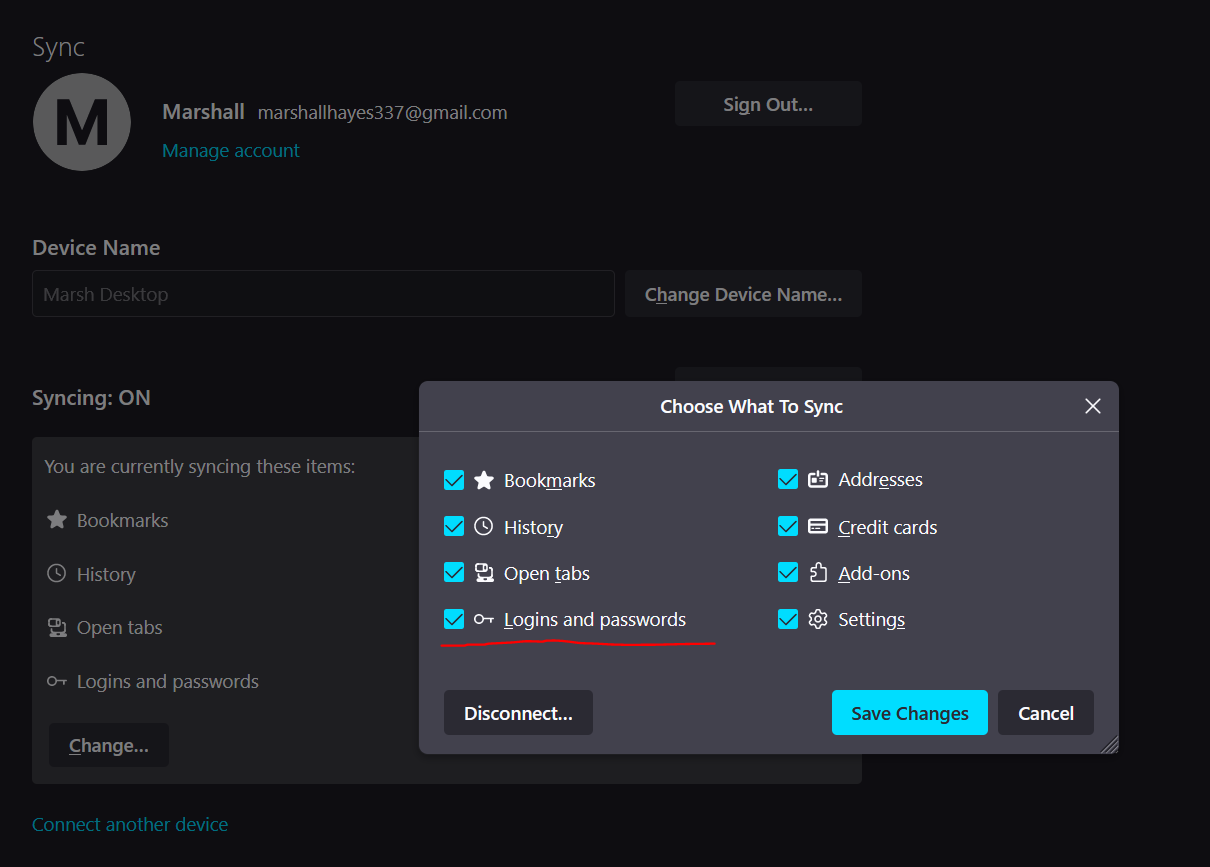
I have logins enabled to be synchronized on my account but they do not synchronize. I've removed and re-added devices. I've made sure both are on the same account. Both computers have the most up-to-date version of Firefox. One has 14 logins the other has 448.
I have logins enabled to be synchronized on my account but they do not synchronize. I've removed and re-added devices. I've made sure both are on the same account. Both computers have the most up-to-date version of Firefox. One has 14 logins the other has 448.


Svi odgovori (1)
Note that logins may not sync if you have used the CSV import feature.
You can install the About Sync extension in Firefox 72 and newer on desktop to check what data is stored on the Sync server via the about:sync page provided by this extension.
Close and restart Firefox to access the about:sync page added by this extension (see the about:about page for possible about pages).