


Email Filters

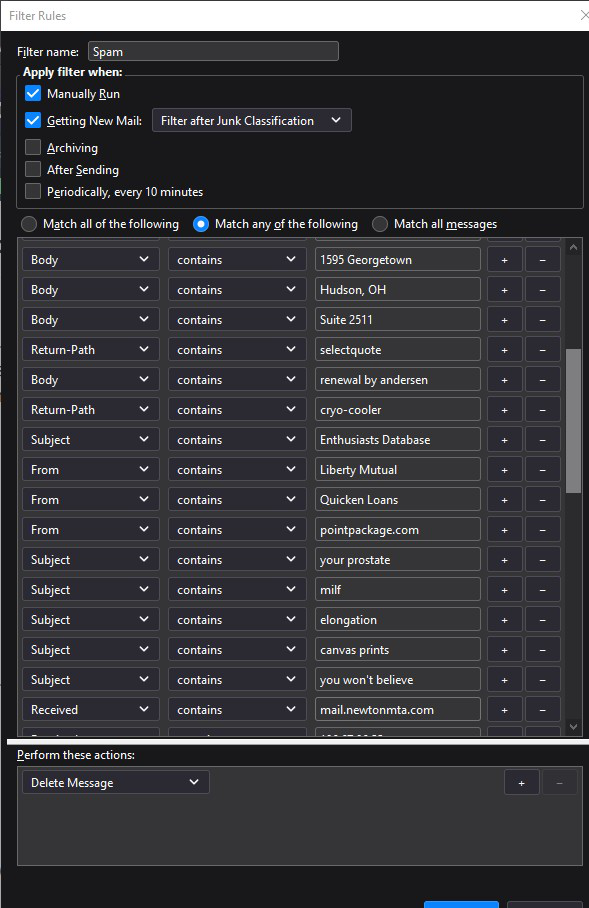
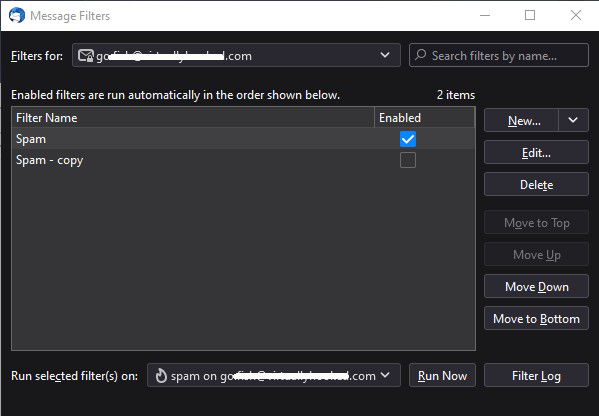
I have one message filter (for the Spam folder) with 50 rules to delete known repeat offenders from the Spam folder. The filter doesn't seem to work at all, even if I try to run the filter manually. Why won't this filter work?
Svi odgovori (3)

Spam messages are a moving target. Trying to fight spam with static filters is futile. Use the built-in junk mail controls instead. https://support.mozilla.org/kb/thunderbird-and-junk-spam-messages
Sure, I can do that. But, that doesn't tell me why none of my filters are working.

BB said
I have one message filter (for the Spam folder) with 50 rules to delete known repeat offenders from the Spam folder. The filter doesn't seem to work at all, even if I try to run the filter manually. Why won't this filter work?
I have had this problem increasingly since the last patch 91.10.0 The older the filter the more likely the auto is to fail even when run manually. What seems to get the filter working again is when I bring up the filter editor and just click OK then RUN. Filters which have been running for many years without fail for long time friends have this failure. -Pv-
Izmjenjeno od pvarn