


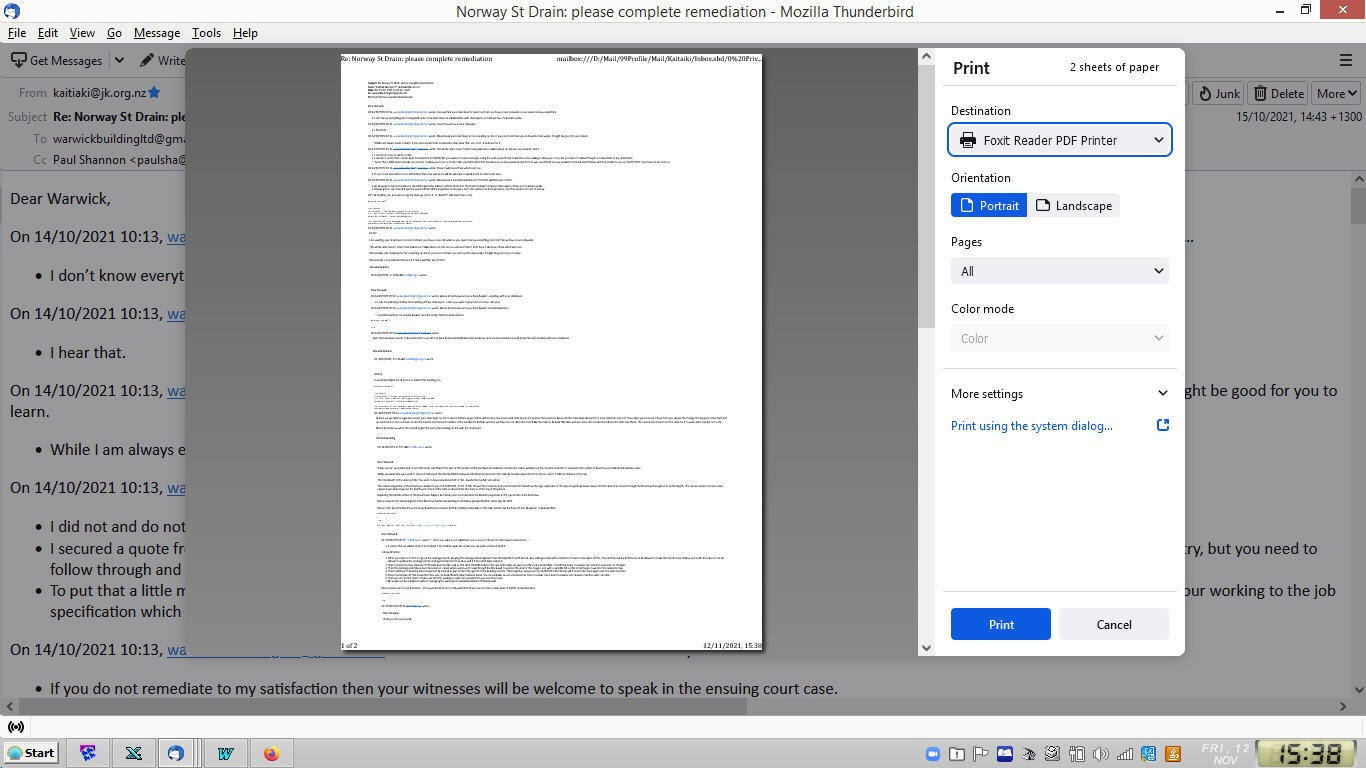
91.3.0 please disable print preview

It is a terrible waste of time trying to print multiple e-mails when Thunderbird defaults to a print preview that insists on overriding the settings of my system default printer.
I know how I want things printed, and that is what preferences of a system default printer are for.
Is there any way to turn off the Thunderbird default to an unwanted print preview under 91.3.0?
Izabrano rješenje
Toggle print.tab_modal.enabled to false in Preferences/General/Indexing/Config. editor.
Printing multiple emails is expected to return in a future 91.x version, but in the meantime there are some workarounds.
Pročitaj ovaj odgovor u kontekstu 👍 0Svi odgovori (1)
Odabrano rješenje
Toggle print.tab_modal.enabled to false in Preferences/General/Indexing/Config. editor.
Printing multiple emails is expected to return in a future 91.x version, but in the meantime there are some workarounds.