


Enter Credentials pop-up instead of usual sign-in for Yahoo Mail

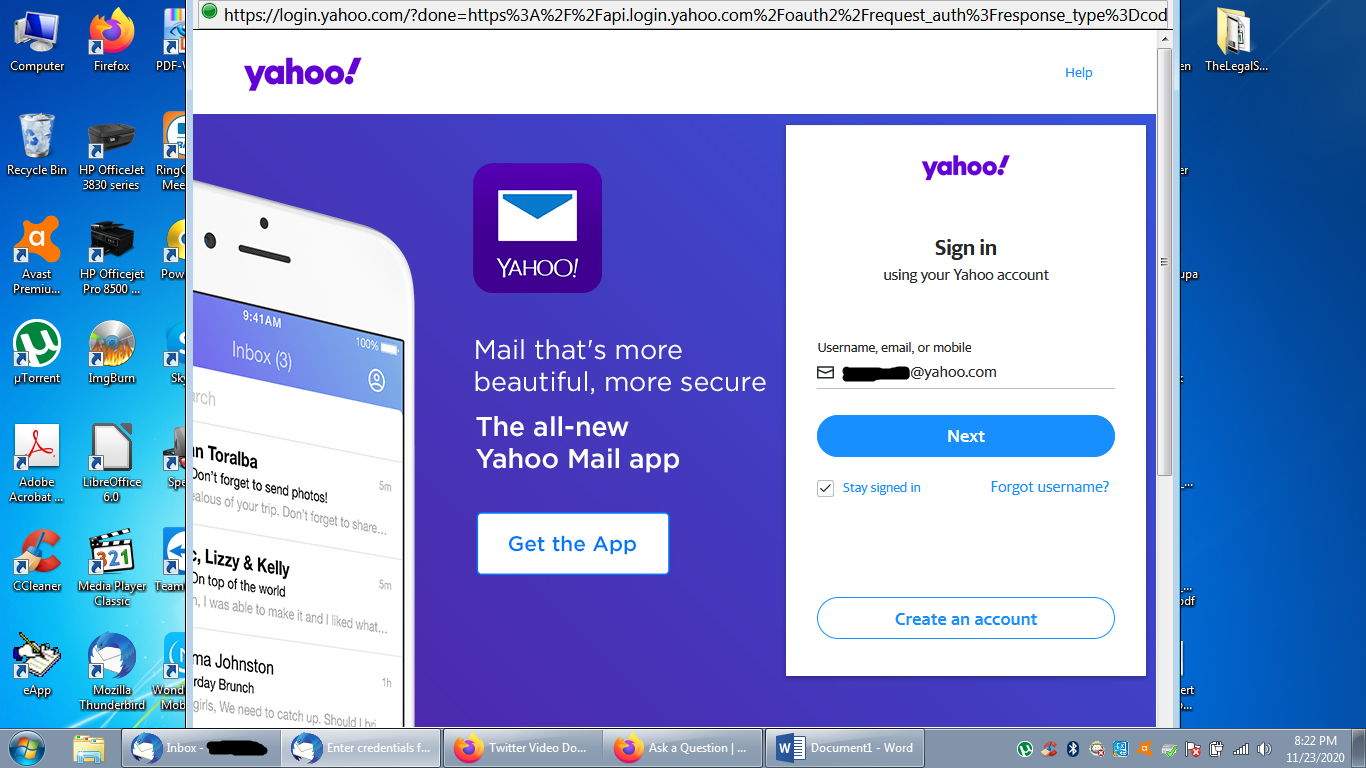
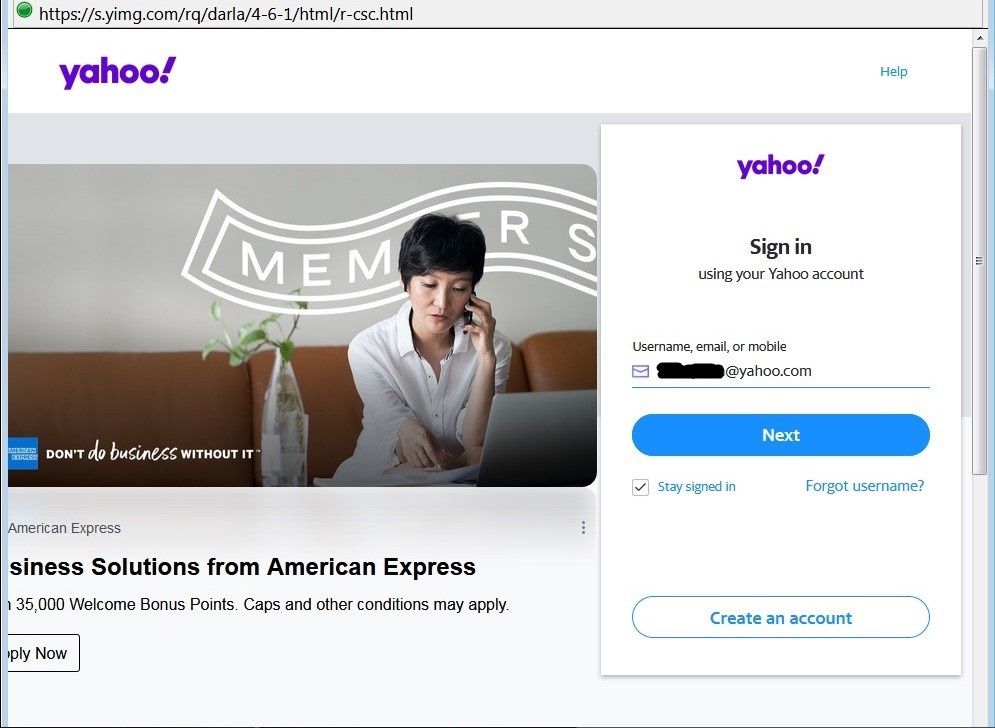
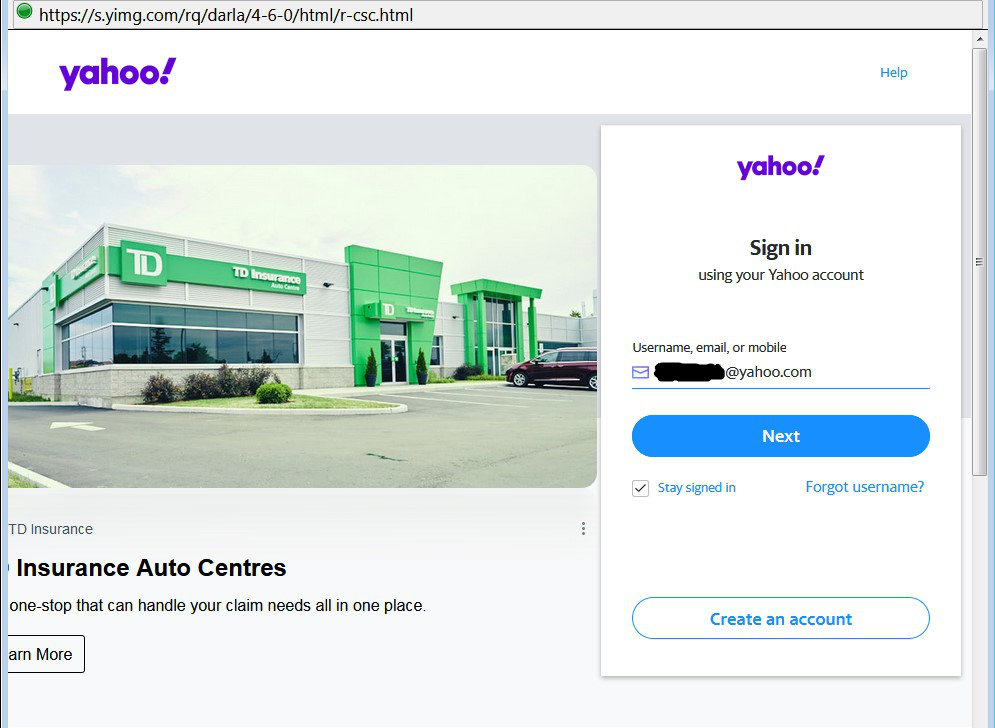
Hi, Could you please help me solve this problem? I have two email accounts set up in my Thunderbird, Hotmail and Yahoo. I recently did the automatic update to Thunderbird version 78.4.0 (and now 78.5.0). Immediately afterwards, it started to behave differently for the Yahoo account. Instead of the usual small window saying: "Enter your password for <username>@yahoo.com", I get a big pop-up window with a commercial advertisement saying "Enter credentials for <username>@yahoo.com on pop.mail.yahoo.com" and asking me to sign into Yahoo. See attached images. The window is very intrusive, does not have a close/exit button in the top right corner, can't be moved or resized and won't stay minimized. I have to right click on the icon window in the task bar and choose "Close window" to get rid of it, but then it pops up again after 10 minutes. This window seems suspicious to me and I don't like it, so I won't enter my password into it. I also don't like the fact that it pops up again every 10 minutes after I close it.
How can I get rid of this window and get the old "Enter password ..." window instead? Thank you.
Svi odgovori (6)
That window appears when the authentication on the Yahoo account is OAuth2, which is the preferred type for Yahoo, AOL, gmail and a few others. Click Next to enter your account password, and then a long token will be stored in Saved Passwords in TB Options.
Are you saying that there is no way to go back to the old "Enter password ..." window? Alternatively, let's suppose that I don't wish to check my Yahoo email account at all. Is there a way to stop this "Enter credentials ..." window from appearing? I want to have the option of not checking the account for new emails without having this intrusive window popping up all the time. Thank you.
Once you complete the authentication, the token is stored and you won't have to go through the process again.
Yes, but the problem with that is that it will then automatically check for new emails when I launch TB. I want to have the ability to click on cancel and avoid checking for new emails. Is that possible?
Start TB in offline mode, from Options/General/Network & Disk Space/Offline...
The token has been stored. No more pop-up window. Thank you.
Going offline on startup would put both of my accounts offline. I want only one of them to not download emails on startup. I found a better solution in Account Settings, Server Settings, and unchecked the box for "Check for new messages at startup", "Automatically download new messages", and similar settings. All good now.
Thank you very much for your help. It's much appreciated.