


Page wont load - redirecting incorrectly
I am developing a website. I have uploaded the files to my webhost server. When I visit the page I get the following error.
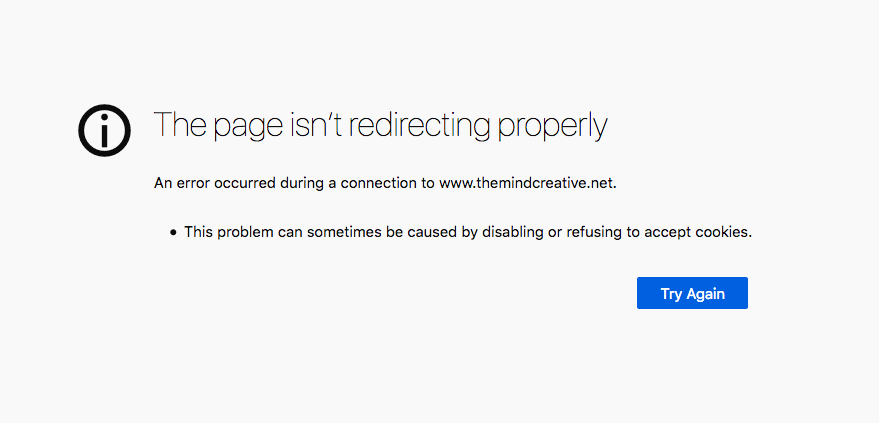
The page isn’t redirecting properly
An error occurred during a connection to www.themindcreative.net.
This problem can sometimes be caused by disabling or refusing to accept cookies.
Never seen this before, been using this webhost for over a decade and numerous websites. This only started with the new website and after the latest Firefox update. I have a support ticket in with Dreamhost but have not heard back.
Obviuosly I cant just allow all cookies - thats ridiculous. Every other website I visit displays just fine and I have most cookies turned off with the strict/strong tracking protection turned on in Firefox preferences.
Any idea what this 'redirect' error message means? And how to fix it?
Cheers Adam
Svi odgovori (1)

I got the same message.
http://kb.mozillazine.org/The_page_isn't_redirecting_properly Not Redirecting properly = cookies
https://support.mozilla.org/en-US/kb/websites-say-cookies-are-blocked-unblock-them