


downloading indicator
Firefox for android has no download indicator bar, it only says downloading.
No way to tell how long will it take and how fast it is downloading.
Please do add and a download indicator with the download progress numerical indicator, just like what you did for firefox for windows.
Izabrano rješenje
Please appreciate that Firefox Preview may have one or two unresolved issues that should be fixed fairly soon.
You are downloading very large files for a mobile device through a servce that you know is going to be slowing the download. I do not know what version of Android you are using, but clearing the cached files from all apps on the device (be careful not to delete data!) will help you device perform better, but beyond this I am not too sure what more we can do to help.
Pročitaj ovaj odgovor u kontekstu 👍 0Svi odgovori (12)
Hi
The download indicator is in Android. When a file is downloading, swipe down from the top of the screen to see an indicator in the Android notification bar that has the download progress.
Thank you for the reply, but I still don't see the download indicator. attached screenshots of what i see on the tablet.
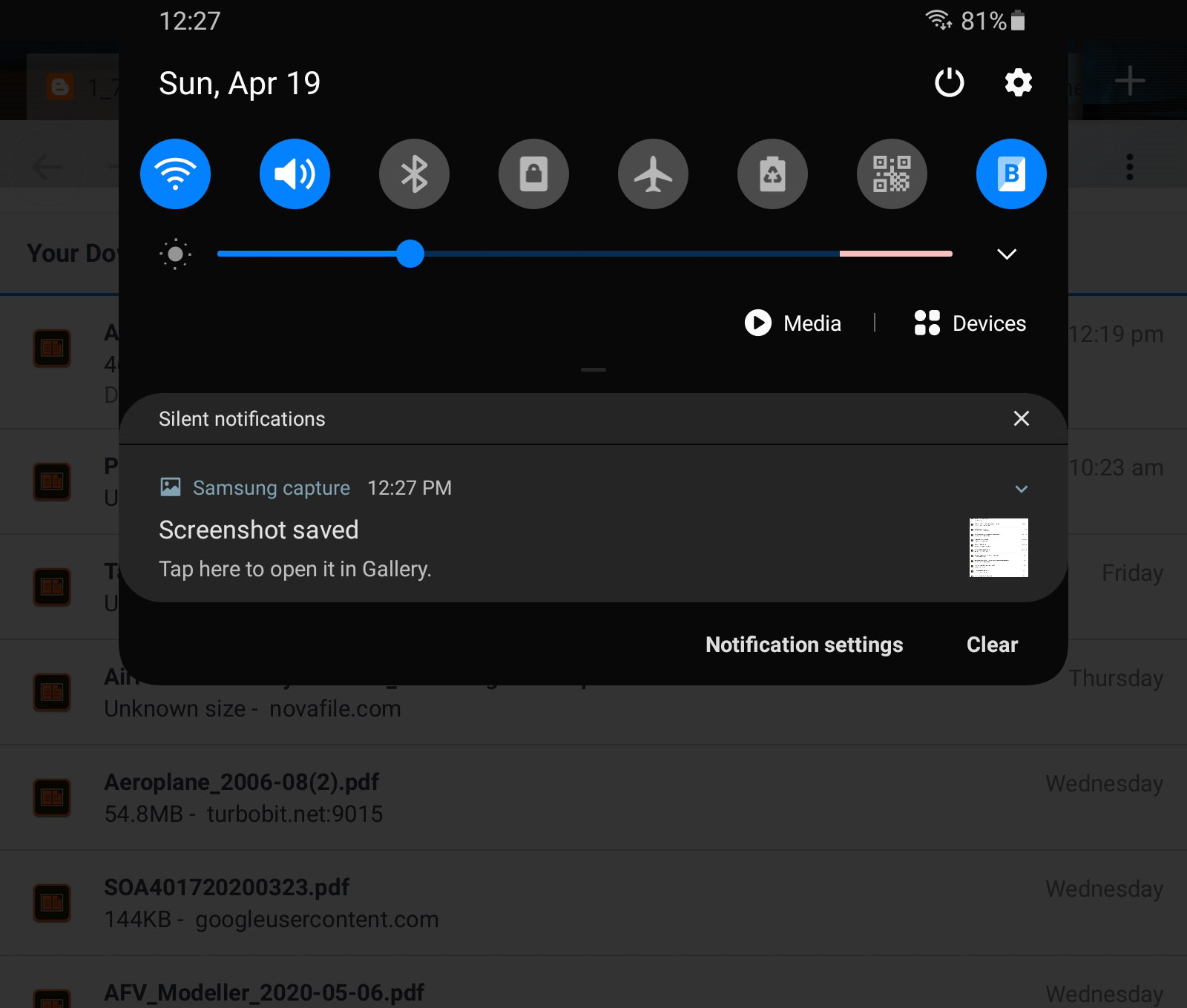
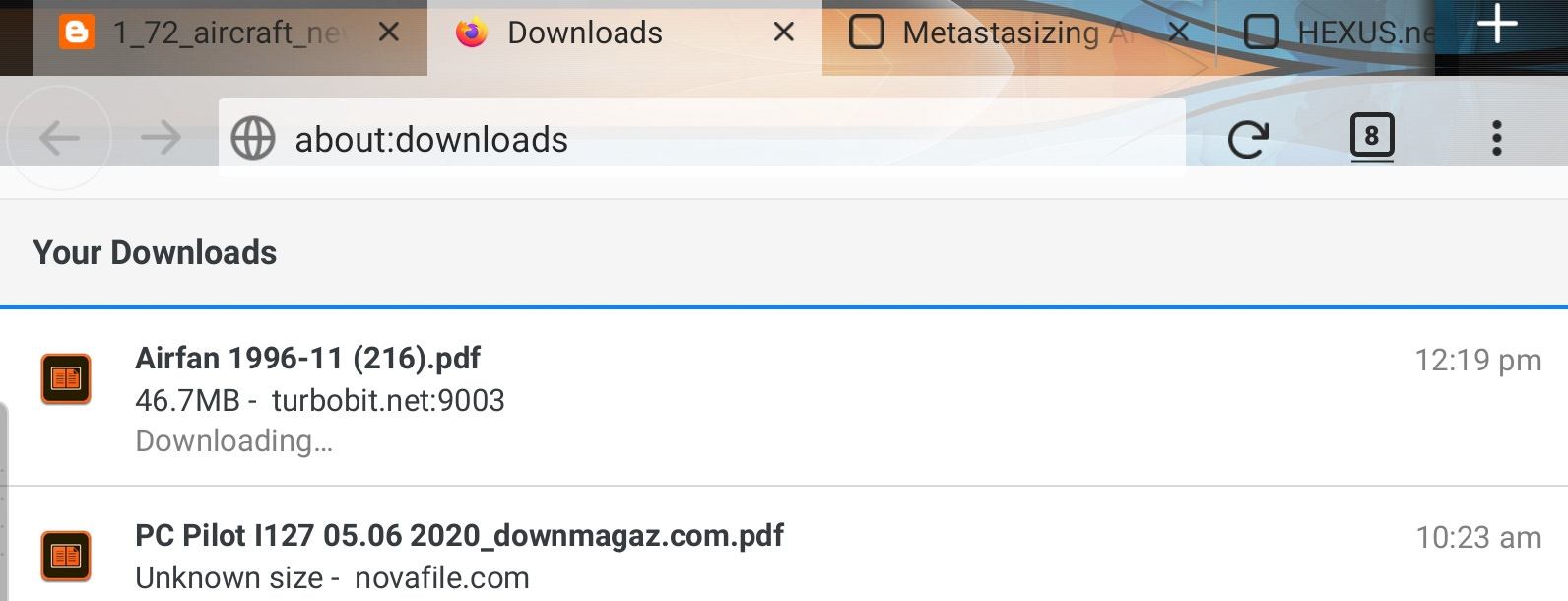
Hi
Do you have a link to a file that you are trying to download where this is happening?
This will help me to try what you are doing and hopefully find a solution for you.
I usually download magazines from https://downmagaz.com/hobbies_leisure_magazine/, I hv no problem if I download from a windows pc.
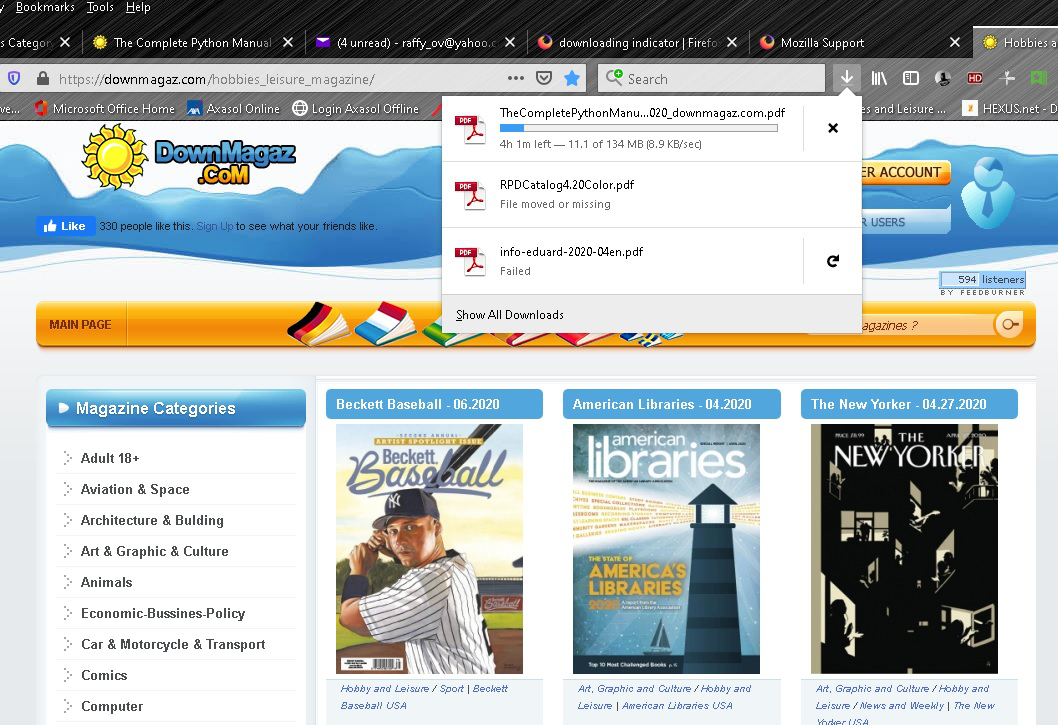
Hi
I have just tried to download a magazine from that site using the "regular" option (very slow!) using the new Firefox Preview browser for Android and there was a download notification.
Ok il try that version of Firefox
Great, glad to hear it. I have been using it for over a year as my main web browser on my phone and really like it.
Sadly Firefox preview did little to solve my problem, the download indicator is quite buggy. Sometimes it works and most of the time it just endlessly hangs.
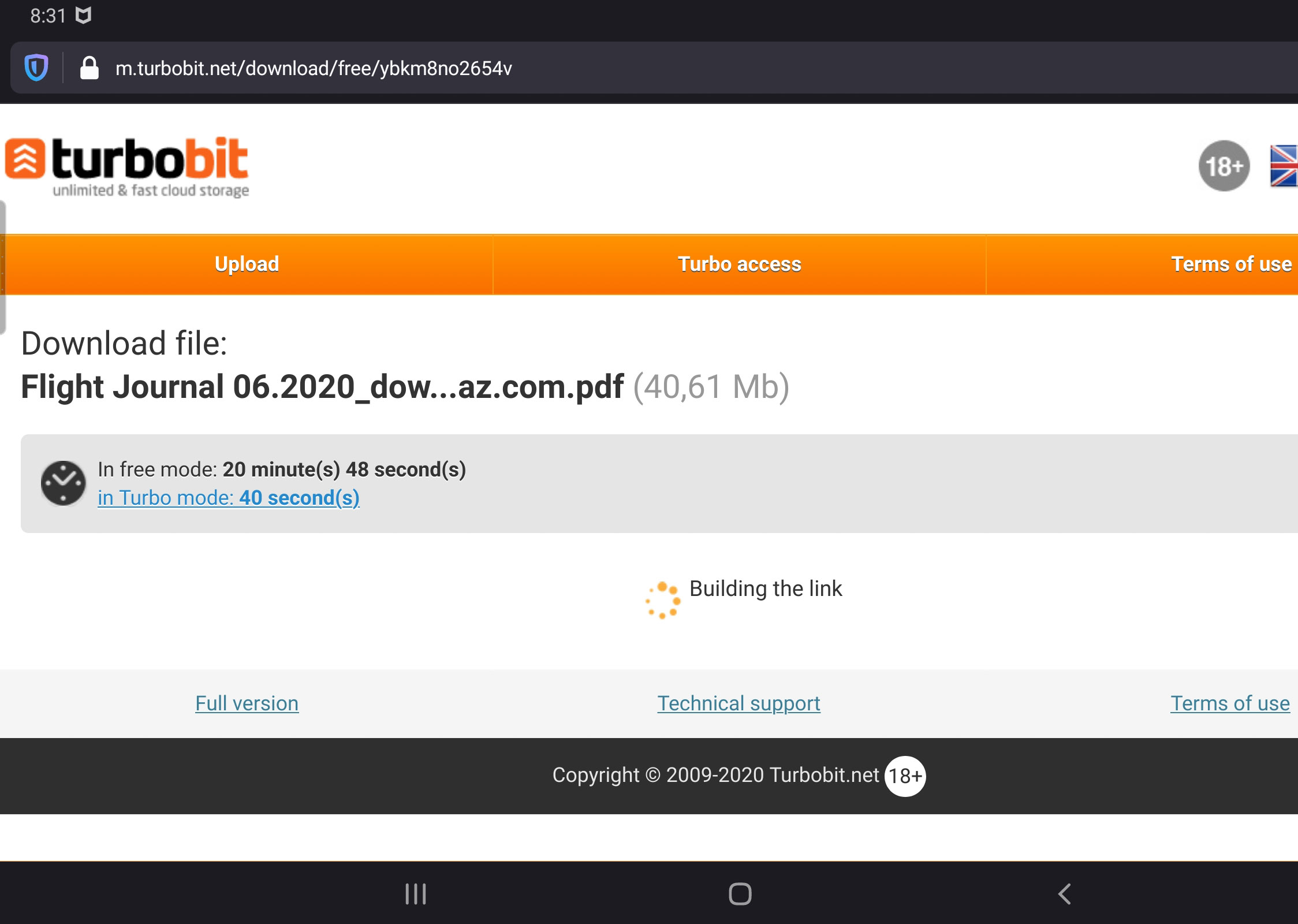
That is not the download notification in Firefox for Android, that is download information from the site that you are downloading from.
Yes i know, like i said sometimes it does work, depending on the download site. That pic i sent you does download on the other firefox without the indicator, on preview it does not download at all.
Odabrano rješenje
Please appreciate that Firefox Preview may have one or two unresolved issues that should be fixed fairly soon.
You are downloading very large files for a mobile device through a servce that you know is going to be slowing the download. I do not know what version of Android you are using, but clearing the cached files from all apps on the device (be careful not to delete data!) will help you device perform better, but beyond this I am not too sure what more we can do to help.
Thanks for the help Seburo, no problem, will just have to wait for a solution. Im on Android 10 on Galaxy Tab S6, just upgraded Firefox preview to ver. 4.0 and i also use Firefox 68.7.0. Have always used enjoyed firefox on all my devices.