


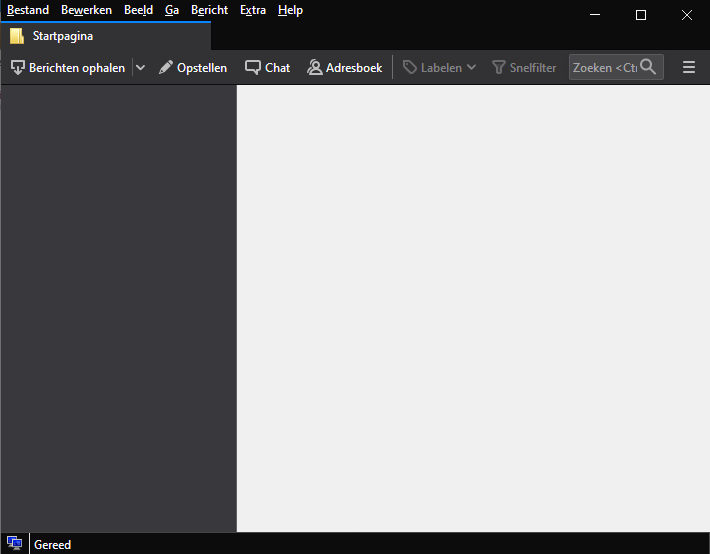
Thunderbird folderpane and mailpane is empty.

I have four mailboxes and I keep them on a folder on my network. Sinds I downloaded the latest version of Thunderbird I cannot see my mailboxes anymore. I have adjusted my profile for this and it always worked perfectly. Thunderbird can read my messages and I can search in my messages. If I open the search messages dialog Thunderbird shows my 4 emailboxes but they don't show up in the folderpane and my messages don't showup in the folderpane. The image shows the empty folder and massage pane.
Svi odgovori (3)
There are some cases where this can be fixed by rebuilding the global database. It is worth seeing if you are experiencing the same problem. Please exit thunderbird. Delete the global-messages-db.sqlite file from the profile folders and restart Thunderbird. Info: https://support.mozilla.org/en-US/kb/rebuilding-global-database
This didn't work
What version of Thunderbird were you using prior to downaloading?