


sent emails missing from sent folder

Thunderbird has stopped putting sent emails in the sent folder. Was working earlier today
Have restarted PC and TB but still not showing esnt emails in the sent folder. The sent emails are being received
Help please
Svi odgovori (7)

At the top right of the Thunderbird window, click the menu button  > Options > Account Settings - Copies & Folders - When sending messages, automatically:
Make sure to check the box 'Place a copy in' 'Sent Folder' for your account.
Thanks christ 1
When I click on copies and folders I get message "An account with this name already exists....."
I get the same message which ever item in the LHS panel I click on!#
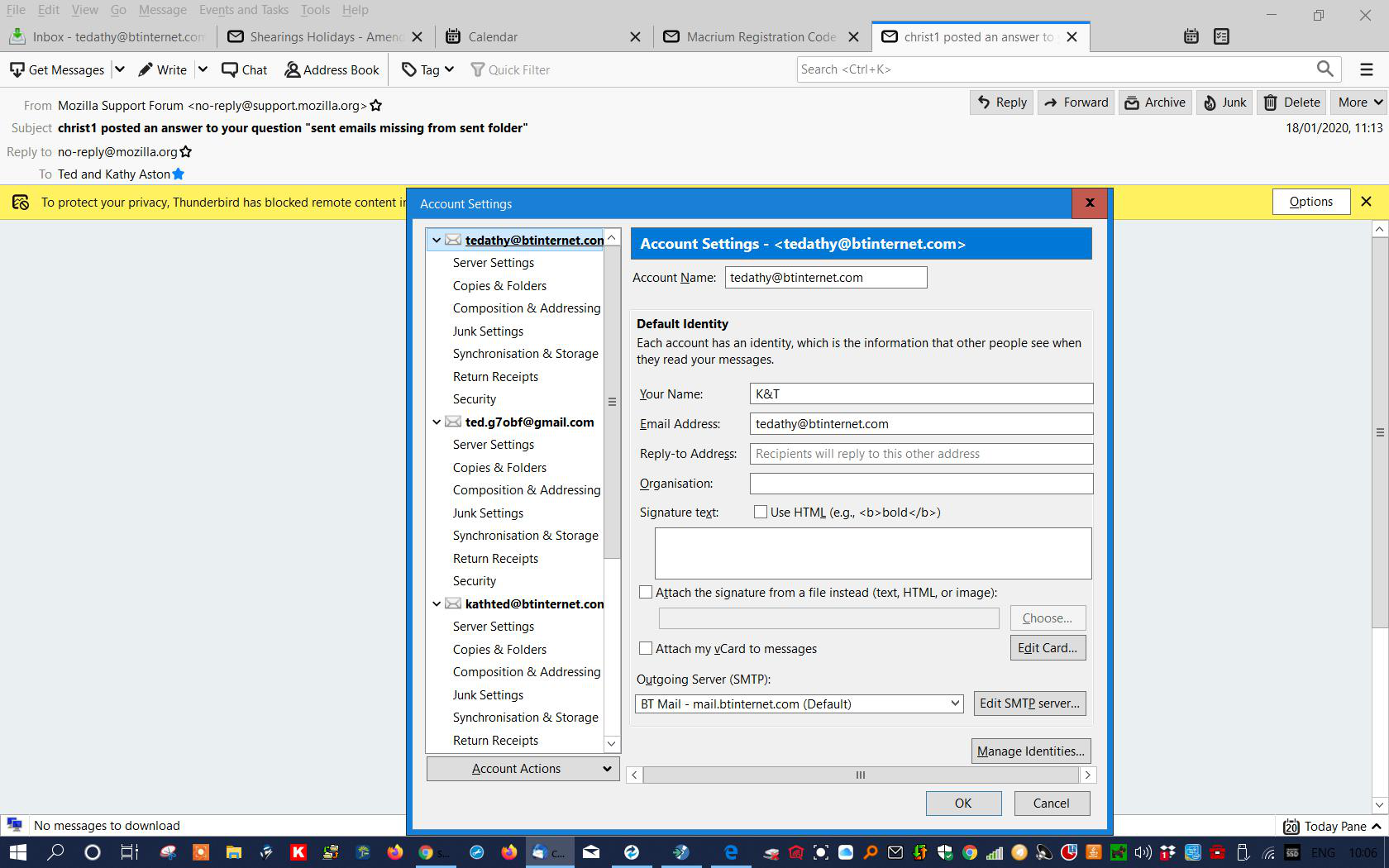
Thanks christ 1
When I click on copies and folders I get message "An account with this name already exists....."
I get the same message which ever item in the LHS panel I click on!#
whoops
wrong image!
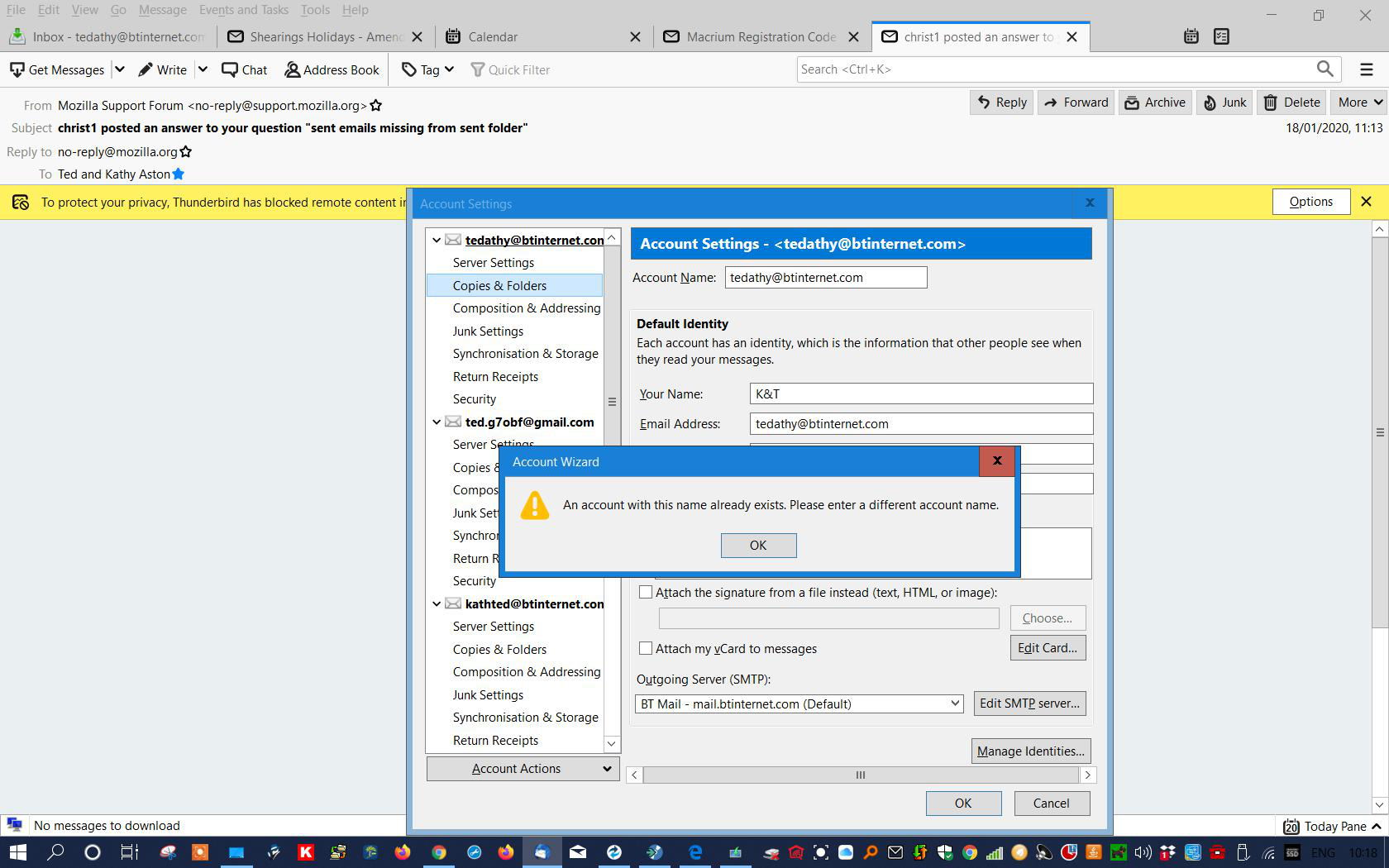
Are there any more accounts than shown in the screenshots? You must not use the same account name twice. So check the account names for all accounts, and fix the duplicate one.
Hi There are no duplicate account names
I have completely removed TB and reinstalled. It has been working OK for 3 days so may have been corrupt file
There are no duplicate account names
Check your config entries.
'App Menu button' > 'Options' > Advanced' > 'General' tab Click on 'Config Editor' button
In top search type: .name that is a full-stop/period followed by the text specified.
look for the lines like these:
   mail.server.server1.name
   mail.server.server2.name
   mail.server.server3.name
etc
The Value column has the name. Do any of these have the same name? If yes, right click on second occurance and select 'Modify'. Alter the name in some way. Click on OK Close config editor window - top right X Click on OK
Izmjenjeno od christ1