


Sync not working

I cannot get Sync working at all.
My PC has a few bookmarks and add-ons, but these are not appearing on my laptop no matter what I try. When I hit sync on my PC, should the laptop automatically have these or do I have to press sync on the laptop first as well?
I've tried completely uninstalling and reinstalling Firefox on both computers (including deleting the profile folder), but I can't get anything to sync no matter what I try.
Svi odgovori (3)
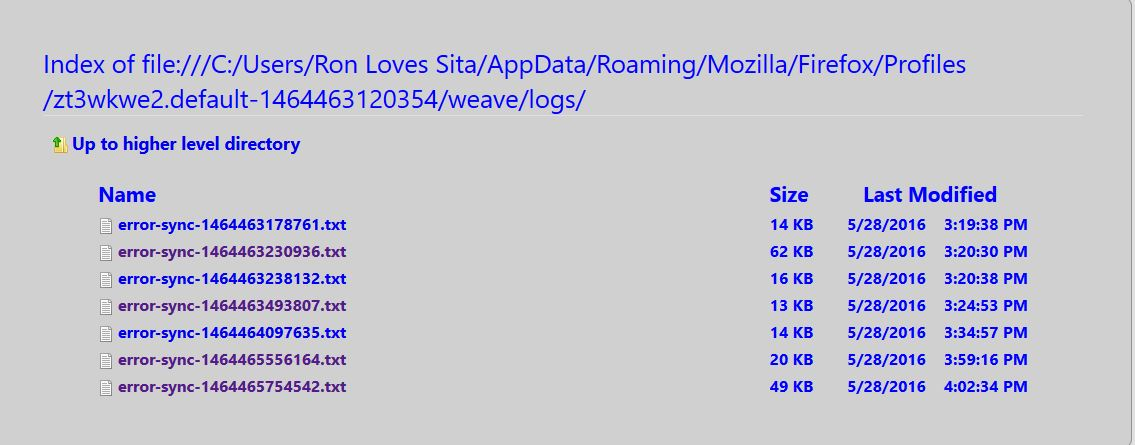
Can you see anything helpful in about:sync-log? The Mozilla status page reports the Sync service being up at least, so this might be a local issue: https://status.services.mozilla.com/.
On my laptop every sync in the about:sync-log page is showing as error. Here's the latest one: link
Yes I am having the exactly the same issue they need to fix this or pretty soon everyone will have this problem. I was using Firefox as default but now back to chrome at least it syncs to all my mobile stuff unlike firefox
Izmjenjeno od Rbecker