how to disable Web developer tab in Firefox on Ubuntu?

I need to disable all Web Developer tools on Firefox (like scratch pad, page source etc...) on Ubuntu.
I need to disable all Web Developer tools on Firefox (like scratch pad, page source etc...) on Ubuntu.
Svi odgovori (1)
Okay, this maybe the solution to your problem.
If it is opening again and again, after opening some website, please try re-installing Mozilla. We are sorry for the inconvenience.
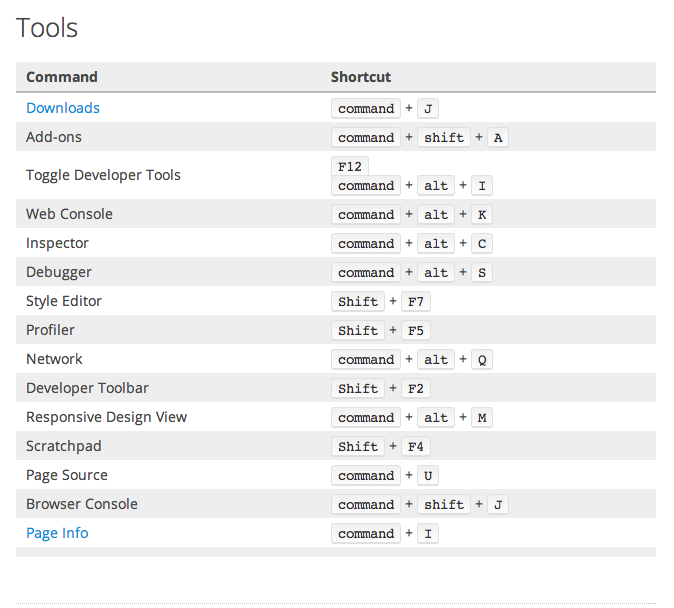
But if it you dont want to view them, there are some list of shortcuts. The first pic is for the machine with Ubuntu on a windows based machine or a DOS based one.
If it is on mac, try the other image. Thank you! :)