


Change font size in title, menu, and tab bars in FF v150

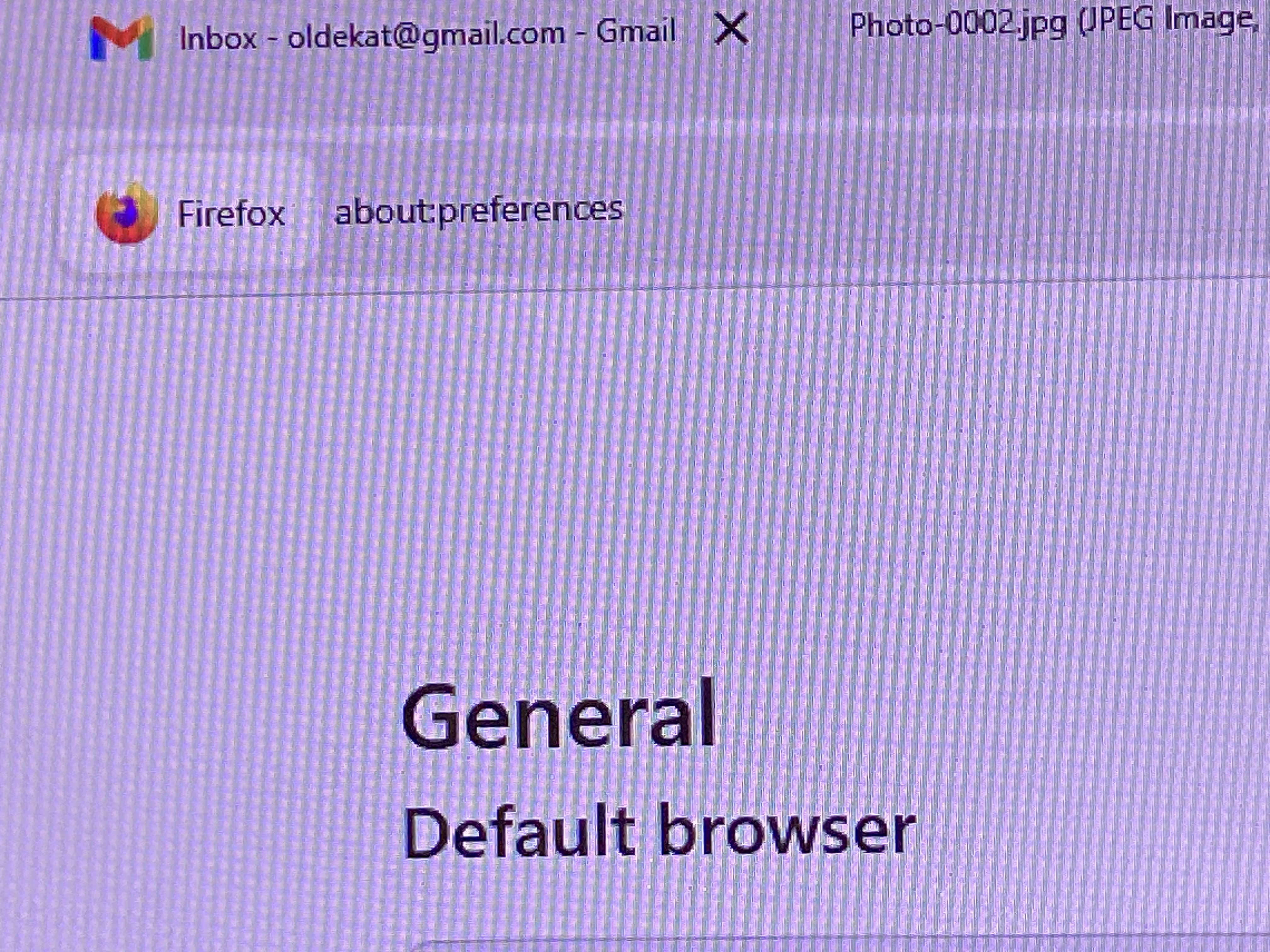
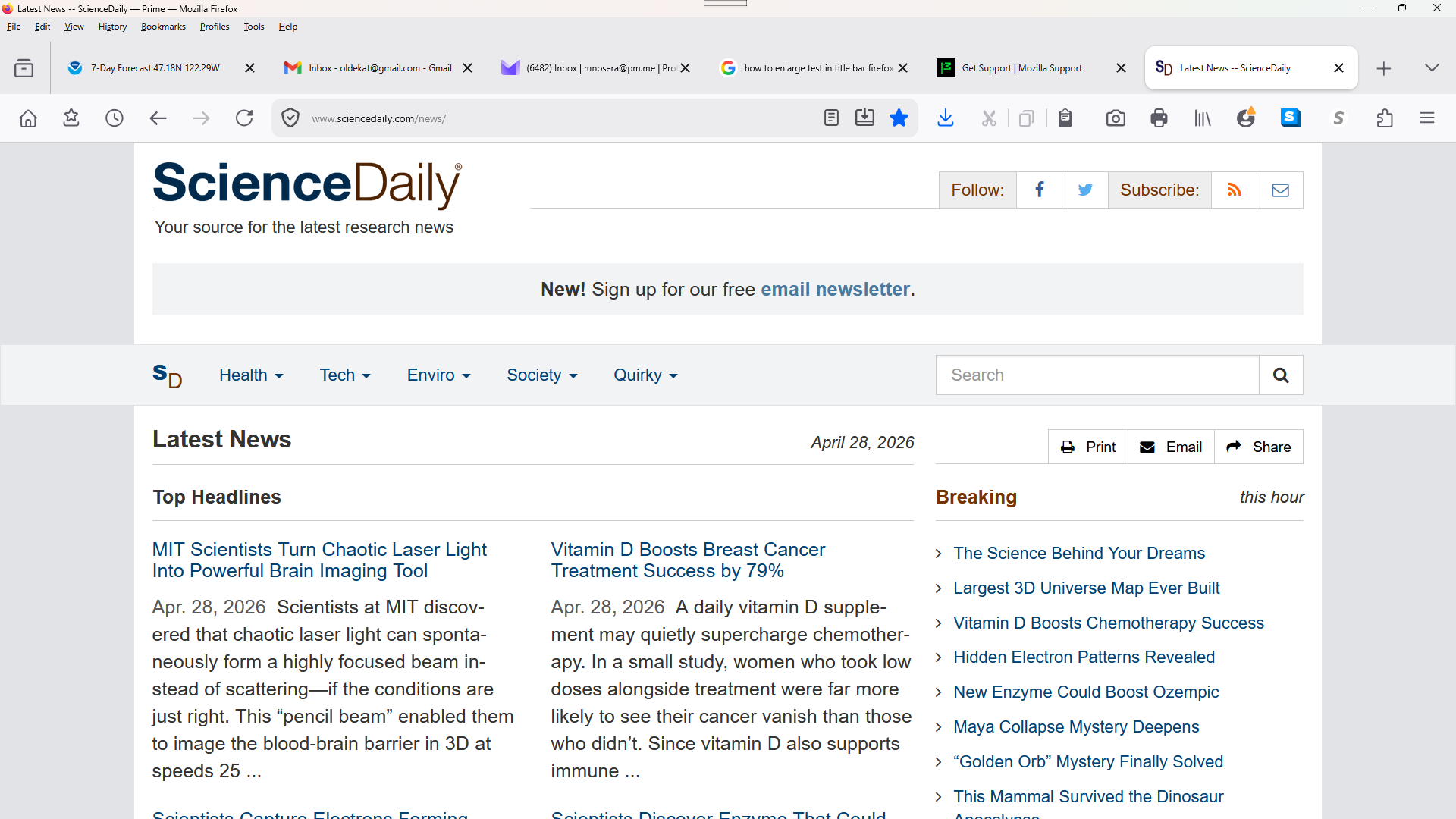
Greetings. Been trying to enlarge the font size in the bars (title, menu, and tab) at top of Firefox. Have read many similiar complaints, but the answers don't relate to the problem. I can't find some of the options some suggest. I'm not blind (yet), but the type is so miniscule, I have difficulty reading it. I've uploaded a photo and a screenshot to hopefully clarify the problem. Check the difference in the bars compared to the page. I don't want 14 pt. type on the bars, but something better than the miniscule type. Thank you for any relevant assistance or advice.
All Replies (1)
Not quite what you were looking for I expect.
But in your profile folder you can have a [chrome] folder.
In that folder you can have a text files of the type css. the file [userChrome.css] is one of these which you can create.
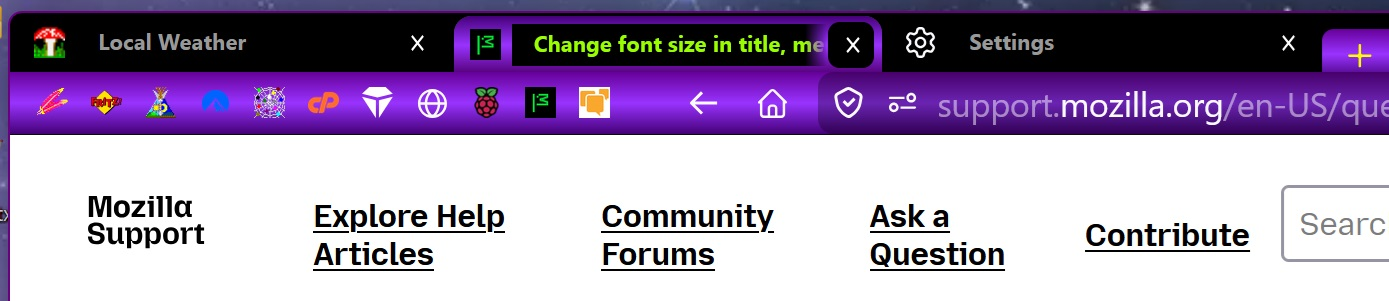
Attached is a screen shot of part of my Title/Tool bar etc. If you have problems with the effects you can just delete the file and all will be back as before.
You can search for codes snippits which will give you an idea.
Here is an example form my [userChrome.css]
/* ------- NAV BAR ------- */
- nav-bar {
height:32px !important; font-size:1.32em; margin-top:-14px !important; padding:0 !important; background-image: linear-gradient(#660099, #9933ff, #450078) !important; position:relative !important; z-index:10 !important; }
It will take a bit of work to find the 'objects' (text - color -size ) ids to target. You can see the {#nav-bar} is the object to modify in my excerpt.
The [1.] in front of the nav-bar is a forum glitch. I image it is because of the hash sign. The hash sign is the 'code' to target an ID whereas a star is for a class of objects.
amoun द्वारा सम्पादित