


cards view
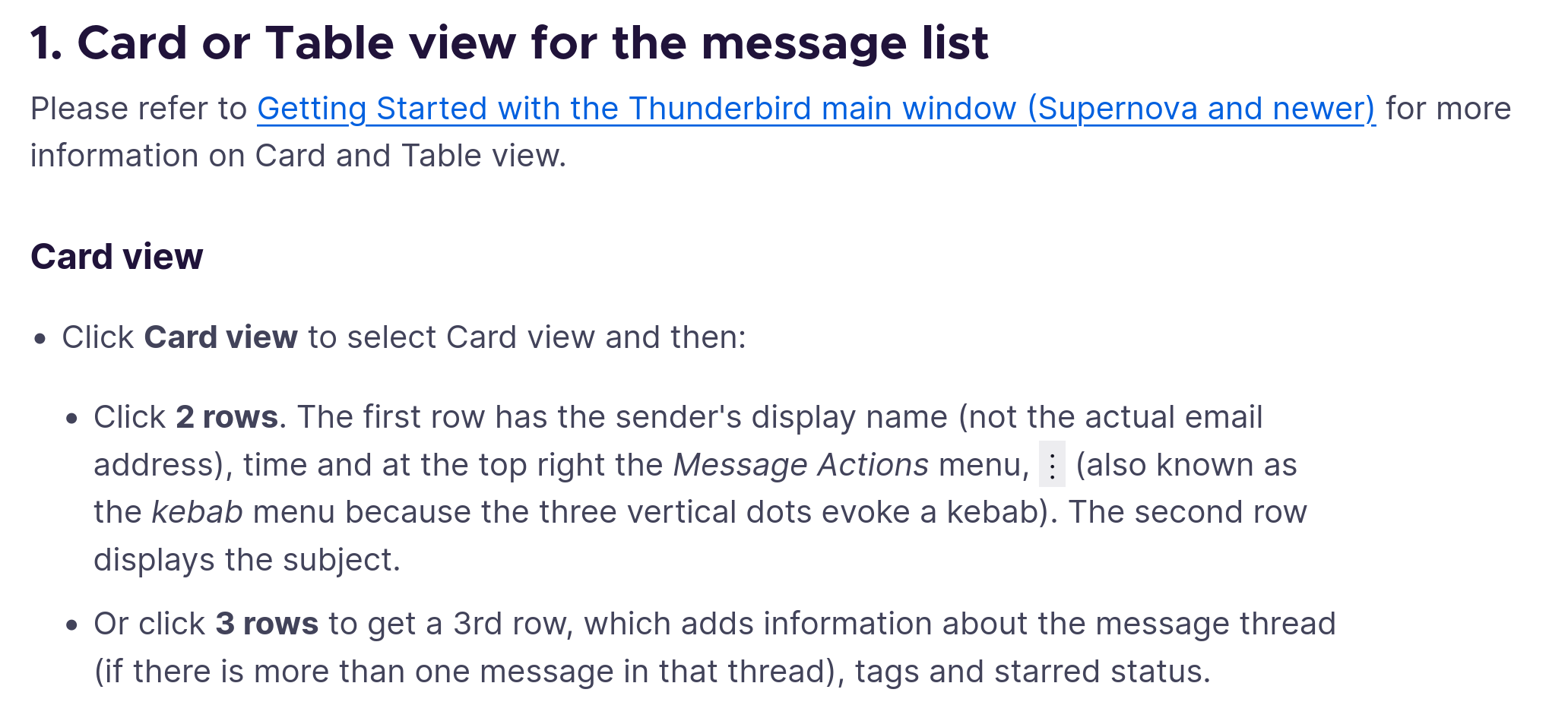
please explain the explenation at https://support.mozilla.org/en-US/kb/appearance-panel-layout-message-list-card-view-tab#w_card-view
What 2 rows / 3 rows?
चुने गए समाधान
OK not very intuitive but this is the ui:
- In cards view only the sender and subject of the original email are visible in the cards list
- clicking on the card only shows the preview
- the preview shows the sender and the first three lines of the emails in the thread, not the actual message
- the card also shows "<nr> replies >" in a very dark grey
Clicking the later, the "3 replies>" will show the messages belonging to the thread. Now each message is available.
It would be nice to include that in the description or think of a inutitive way to do this. Why not a second click on the card to reveal the messages?
संदर्भ में यह जवाब पढ़ें 👍 0All Replies (4)
What is it that you do not understand? The URL you mention explains what is displayed with two-rows, and also with three.
As per my screenshot. Click 2 row / click three row / click kebab. None of these are visible in my Thunderbird
I only see three rows: accounts,trees, list top, email bottom, and Events.
In the middle I see a collapsed card of an email thread, at the bottom the meta of all emails in one thread when selected. But I want to see one specific email body.
चयनित समाधान
OK not very intuitive but this is the ui:
- In cards view only the sender and subject of the original email are visible in the cards list
- clicking on the card only shows the preview
- the preview shows the sender and the first three lines of the emails in the thread, not the actual message
- the card also shows "<nr> replies >" in a very dark grey
Clicking the later, the "3 replies>" will show the messages belonging to the thread. Now each message is available.
It would be nice to include that in the description or think of a inutitive way to do this. Why not a second click on the card to reveal the messages?
johannes द्वारा सम्पादित