


Is Firefox secure to use

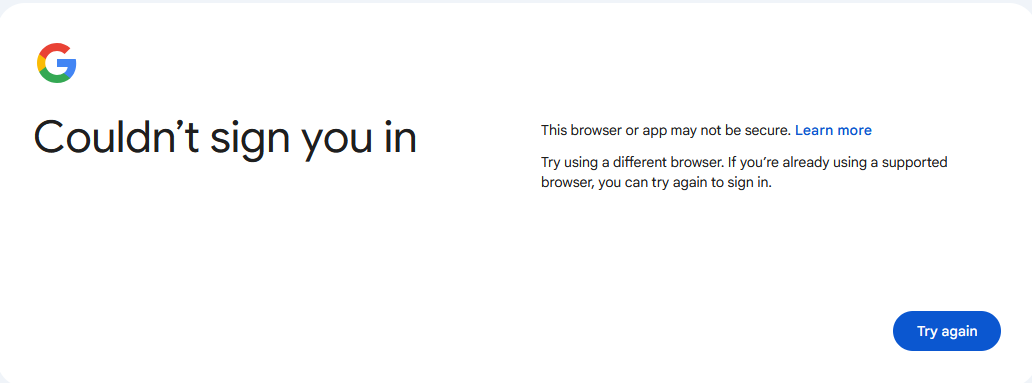
Hello... I'm just a novice user so I am not really sure here. This is my problem, I tried to view my gmail account and I got the pic in post. I'm not sure what to think, I like to know if it's secure to use Firefox? I'm using Windows 11 all up to date and Firefox 147.01 ... extensions >> uBlock, Chrome Mask, Ghostery Tracker & Ad Blocker, Privacy Badger
All Replies (1)
It is perfectly secure to use Firefox, you are running Firefox 147.01 released in January 2026.
For a major site like Gmail, this should never happen naturally. The most likely culprit is one of your privacy extensions "tripping" the security check.
I think the conflict is caused by Chrome Mask. This extension changes your "User Agent" to make Firefox pretend it is Google Chrome. This helps with some site compatibility.
Is your account safe? Yes. Because Firefox showed you that big warning screen and blocked the page, it successfully protected you. No data was sent to the "incorrect" server. If you disable the masking extension and refresh, you should see the normal Gmail login.