


with newest ersion of Firefox i can not drag and drop
I have the latest version of firefox and tried to drag and drop a web page but thee is no icon or lock in the address bar to do it. I went to about config and pit launcher to false but i see nowhere on the menu bar address bar to drag and drop how do i do it or is it discontinued. I am not really happy with the newest versions too much like edge if i wanted edge id make it my default please help how do i drag and drop webpage to my desktop using windows 10

כל התגובות (8)
The icon you need to drag is the padlock icon at the left end of the location bar next to the Enhanced Tracking Protection shield.
there is no lock I sent you a copy of my address bar there is no lock? sending you a screen shot of the address bar no lock


Launcher Process Disabled forcibly this is what it says in about: security
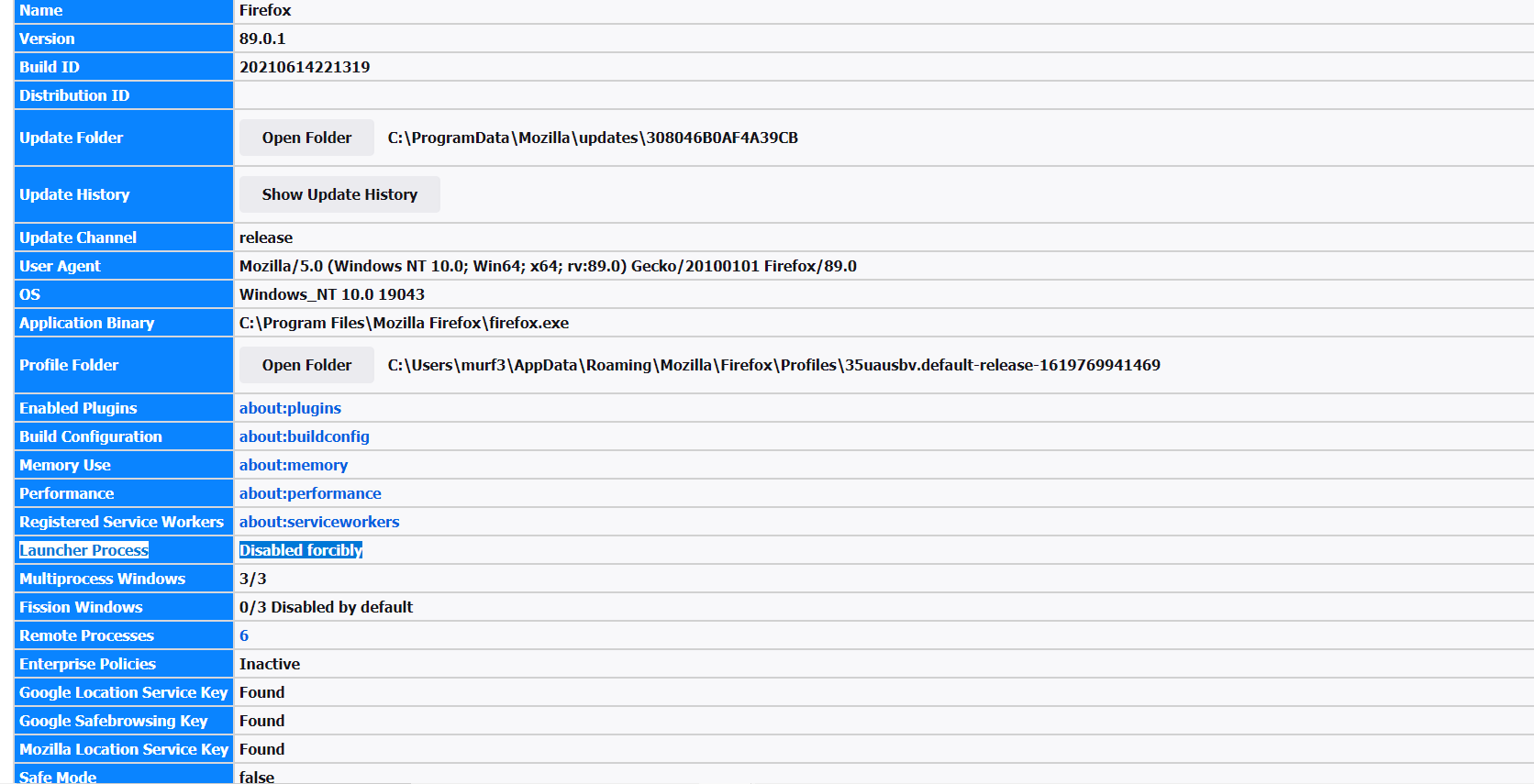
UAC is disabled
The lock has changed to a SVG image that you may not recognize: 
I see that but it does not say how to drag and drop how do i get it to work for that
just says clear cookies and cache and site secure
i went to about config and changed launcher to false
that used to work