


Can't sign in to Firefox Monitor

I couldn't find a Product Support Forum for Firefox Monitor.
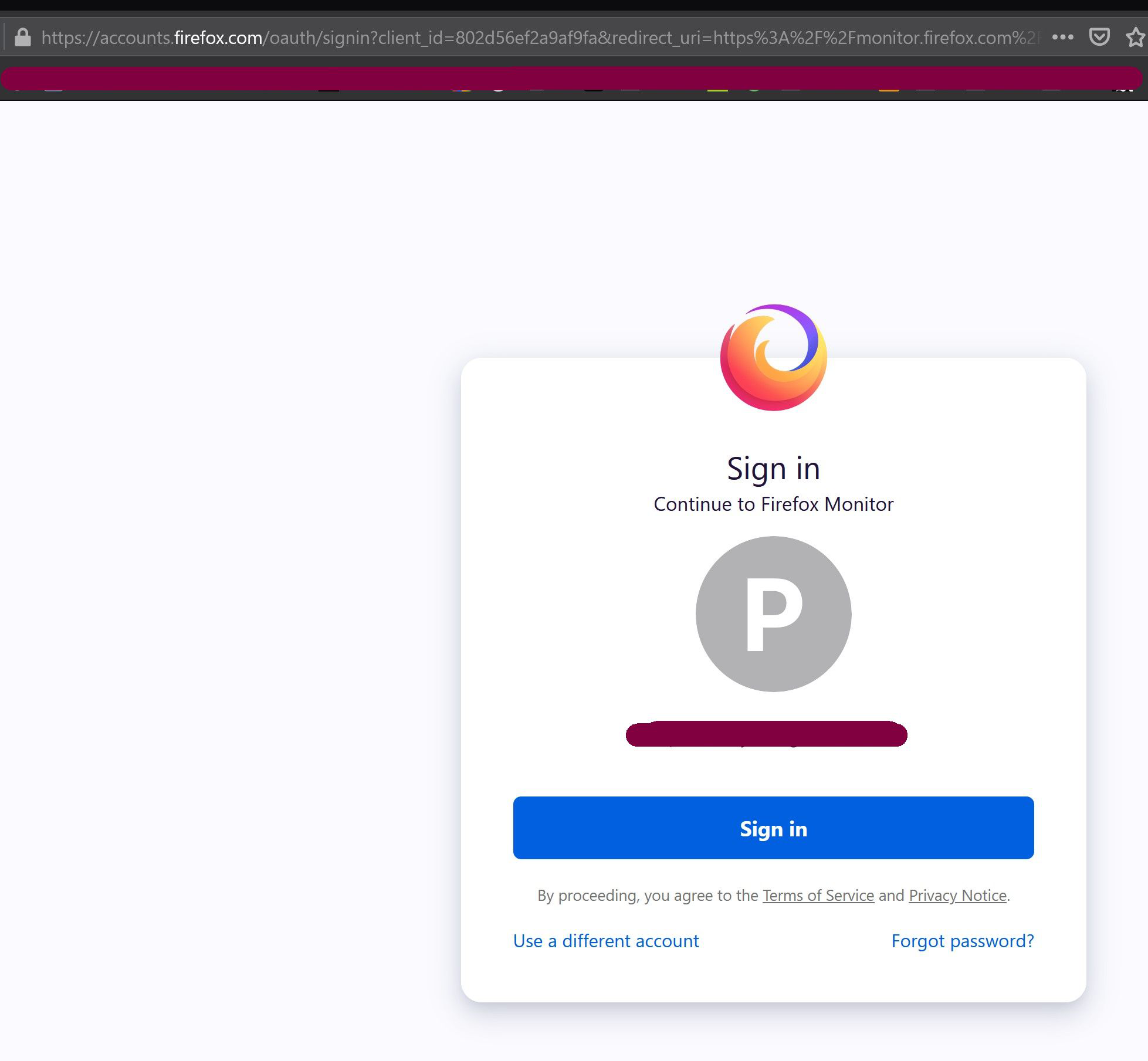
Firefox Monitor just notified me that my email appeared in a new data breach. I clicked on the "Go To Dashboard" button and was taken to a sign-in page entitled "Sign In / Continue to Firefox monitor." When I click on the blue "Sign in" button, the page simply refreshes. I can't sign in.
Suggestions?
כל התגובות (1)
If you are synced in to the Firefox account that is also used to login to this SUMO website then you shouldn't have a problem to login to the Firefox Monitor website.
See also:
If you use extensions ("3-bar" menu button or Tools -> Add-ons -> Extensions) that can block content (Adblock Plus, NoScript, DuckDuckGo PE, Disconnect, Ghostery, Privacy Badger, uBlock Origin) always make sure such extensions do not block content.
- make sure your extensions and filters are updated to the latest version
- https://support.mozilla.org/en-US/kb/troubleshoot-extensions-themes-to-fix-problems
Firefox shows a purple shield instead of a gray shield at the left end of the location/address bar in case Enhanced Tracking Protection is blocking content. You can click shield icon for more detail and possibly disable the protection. You can check the Web Console for messages about blocked content.