


I want to remove the pdf toolbar using HTML and CSS. Can I do that?

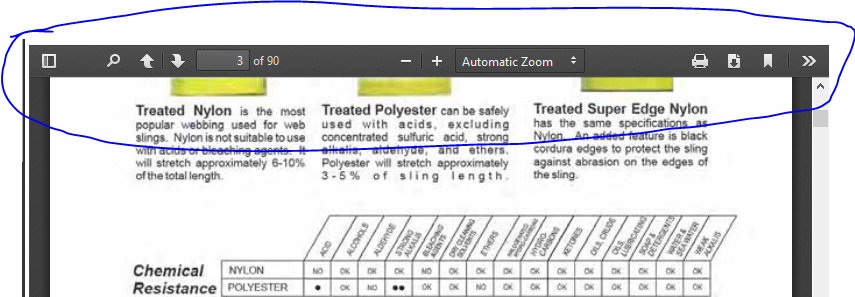
I have a client who wants the toolbar for the built in PDF reader removed so that no one can download the PDF displayed on the client's website. Using a text editor, am I able to remove the toolbar?
כל התגובות (2)
פתרון נבחר
Hmm, I don't think you can get rid of that toolbar.
Is the PDF in a frame within a web page, is that how HTML and CSS might be involved? I don't think you can reach inside and modify the viewer from the outside, as it is a privileged page.
While there are URL parameters for things such as page to display, zoom level, and sidebar state, there isn't one to automatically trigger full-screen view since Firefox requires a user action to initiate that.
One option might for the client to embed a custom viewer in the page instead of letting the browser choose how to view the PDF. The latest code of the PDF.js viewer web app is available to the public:
- Code: https://github.com/mozilla/pdf.js (there are over 6,000 forks, so possibly someone has tweaked one the way you want, although, I have no idea how to find it efficiently)
- Demo: https://mozilla.github.io/pdf.js/web/viewer.html
Note that hiding the toolbar won't prevent (advanced) users from downloading the PDF file and there is still save page as or save link as in the context menu. As long as the file is requested from the server then you can find its URL even if the file would be loaded via XHR. You could convert the file to an image or render its content on canvas as small blobs using JavaScript.