


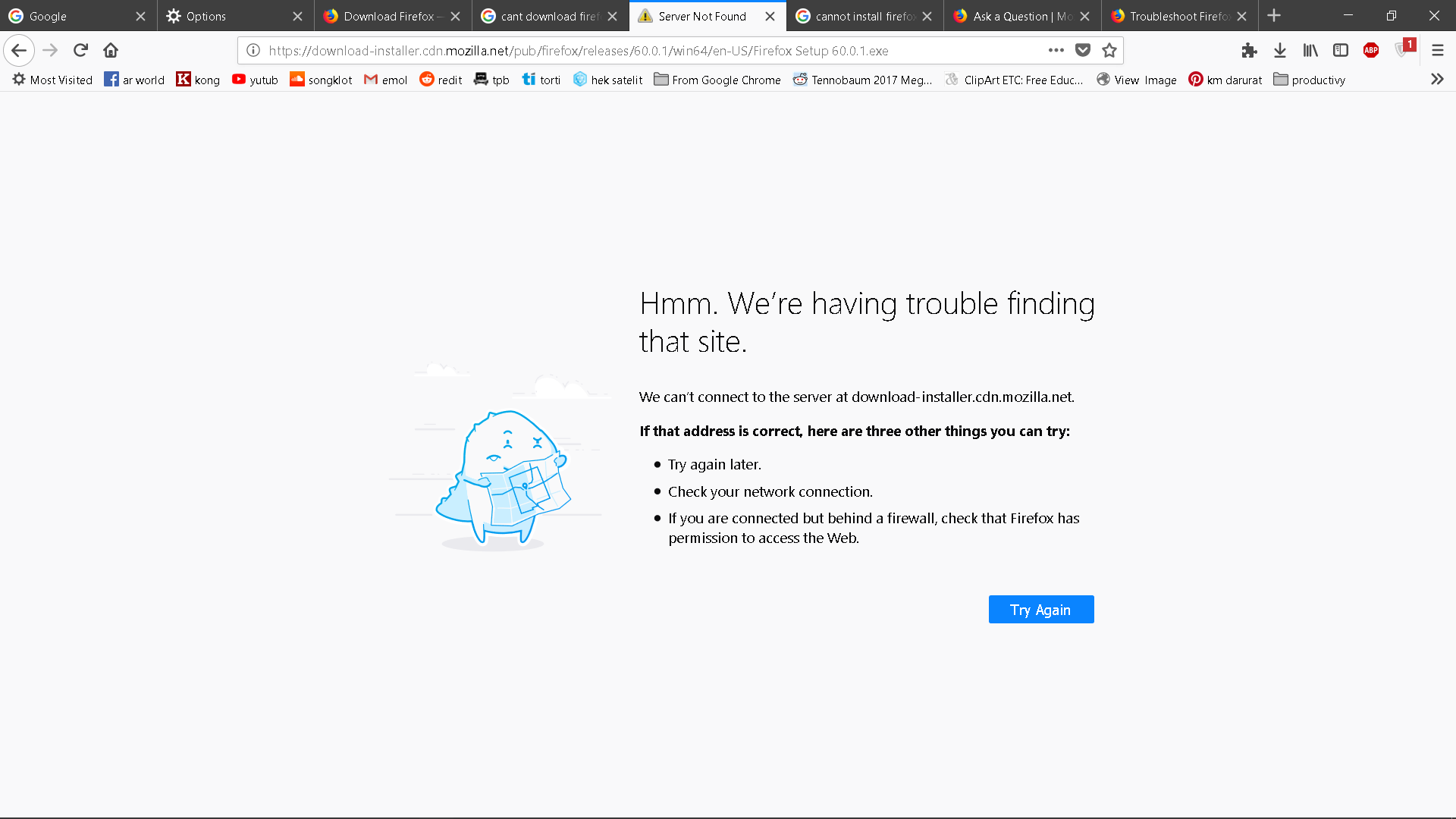
cannot update firefox using the .exe , cannot install through web either (server not found)

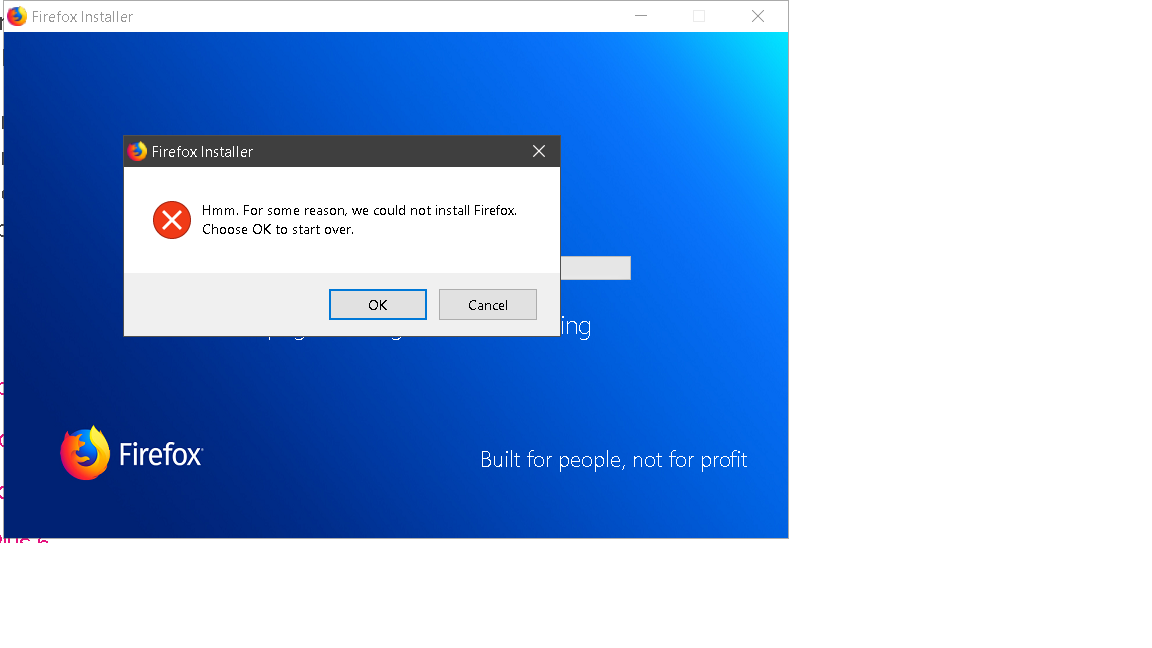
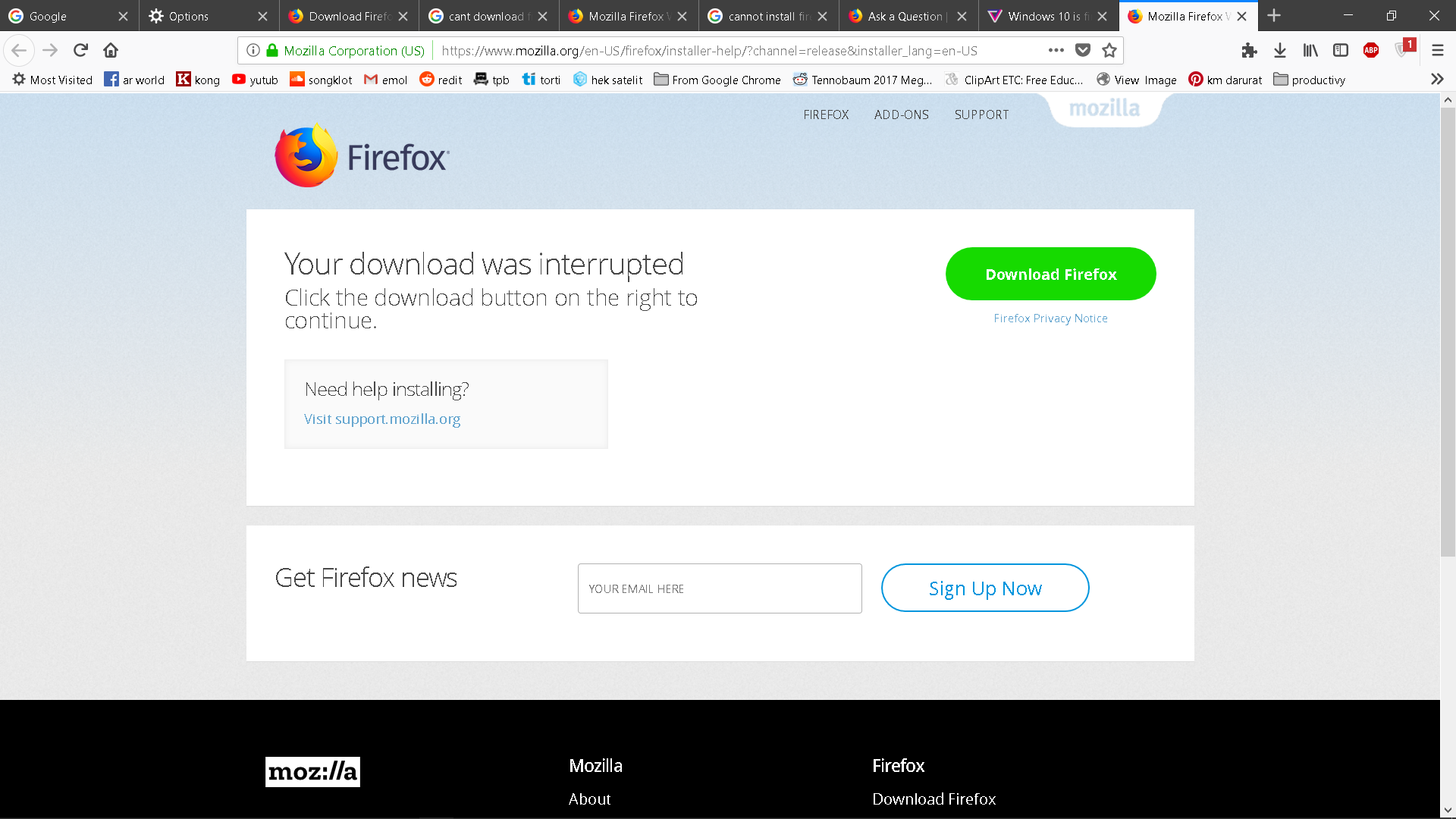
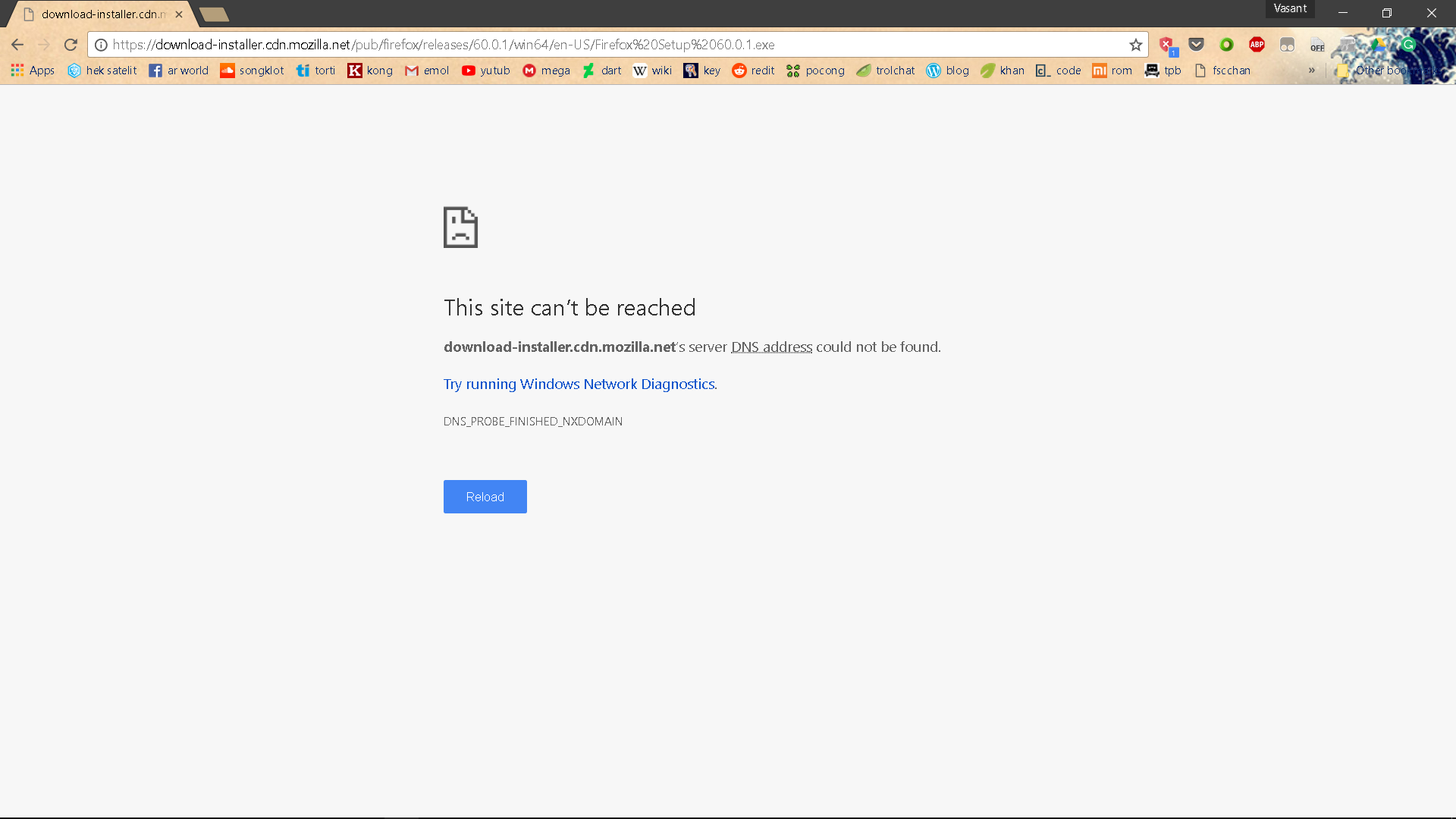
so one evening firefox prompts me telling that it cant install update automatically so i have to download it myself. i downloaded the .exe file but it said that it cannot install for some reason and when i click ok it opens a new download tab on my browser but when i click download it said server not found, ive tried opening the same page on chrome as well but the same problem happens. please help.
im currently running firefox version 59.0 on windows 10
פתרון נבחר
ok so i managed to get around the problem and the fix is so simple
all you gotta do is use a vpn to access the mentioned "server not found" url and boom its fixed
Read this answer in context 👍 0כל התגובות (4)
here are some screenshots

Hi, since Firefox cannot update and you can't install either, it sounds like your anti-virus/security software may be blocking it, so try disabling any you are using. If it works, look closely at its settings for anything that might block downloads, and check it for updates.
You could also check your Windows Firewall.
If you need to download Fx, please do it from https://www.mozilla.org/en-US/firefox/all/
If your question is resolved by this or another answer, please take a minute to let us know. Thank you!
ive tried adding the url to my antivirus exclusion list, tried disabling my antivirus, disabling firewall, downloading using your link. nothing is working.
פתרון נבחר
ok so i managed to get around the problem and the fix is so simple
all you gotta do is use a vpn to access the mentioned "server not found" url and boom its fixed