


Please help: all bookmark 'stars', new and old, have suddenly turned grey instead of the original bright blue. Can I have my blue stars back?

I have a lot of bookmarks and am always adding new ones. Suddenly, a couple of weeks ago (Oct 2026), when I go to bookmark a new page, the star goes from clear to filled-in dull grey, not bright blue as it always used to. In the same way, when I go to a previously bookmarked page (and I've checked this on about 30-40 sites, so it's not a specific site), the little star is dull grey, not blue. I can't make any new blue stars and I can't turn any old ones blue again. They are all dull grey and I find them hard to distinguish. Was this part of the recent Firefox 'new look', and if so, can anyone help me get my blue stars back? I'm using desktop (not phone).
Zaɓi Mafita
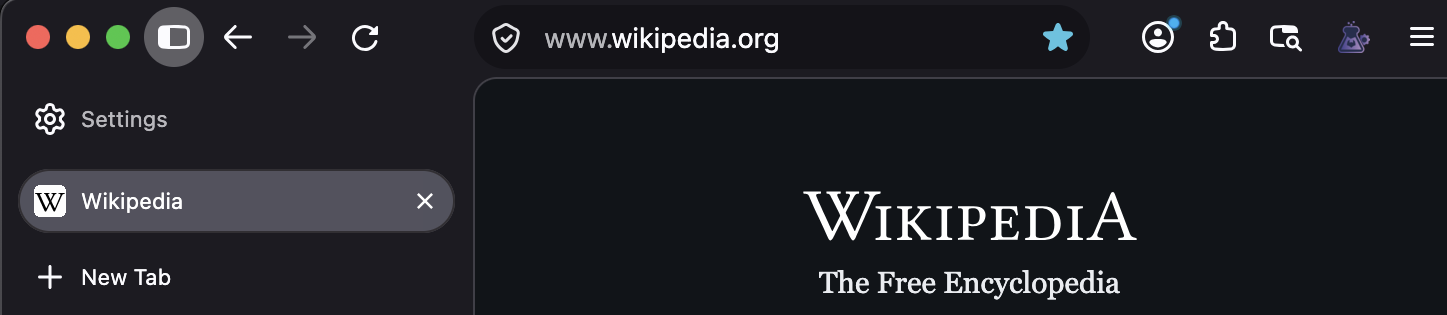
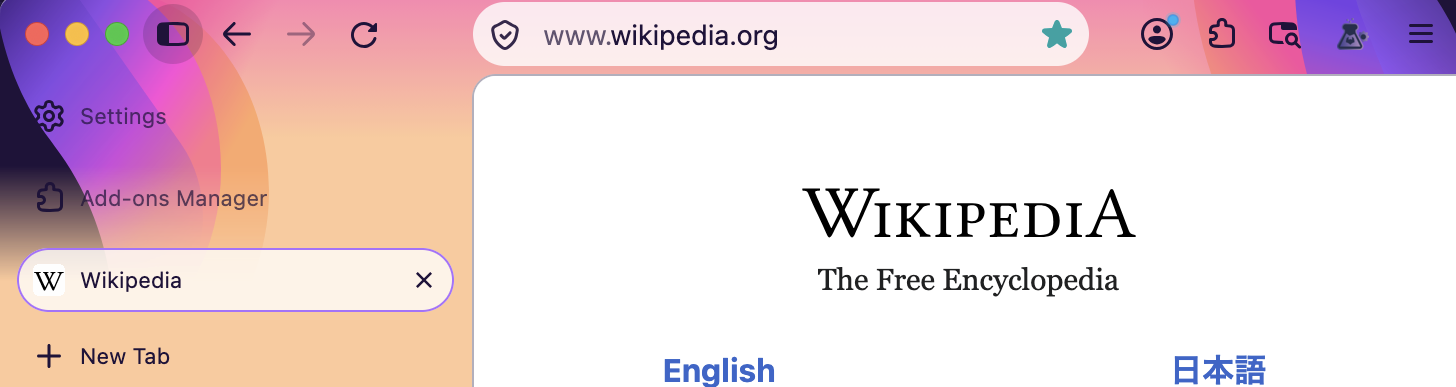
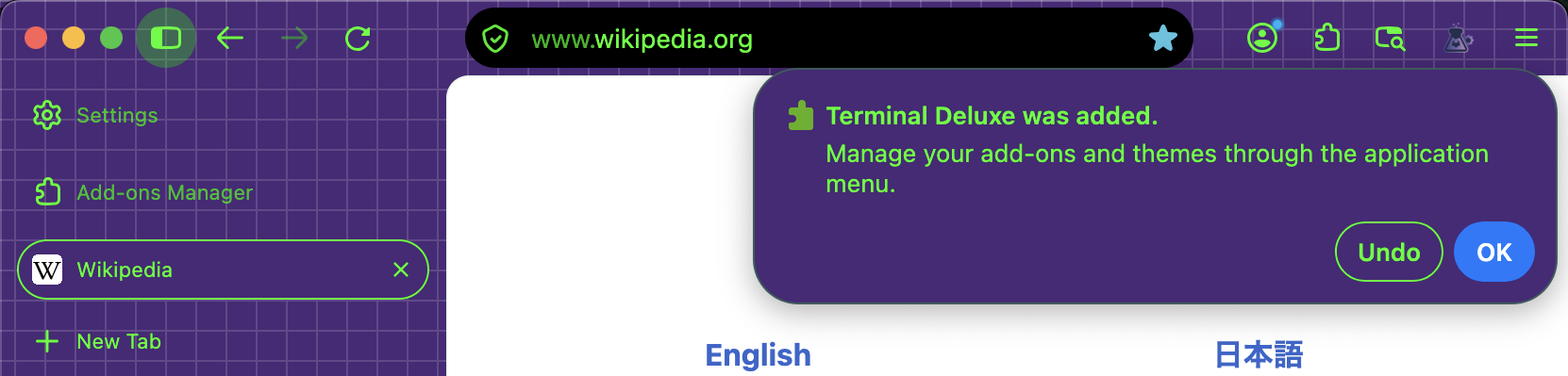
BTW it's driven by the theme used, in most of them I get that as some shade of teal, petrol or navy — incl. the built–in Alpenglow, or the factory Proton in dark mode:
All Replies (7)
Yes, this is a 'new look'.
To change it, you could create userChrome.css with the following content:
#main-window {
     --toolbarbutton-icon-fill-attention: blue !important;
}
Thank you for such a fast and helpful reply. I've never done anything like that before, but I will give it a go. I see you included a useful link that seems to explain what I'd be doing and how. The 'new look' is so miserable, so it's worth a try! I really appreciate the expert advice; thanks.
Zaɓi Mafita
BTW it's driven by the theme used, in most of them I get that as some shade of teal, petrol or navy — incl. the built–in Alpenglow, or the factory Proton in dark mode:
Thank you very much for this info. I did check through the themes and couldn't find a light-coloured, unobtrusive (near white) theme that gave me my blue stars back. I will check again. Can anyone can help by letting me know how to set a simple whitish theme with blue stars?
Thank you for both these replies. I checked the themes and just found a theme that gives me purple stars, which is better than grey. So I will live with that theme (a weird purple-to-pink toned fade with My Little Pony vibes) for the moment, and will take up the first suggestion of using userChrome for a longer-term solution. Really appreciate the help. Thank you.
I usually system–match mine so I don't have a good recommendation for flat white that might fit your expectations, but this is an example: addons.mozilla.org/firefox/addon/fresh-light-theme/

That one is perfect! Thank you so much.